Roland MV-8000 Music Production Workstation MV-8000 Workshop Series 05 Importing a Sample from CD User Manual and Support Documentation
Summary
Enhance your performance capabilities with this comprehensive workshop guide for the MV-8000 Production Studio. Designed as a deep companion to the main Owner's Manual, it provides detailed instructions on advanced operations. Learn how to maximize the unit by importing audio samples from CDs and CD-ROMs, utilizing all control options (mouse, buttons, LCD/VGA). This guide is essential for MV-8000 owners seeking mastery of complex sampling and MIDI sequencing functions.
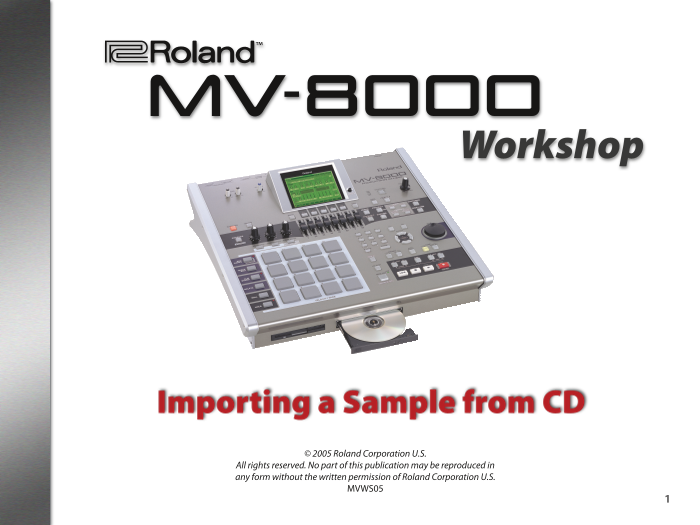
Page 1 Text Content
®ÂØÒňΙ MV-8000
Workshop
Importing a Sample from CD
© 2005 Roland Corporation U.S.
All rights reserved. No part of this publication may be reproduced in any form without the written permission of Roland Corporation U.S.
MVWS05
Page Summary Contents For Roland MV-8000 Music Production Workstation MV-8000 Workshop Series 05 Importing a Sample from CD User Manual and Support Documentation
Manual Details
| Brand | Roland |
|---|---|
| Pages | 6 |
| File Size | 1.80 MB |
| Published | June 02, 2026 |
Enter the captcha to get the download link:

Frequently Asked Questions
What operating system version is required for this booklet?
This booklet requires MV-8000 O.S. Version 3 or higher.
How can I import audio from a CD into the MV-8000?
Insert the desired CD, press IMPORT to display the window, select 'Audio CD,' and click Select Drive to display available tracks.
Can I use a mouse or just the physical controls?
You can use the MV-8000’s front-panel controls, or a mouse on your VGA screen. No matter how you like to work, there’s an easy way to get things done.
What is one alternative usage for imported samples?
Samples can be used as audio phrases or patches within the MV-8000.