Roland MV-8800 Recording Studio Product Workshop 08 - Sample RAM Support Docs
Summary
A powerful and feature-rich sampling workstation designed for deep music production, sequencing up to 136 tracks, and real-time performance recording. This complimentary workshop guide is essential for MV-8800 users who manage complex sound designs. It provides detailed instructions on optimizing sample RAM by identifying and removing unused data from large projects. Perfect for serious producers seeking to maximize memory capacity and maintain a smooth, reliable workflow without hitting resource limits.
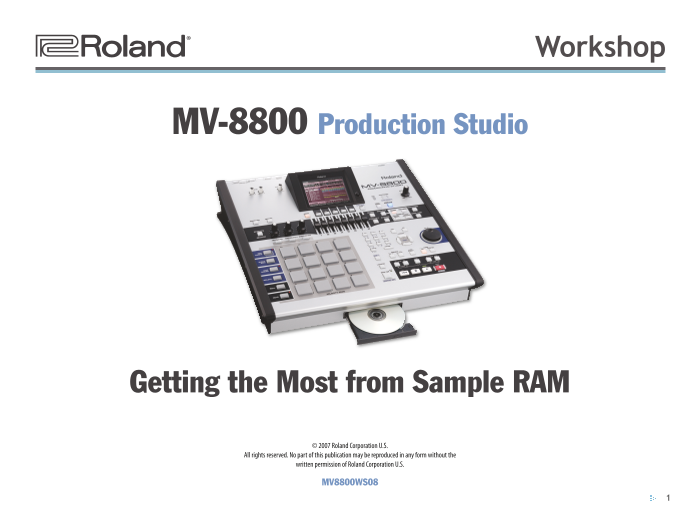
Page 1 Text Content
®ÂØÒňή Workshop
MV-8800 Production Studio
Getting the Most from Sample RAM
© 2007 Roland Corporation U.S.
All rights reserved. No part of this publication may be reproduced in any form without the
written permission of Roland Corporation U.S.
MV8800WS08
Page Summary Contents For Roland MV-8800 Recording Studio Product Workshop 08 - Sample RAM Support Docs
Manual Details
| Brand | Roland |
|---|---|
| Pages | 5 |
| File Size | 1.03 MB |
| Published | June 05, 2026 |
Enter the captcha to get the download link:

Frequently Asked Questions
How large is the initial sample RAM capacity?
The MV-8800 ships with a generous 128 MB of sample RAM, which can be expanded up to 512 MB.
What process should I use when ran out of sample RAM?
Use the 'optimizing' operation via the Sample Manager in the PROJECT menu. This trims unused samples and patches from RAM.
How do I select objects or change parameter values on the MV-8800?
Use a left click to select parameters/objects, and turn the scroll wheel to change their value. Press VALUE or DEC/INC for different functions.
Can the MV-8800 generate CD masters?
Yes, it can burn a CD of your final master mix.