Rockwell Automation Guard PLC Controller and DIO Release Note
Summary
This guide is essential technical documentation for optimizing GuardPLC Controllers and I/O Modules in industrial automation systems. It ensures users maintain optimal functionality, addressing crucial software compatibility and ATTENTION features. The manual shows developers how to verify required CPU and DIO firmware versions for their specific application program. Technicians can use the provided resources to conduct necessary firmware upgrades or downgrades, guaranteeing reliable system performance from installation through operation. This resource is intended for automation engineers and technical specialists integrating GuardPLC hardware.
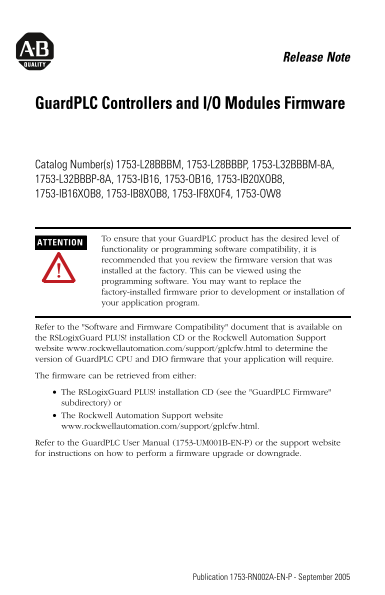
Page 1 Text Content
Release Note
Guard PLC Controllers and I/O Modules Firmware
Catalog Number(s) 1753-L28BBBM, 1753-L28BBBP, 1753-L32BBBM-8A, 1753-L32BBBP-8A, 1753-IB16, 1753-OB16, 1753-IB20XOB8, 1753-IB16XOB8, 1753-IB8XOB8, 1753-IF8XOF4, 1753-OW8
To ensure that your Guard PLC product has the desired level of
ATTENTION
functionality or programming software compatibility, it is recommended that you review the firmware version that was installed at the factory. This can be viewed using the programming software. You may want to replace the factory-installed firmware prior to development or installation of your application program.
Refer to the "Software and Firmware Compatibility" document that is available on the RSLogix Guard PLUS! installation CD or the Rockwell Automation Support website www.rockwellautomation.com/support/gplcfw.html to determine the version of Guard PLC CPU and DIO firmware that your application will require. The firmware can be retrieved from either: The RSLogix Guard PLUS! installation CD (see the "Guard PLC Firmware" subdirectory) or The Rockwell Automation Support website www.rockwellautomation.com/support/gplcfw.html. Refer to the Guard PLC User Manual (1753-UM001B-EN-P) or the support website for instructions on how to perform a firmware upgrade or downgrade.
Publication 1753-RN002A-EN-P - September 2005
Page Summary Contents For Rockwell Automation Guard PLC Controller and DIO Release Note
Manual Details
| Brand | Rockwell Automation |
|---|---|
| Pages | 2 |
| File Size | 535.59 KB |
| Published | June 06, 2026 |
Enter the captcha to get the download link:

Frequently Asked Questions
How do I ensure proper software compatibility before programming?
Review the factory-installed firmware version using the programming software, or consult the 'Software and Firmware Compatibility' document.
Who should I contact if I have initial setup issues within 24 hours?
Please review this manual or use the special Customer Support number (1.440.646.3434 US) for immediate assistance.
What is the procedure for returning a product that is not functioning?
Contact your distributor and ensure you provide a Customer Support case number to complete the return process.
Where can I retrieve GuardPLC firmware files or instructions for an upgrade?
The firmware can be found on the RSLogixGuard PLUS! CD or the Rockwell Automation website, and instructions are in the User Manual/support site.