Replacing the Bottom Access Panel Tech Sheet (User's Manual) - Dell Guide
Summary
This comprehensive technical manual provides step-by-step instructions for safely replacing a computer's bottom access panel. The guide walks users through hardware service procedures, focusing on proper detachment and secure reinstallation of the physical cover. Crucially, it details how to correctly identify, transfer, and affix the necessary iAMT configuration-mode label with the new panel. This resource is designed for IT professionals or experienced technical users performing complex internal computer repairs.
Page 1 Text Content
T539H0am0-edited.fm Page 1 Tuesday, November 3, 2009 4:57 PM
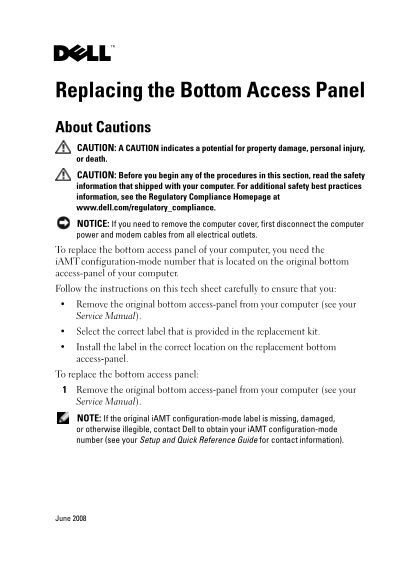
Replacing the Bottom Access Panel About Cautions CAUTION: A CAUTION indicates a potential for property damage, personal injury, or death. CAUTION: Before you begin any of the procedures in this section, read the safety information that shipped with your computer. For additional safety best practices information, see the Regulatory Compliance Homepage at www.dell.com/regulatory_compliance. NOTICE: If you need to remove the computer cover, first disconnect the computer power and modem cables from all electrical outlets. To replace the bottom access panel of your computer, you need the i AMT configuration-mode number that is located on the original bottom access-panel of your computer. Follow the instructions on this tech sheet carefully to ensure that you: Remove the original bottom access-panel from your computer (see your Service Manual). Select the correct label that is provided in the replacement kit. Install the label in the correct location on the replacement bottom access-panel. To replace the bottom access panel: Remove the original bottom access-panel from your computer (see your Service Manual). NOTE: If the original i AMT configuration-mode label is missing, damaged, or otherwise illegible, contact Dell to obtain your i AMT configuration-mode number (see your Setup and Quick Reference Guide for contact information).
June 2008
Page Summary Contents For Replacing the Bottom Access Panel Tech Sheet (User's Manual) - Dell Guide
Manual Details
| Brand | Access |
|---|---|
| Pages | 2 |
| File Size | 116.54 KB |
| Published | May 12, 2026 |
Enter the captcha to get the download link:

Frequently Asked Questions
What is needed before replacing the bottom access panel?
First, disconnect all power and modem cables from electrical outlets, and obtain your iAMT configuration-mode number.
How should the identification label be transferred to the replacement panel?
Remove the original panel, note the existing label location, select a matching replacement label, and install it in that same location on the new panel.
What if the original iAMT configuration-mode label is missing or illegible?
Contact Dell to obtain your iAMT configuration-mode number for proper identification before servicing the panel.