Philips SRP4004 86 User Guide
Summary
Simplify your home entertainment setup with this Philips universal remote control, designed to operate up to four different devices, including TVs, DVD players, VCRs, and various satellite boxes like Sky and Freebox. This comprehensive manual guides you through a simple activation process, detailing battery insertion, setting up device codes for multiple brands, and fully understanding all button functions. It is the essential guide for multi-device households seeking one reliable control system, offering clear instructions on operation to ensure hassle-free viewing experience and optimal performance across all paired equipment.
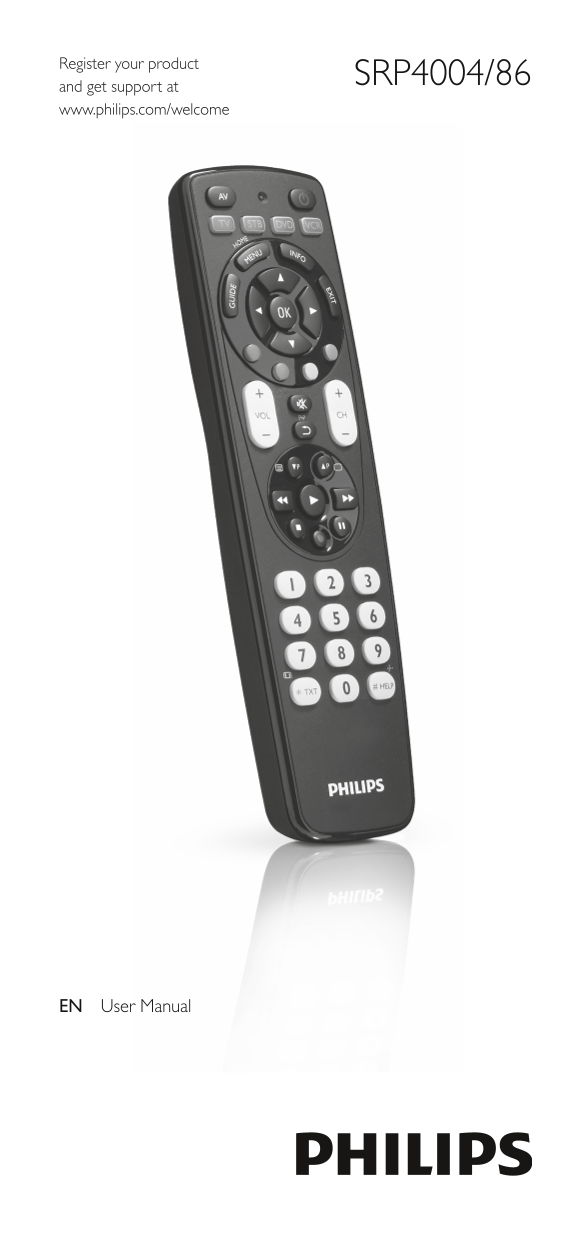
Page 1 Text Content
Register your product
SRP4004/86
and get support at www.philips.com/welcome
EN User Manual
Page Summary Contents For Philips SRP4004 86 User Guide
Manual Details
| Brand | Philips |
|---|---|
| Pages | 17 |
| File Size | 5.59 MB |
| Published | July 12, 2026 |
Enter the captcha to get the download link:

Frequently Asked Questions
What devices can the SRP4004 universal remote control operate?
You can operate up to 4 different devices, including TV, DVD player/recorder, VCR, and common set-top boxes (STB).
How do I initialize the setup process for a new device?
Press and hold the Device Selection button for 5 seconds after inserting two AAA batteries until the red Setup LED lights up.
Does changing the batteries erase my settings?
Yes, when replacing the batteries, all user settings will be retained in the remote control memory for 5 minutes. However, if you change them after 5 minutes, and a code is entered, the setup may be interrupted or reset depending on internal logic.
How do I operate the TV using the remote?
Always manually switch ON the TV or use its original remote first, then press the power button on the SRP4004 to ensure it functions correctly.