Philips RWSS5510 RWSS9500 Speaker User Manual (1)
Summary
Enhance your home cinema with this Wireless Rear Audio System. This comprehensive manual guides users through every step of setup, including connecting the wireless receiver, rear speakers, and transmitters for optimal sound placement. It provides critical information on safe operation, thorough troubleshooting tips, and important electrical guidelines to ensure excellent audio performance in any residential environment. Ideal for consumers setting up a high-quality, interference-free home theater experience.
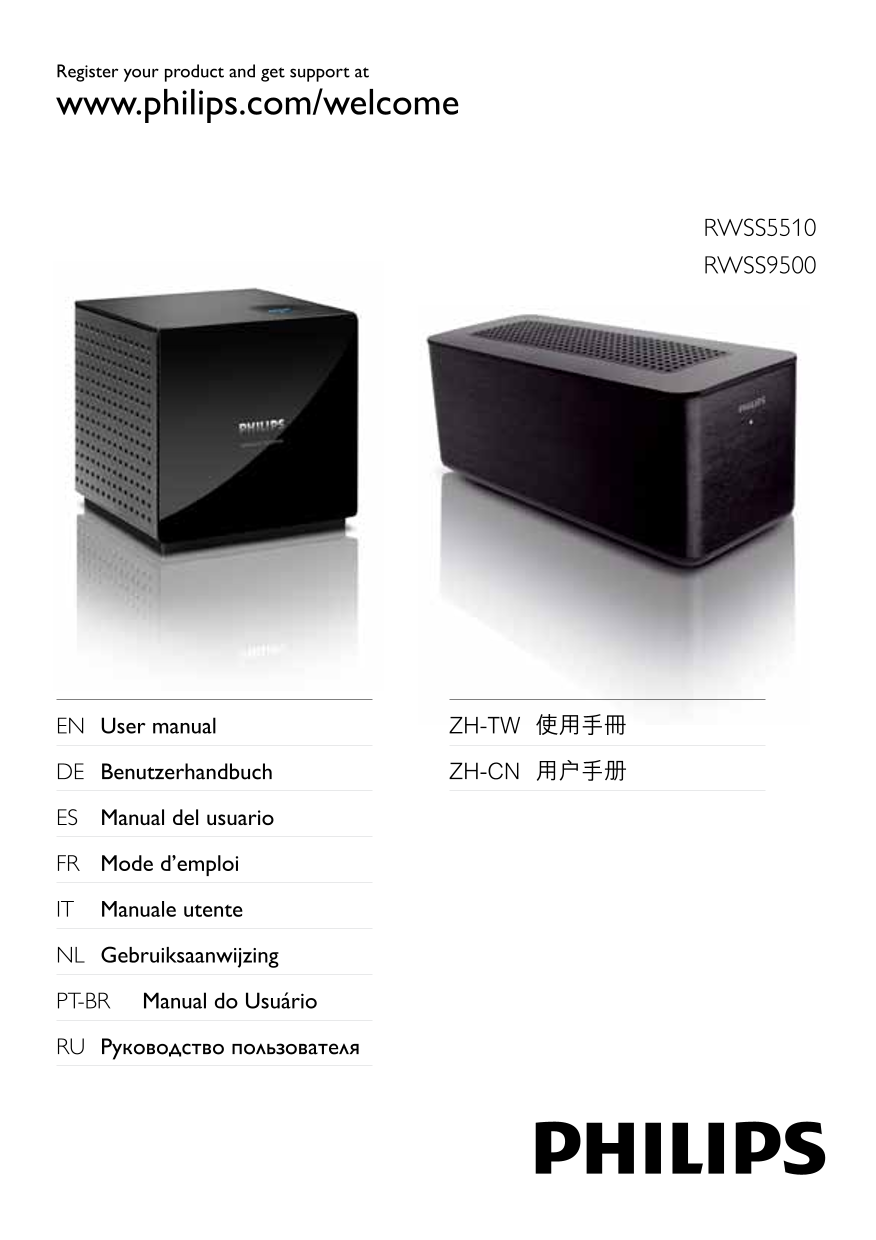
Page 1 Text Content
Register your product and get support at www.philips.com/welcome
RWSS5510 RWSS9500
EN User manual ZH-TW 使用手冊
DE Benutzerhandbuch ZH-CN 用户手册
ES Manual del usuario
FR Mode d’emploi
IT Manuale utente
NL Gebruiksaanwijzing
PT-BR Manual do Usuário
RU Руководство пользователя
Page Summary Contents For Philips RWSS5510 RWSS9500 Speaker User Manual (1)
Manual Details
| Brand | Philips |
|---|---|
| Pages | 9 |
| File Size | 870.69 KB |
| Published | July 12, 2026 |
Enter the captcha to get the download link:

Frequently Asked Questions
What should I do if liquid spills on the unit?
Immediately disconnect it from the power outlet and contact consumer services.
Where is the wireless receiver best placed for good reception?
Near the AC outlet, centered with the home theater logo (Philips facing the home theater).
Are there special placement rules for ventilation?
Always leave at least four inches around the product for proper ventilation and ensure nothing covers the slots.
How do I protect the system during power outages or storms?
Disconnect the product from the power outlet when a surge is likely, and use a circuit different from other connected devices.
What is the recommended setup space for installation?
The wireless receiver should be placed in a room with normal operating temperatures.