Philips HMP3000 User Guide (1)(1)
Summary
This versatile digital video player allows you to stream and enjoy a vast array of media formats, including MPEG, H.264, and MP4, supporting resolutions up to 1080p HD. The comprehensive user manual covers everything from basic operation and advanced features like zooming and file management, to detailed troubleshooting solutions for connection issues. It’s the essential guide for users looking to maximize the performance of their media entertainment system with multiple inputs (HDMI, USB) and robust compatibility.
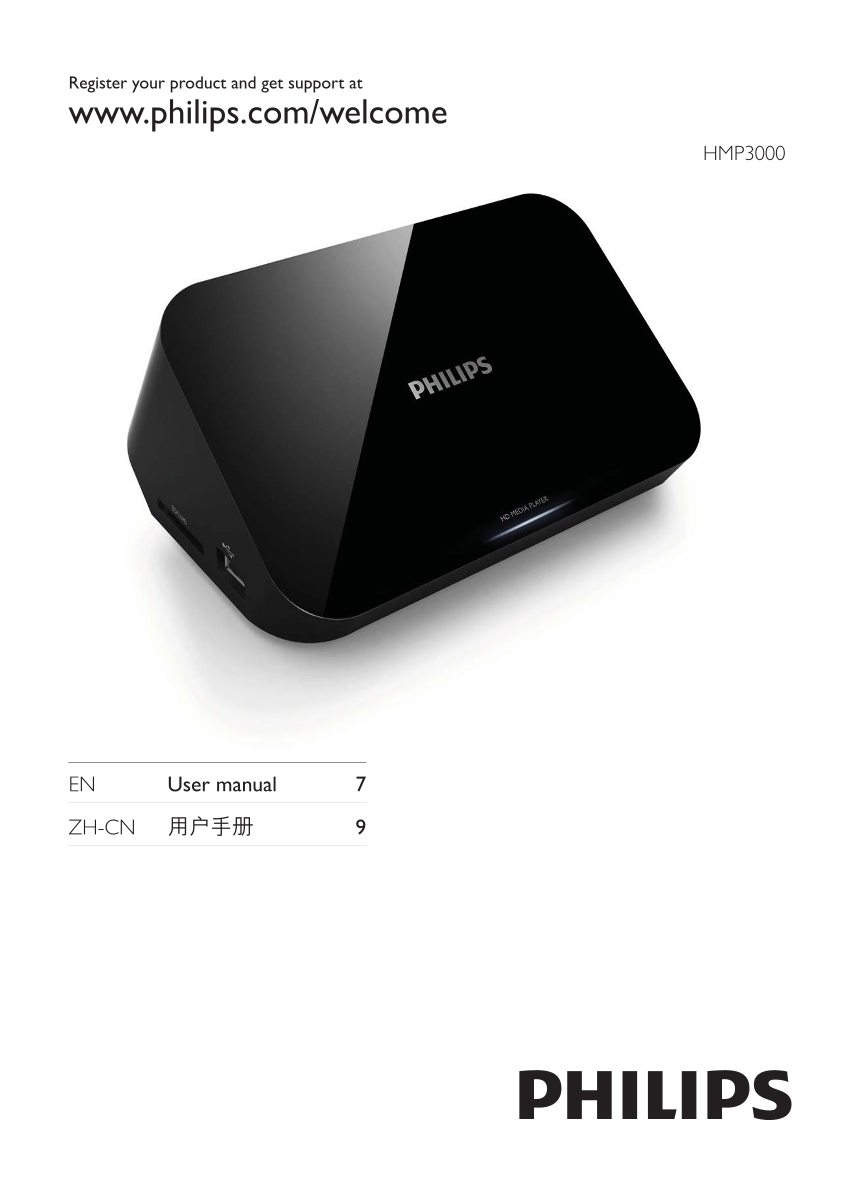
Page 1 Text Content
Register your product and get support at
www.philips.com/welcome
HMP3000
EN User manual 7
ZH-CN 9
HMP3008_93_UM_V1.0.indd Sec3:1 2011-3-14 14:24:24
Page Summary Contents For Philips HMP3000 User Guide (1)(1)
Manual Details
| Brand | Philips |
|---|---|
| Pages | 12 |
| File Size | 1005.89 KB |
| Published | July 06, 2026 |
Enter the captcha to get the download link:

Frequently Asked Questions
How can I play purchased DivX Video-on-Demand (VOD) movies?
The device must be registered. Locate the DivX VOD section in your setup menu and visit vod.divx.com to register.
What file formats are supported for video files?
Supported video formats include MPEG 1/2/4, H.264, VC-1, DivX Plus HD, Xvid, RMVB, MP4, MKV, and more.
Why is my USB storage content unreadable or cannot be played over analog video?
It could be that the format isn't supported, or if using DRM-protected files, you must connect via HDMI to play them.
Where can I find the model number and serial number for support?
The model number and serial number are located at the bottom of the player unit.
What is the maximum memory size supported on a USB storage device?
The supported memory size must be 1TB maximum.