Philips PET1030 User Guide
Summary
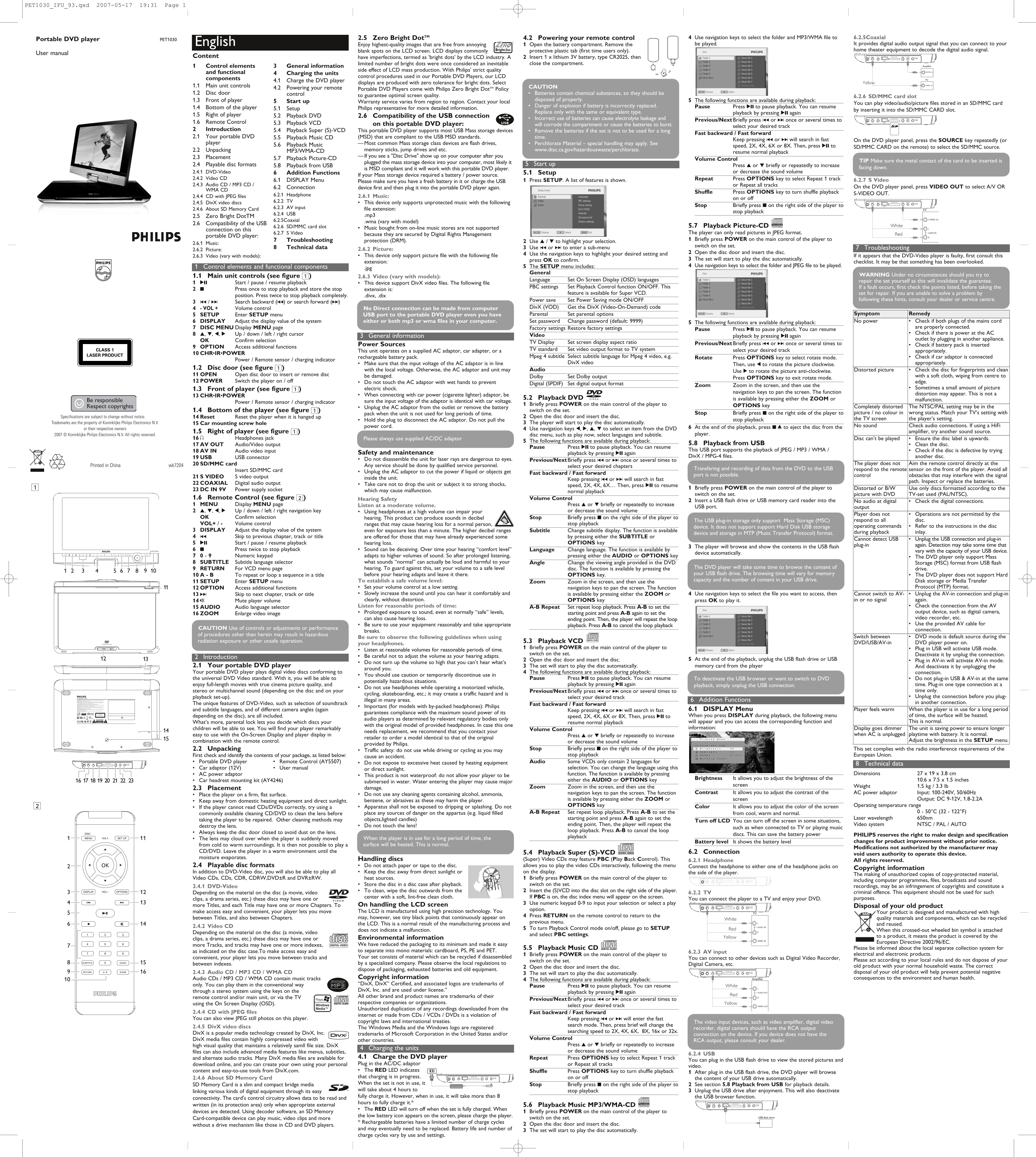
This versatile portable DVD player by Philips is designed to provide superior multimedia entertainment and stunning picture quality, guaranteed by the Zero Bright Dot policy. Easily play a wide range of formats including DVD-Video, VCD, MP3/WMA Audio CDs, Picture-CDs, DivX files, and data from SD/MMC cards and USB drives. The complementary manual offers comprehensive instructions covering setup procedures, operational controls (like track selection and volume), and efficient playback guidance for all supported digital media formats, making it ideal for any user seeking a highly functional and reliable home theater component.
Manual Details
| Brand | Philips |
|---|---|
| Pages | 2 |
| File Size | 1.91 MB |
| Published | July 04, 2026 |
Enter the captcha to get the download link:

Frequently Asked Questions
How do I play files from an SD/MMC card?
Insert the card, then press SOURCE on the remote or player until 'SD/MMC CARD' is displayed, and press SET to start.
What formats of media can this player handle?
It supports DVD-Video, VCD, Audio CD/MP3/WMA, Picture-CD (JPEG only), and play video/audio files from SD/MMC cards or USB mass storage devices.
How do I use the Super (S)-VCD function?
Press OPTIONS on the remote to select 'Super(S)-VCD,' which allows the player to move between different tracks and chapters for easy access.
What should I do if the device is not used for a long time?
Remove the batteries, and if you are handling SD/MMC cards, ensure metal contacts are plugged facing down for proper storage.