# A B C D E F G H I J K L M N O P Q R S T U V W X Y Z

Philips DVP3610 User Guide

Summary

Philips DVP3610 DVD player user manual covers complete setup including TV connection options (composite, component, coaxial audio), basic playback controls, video options (zoom, angle), repeat play modes, DivX video playback with VOD registration, and system settings for language, parental control, and picture quality. Includes troubleshooting guide, safety notices, and software update instructions. A practical reference for home users setting up this compact Philips DVD player for standard-definition disc playback.
📄 Preview PAGE OF 20

Page 1 Text Content

Register your product and get support at

www.philips.com/welcome

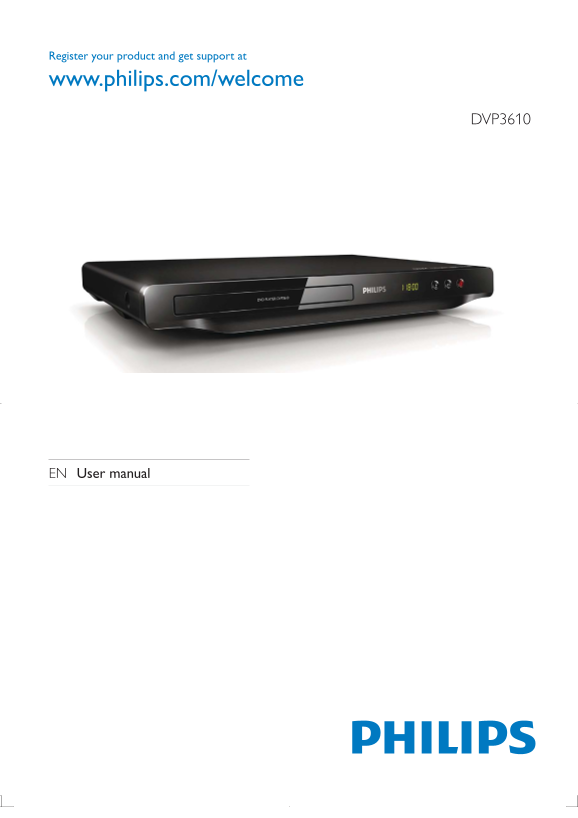
DVP3610

EN User manual

Page Summary Contents For Philips DVP3610 User Guide

Page 1 Register your product and get support at www.philips.com/welcome DVP3610 EN User manual
Page 2 1 Hookup and play Before you connect this DVD player, read and understand all accompanying instructions. Trademarks Manufactured under license from Dolby Laboratories. Dolby and the double-D symbol ar...
Page 3 Register your product and get support at www.philips.com/welcome DVP3610 EN User manual TV OUT Y Pb Pr COAXIAL AUDIO OUT
Page 4 Pr Pb Y + AUDIO OUT TV OUT + AUDIO OUT TV OUT VIDEOL
Page 5 SOURCE
Page 6 DVD VCD CD MP3 / JPEG Disc Setup
Page 7 Table of contents 1 Hookup and play 2-6 2 Use your DVD player 8 Basic play control 8 Video options 9 A*$) Repeat play 9 98'' HI Div X videos 10 3 Change settings 11 General (slee...
Page 8 2 Use your DVD player "%*%%*'*$%)A$'Q*%&$*''$A$' *'*)))#'$'#S)# Basic play control Action A...
Page 9 Play a musical slideshow A*%'**%**$)# W)$$%%$*%'*&'*&# 2 Press %...
Page 10 1 Press REPEAT/REPEAT A-B repeatedly to select as a start point. 2 Press REPEAT/REPEAT A-B again to select as an end point. The repeat play of the marked section starts. 3 To cancel repeat play, press...
Page 11 3 Change settings This section helps you to change the settings of this player. Disc Setup Disc Lock Unlock General OSD Language English Sleep Timer Off Video Auto Standby On Div X(R) VOD Code Registr...
Page 12 To achieve progressive scan pictures, make sure that your TV supports the progressive scan feature, and your TV is connected to this player through the Y/Pb/Pr connectors. Night mode is only available...
Page 13 If your preferred language is not available for disc language, audio or subtitle, you can select [Other] from $%*'%%%'*‡+%*)$$%*%$8$*...
Page 14 5 Specifications Note 9'&%*ˆ$%)$*% Region code $'%')$$)%%# DVD region code Countries
Page 15 En gl is
Page 16 6 Troubleshooting Warning Risk of electric shock. Never remove the casing of the player.
Page 17 7 Safety and important notice Read and understand all instructions before you use this DVD player. If damage is caused by failure to )$%*%$)%%''# En gl is *%$'...
Page 18 Care for your product %%%ˆ$$%%$'%# %%)'8%$'%# \$'%*...
Page 19 Language Code Abkhazian 6566 Inupiaq 7375 Pushto 8083 Afar 6565 Irish 7165 Russian 8285 Afrikaans 6570 Íslenska 7383 Quechua 8185 Amharic 6577 Italiano 7384 Raeto-Romance 8277 Arabic 6582 Ivrit 7269 R...
Page 20 © 2011 Koninklijke Philips Electronics N.V. All rights reserved. DVP3610_98_UM_V1.0_1133

Manual Details

Brand Philips
Pages 20
File Size 1.26 MB
Published June 18, 2026
1 views

Enter the captcha to get the download link:

captcha

Frequently Asked Questions

How do I get support and register my product?

Visit www.philips.com/welcome to register your product and receive support.

What kind of movies can the DVD player play?

It can play purchased DivX Video-on-Demand (VOD) movies, from DVDs, VCDs, CDs, and MP3/JPEG formats.

How do I adjust the video's language or aspect ratio settings?

Press OPTIONS during playback to access settings like Aspect ratio, language [Color], and sound options.

What is the purpose of the REPEAT A-B function?

This function allows you to select a specific start point (A) and end point (B) to repeat only that marked section of content.