Page 1
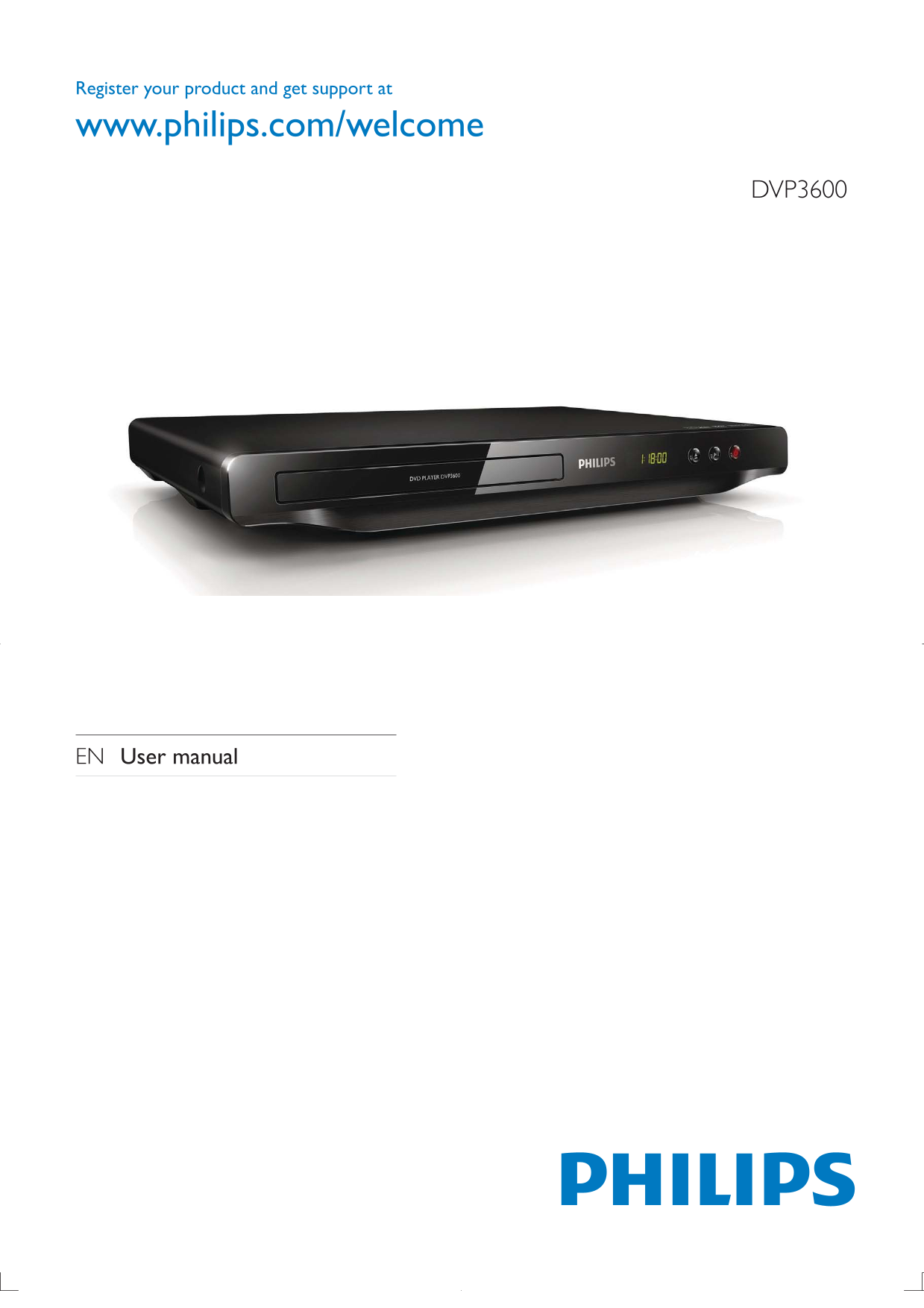
Register your product and get support at www.philips.com/welcome DVP3600 EN User manual
Page 2
1 Hookup and play Before you connect this DVD player, read and understand all accompanying instructions.
Page 3
Register your product and get support at www.philips.com/welcome DVP 3600 EN User manual TV OUT Y Pb Pr COAXIAL AUDIO OUT
Page 4
Pr Pb Y + AUDIO OUT TV OUT + AUDIO OUT TV OUT VIDEOL
Page 5
SOURCE
Page 6
DVD VCD CD MP3 / JPEG Disc Setup
Page 7
Table of contents 1 Hookup and play 2-6 2 Use your DVD player 8 Basic play control 8 Video options 9 Play a musical slideshow 9 Repeat play 10 Skip play 10 3 Change settings 11 General (sleep, standby...
Page 8
2 Use your DVD player offers, register your product at www.philips.com/welcome. Basic play control During play, press the following buttons to control the player. Action Access the home menu. Open or ...
Page 9
Play a musical slideshow Play music and pictures simultaneously to create a musical slideshow. Access to select [Color] to display a picture in color or black and white. Access to select [Photo previe...
Page 10
Repeat play During play, press REPEAT/REPEAT A-B repeatedly to select a repeat play option. 1 Press REPEAT/REPEAT A-B repeatedly to select as a start point. 2 Press REPEAT/REPEAT A-B again to select a...
Page 11
3 Change settings This section helps you to change the settings of this player. Disc Setup Disc Lock Unlock General OSD Language English Sleep Timer Off Auto Standby Video On Audio Preference You cann...
Page 12
To achieve progressive scan pictures, make sure that your TV supports the progressive scan feature, and your TV is connected to this player through the Y/Pb/Pr connectors. Sound 1 Press . 2 Select [Se...
Page 13
4 Software update To check for updates, compare the current software version of this DVD player with the latest software version (if available) at the Philips website. 1 Press . 2 Select [Preference] ...
Page 14
5 Specifications Note Region code This player can play discs with the following region codes. DVD region code Countries
Page 15
Power Power supply rating: AC 110-240V~, 50/60 Hz Power consumption: 8 W Power consumption in standby mode: 0.5 W Accessories supplied Remote control and 2 batteries AC power cable AV cables User manu...
Page 16
6 Troubleshooting Warning Risk of electric shock. Never remove the casing of the player.
Page 17
7 Safety and important notice Read and understand all instructions before you use this DVD player. If damage is caused by failure to follow the instructions, the warranty does not apply. En gl is
Page 18
Remove discs from the disc compartment if you are not using the product for an extended period of time. Care of the environment Your product is designed and manufactured with high quality materials an...
Page 19
Language Code Abkhazian 6566 Inupiaq 7375 Pushto 8083 Afar 6565 Irish 7165 Russian 8285 Afrikaans 6570 Íslenska 7383 Quechua 8185 Amharic 6577 Italiano 7384 Raeto-Romance 8277 Arabic 6582 Ivrit 7269 R...
Page 20
© 2011 Koninklijke Philips Electronics N.V. All rights reserved. DVP3600_98_UM_V1.0_1133