# A B C D E F G H I J K L M N O P Q R S T U V W X Y Z

Philips 8000 Series User Guide and Manual

Summary

This quick start guide provides new owners of the Immersive 8000 series home theater system with clear instructions for setup and operation. It walks users through every crucial step, including connecting various sources (HDMI, optical), automating speaker calibration, and initial configuration settings. Whether you are setting up a brand-new cinema experience or need a reminder on core functionality, this comprehensive manual ensures your advanced audio-visual system is properly installed and ready for cinematic entertainment.
📄 Preview PAGE OF 16

Page 1 Text Content

Immersive 8000 series

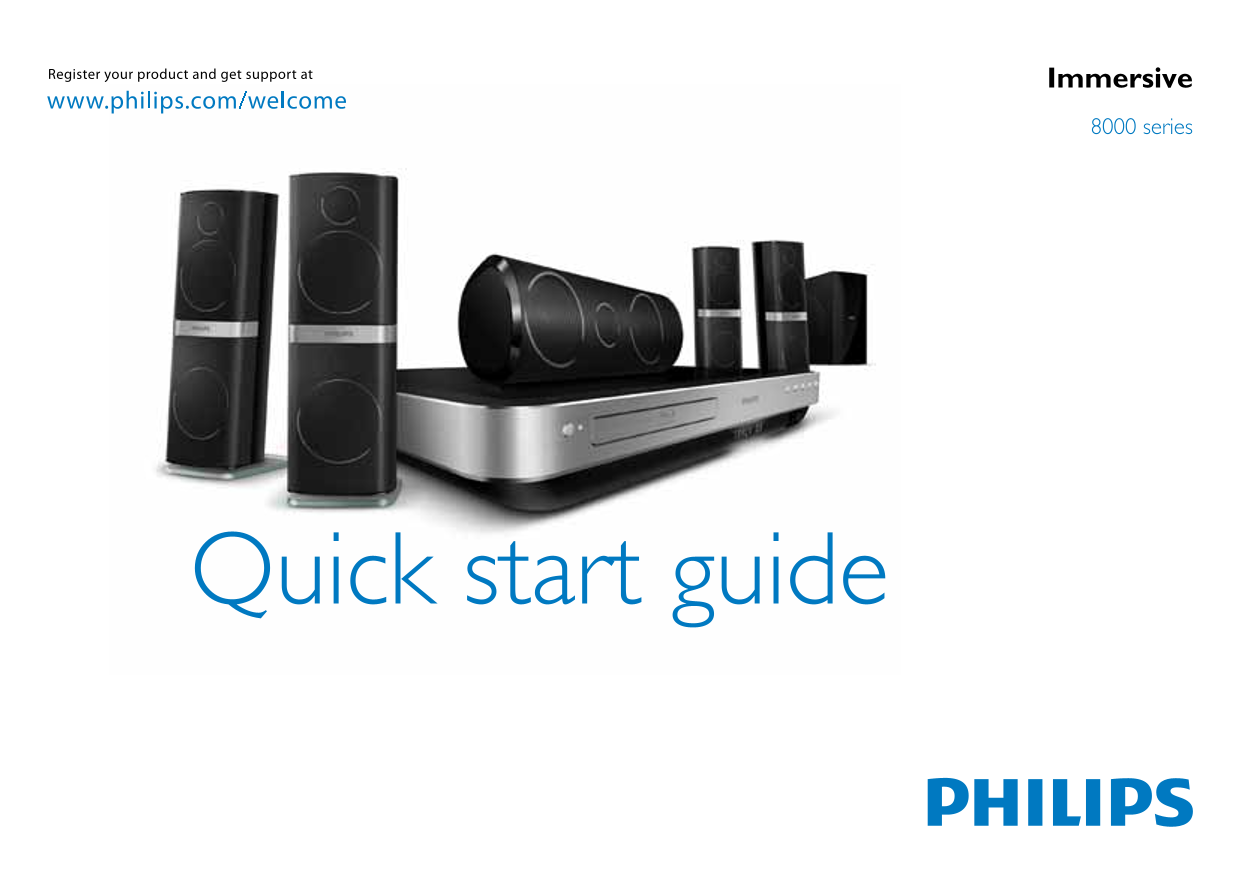
Quick start guide

Page Summary Contents For Philips 8000 Series User Guide and Manual

Page 1 Immersive 8000 series Quick start guide
Page 2 Register your product and get suppor t at www.philips.com/welcome EN Before using your product, read all accompanying safety information MS Sebelum menggunakan produk anda, baca semua maklumat keselam...
Page 3 EN What’s in the box MS Apa dalam kotak ini ZH 包装盒内物品 CN ZH 包裝盒内容 TW Register your product and get suppor t at www.philips.com/welcome User manual
Page 4 EN Position the speakers MS Letakkan pembesar suara di SUB- kedudukannya WOOFER ZH CENTER CN 摆放扬声器 ZH 將喇叭安裝到立架上 TW REAR REAR RIGHTSTS9501
Page 5 EN Connect the home theater SUB- MS Sambungkan teater rumah WOOFER ZH 连接家庭影院 MUSIC i LINK CENTER ZH 連線至家庭劇院 TW AC MAINS~ REAR REAR SUB- CENTRE WOOFER COAXIAL Wireless Rear Audio AUX DOCK for i Pod OPT...
Page 6 REAR REAR SUB- CENTRE WOOFER REAR REAR SUB- CENTER WOOFER
Page 7 HDMI OUT (ARC) HDMI IN HDMI IN HDMI OUT (ARC) TO TV TO TV REAR REAR SUB- CENTRE WOOFER HDMI IN / HDMI (ARC) HDMI OUT REAR REAR SUB- HDMI (ARC) CENTER WOOFER HDMI OUT
Page 8 FM (75Ω) ANTENNA AC MAINS~
Page 9 EN Switch on the home theater MS Hidupkan teater rumah ZH 打开家庭影院 CN ZH 開啟家庭劇院 TW
Page 10 EN Connect the calibration microphone for automatic speaker setup MS Sambungkan mikrofon penentukuran untuk persediaan automatik speaker ZH 连接校准麦克风进行 CN 自动扬声器设置 MUSIC i LINK ZH 連接標準麥克風以自動設定喇叭 TW MUSIC...
Page 11 EN Complete the first time setup MS Lengkapkan persediaan kali pertama ZH 完成首次设置 CN ZH 完成首次設定 TW HDMI
Page 12 HOME THEATER HOME THEATER
Page 13 EN Use your home theater MS Gunakan teater rumah anda ZH CN 使用家庭影院       ZH 使用您的家庭劇院 HOME THEATER HOME THEATER
Page 14 MUSIC i LINK MUSIC DOCK for i Pod i LINK SLID E TO JU ST
Page 15 EN Need more information about your product? Search the onscreen help MS Inginkan maklumat lanjut mengenai produk anda? Cari dalam bantuan atas skrin ZH 需要了解产品的更多 MUSIC i LINK CN 信息?请搜索屏幕帮 MUSIC DOCK ...
Page 16 EN For sustainability, the user manual is not printed and ZH 为实现可持续发展,未随附打 available in your product as onscreen help. A printable CN user manual as well as product updates is available from www.phili...

Manual Details

Brand Philips
Pages 16
File Size 2.14 MB
Published July 15, 2026
1 views

Enter the captcha to get the download link:

captcha

Frequently Asked Questions

How do I set up the whole system?

First, switch on the home theater. Then, connect the calibration microphone for automatic speaker setup and complete the first-time setup, selecting your country and language.

What microphones are used for setup?

The user must connect the calibration microphone to perform automatic speaker setup.

Is a physical manual provided?

No, the manual is not printed for sustainability; printable versions and updates are available at www.philips.com/support.