PHILIPS DCD7010 User Guide and Manual
Summary
Unlock the full potential of your Philips electronic device with this comprehensive user manual. Designed for new homeowners and technical users, it provides essential guidance on installation, setup, and advanced operation features across all models. The guide details troubleshooting steps, operational modes, and best practices to ensure safe and efficient use of your integrated system.
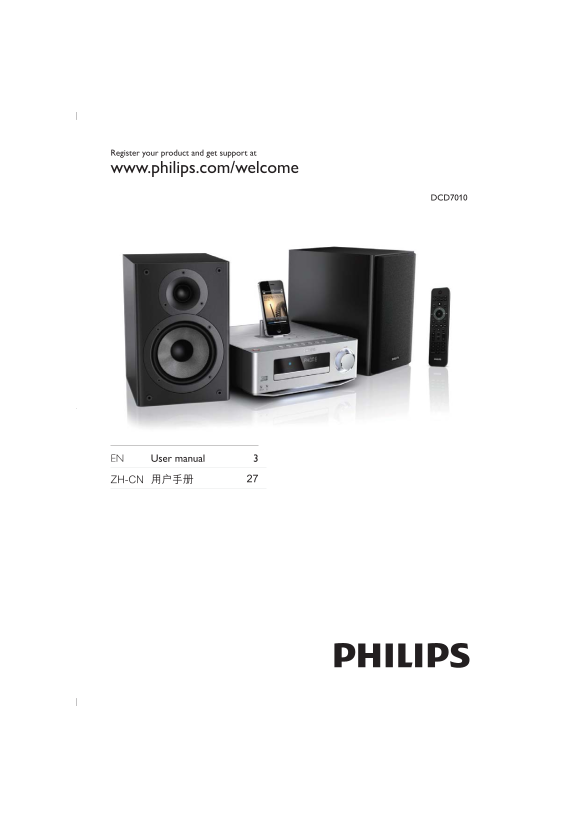
Page 1 Text Content
Register your product and get support at www.philips.com/welcome
DCD7010
EN User manual 3
Page Summary Contents For PHILIPS DCD7010 User Guide and Manual
Manual Details
| Brand | Philips |
|---|---|
| Pages | 28 |
| File Size | 1.25 MB |
| Published | June 06, 2026 |
Enter the captcha to get the download link:

Frequently Asked Questions
What is the recommended way to register the product?
Register your product and get support at www.philips.com/welcome
How do I set up or initialize the device?
Use the PLUG&PLAY method: Press and hold the RADIO HOLD button for 2 seconds, then wait for 'AUTO INSTALL' to scroll.
What is covered by the technical support process?
The manual mentions that professional help can be requested using a provided phone number format (e.g., 92/80 or similar local numbers) and is available through specialized Philips channels.