Page 1
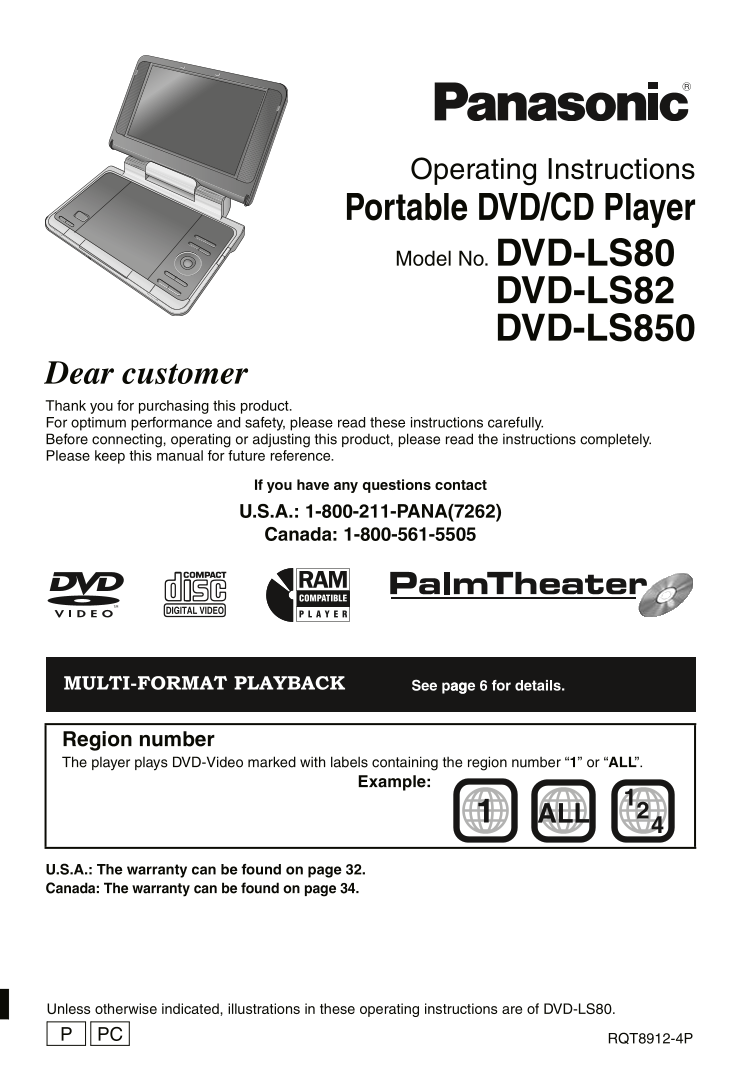
p1 e.fm Page 1 Thursday, April 5, 2007 3:27 PM Operating Instructions Portable DVD/CD Player Model No. DVD-LS80 DVD-LS82 DVD-LS850 Dear customer Thank you for purchasing this product. For optimum perf...
Page 2
P2-35 e.fm Page 2 Friday, December 29, 2006 5:46 PM The following mark and symbols are located on WARNING: bottom of the unit. TO REDUCE THE RISK OF FIRE, CAUTION ELECTRIC SHOCK OR PRODUCT RISK OF ELE...
Page 3
P2-35 e.fm Page 3 Friday, December 29, 2006 5:46 PM Accessories Table of contents Use numbers indicated in Accessories . . . . . . . . . . . . . . . . . . . . . 3 parentheses when asking for IMPORTANT...
Page 4
P2-35 e.fm Page 4 Friday, December 29, 2006 5:46 PM IM TA IN IO IMPORTANT SAFETY INSTRUCTIONS Read these operating instructions carefully before using the unit. Follow the safety instructions on the u...
Page 5
P2-35 e.fm Page 5 Friday, March 2, 2007 8:54 AM WARNING: Listening caution The driver must not operate this unit IC INDUST while the vehicle is moving. Do not operate this unit where it can be viewed ...
Page 6
P2-35 e.fm Page 6 Friday, December 29, 2006 5:46 PM is cs at an la ye Discs that can be played Commercial discs Indicated in Discs that cannot be played these Remarks Blu-ray, HD DVD, DVD-Audio, Versi...
Page 7
P2-35 e.fm Page 7 Friday, December 29, 2006 5:46 PM Tips for making data discs Format Disc Extension Reference [WMA] CD-R/RW “.WMA” Compatible compression rate: between 48 kbps and 320 kbps “.wma” You...
Page 8
P2-35 e.fm Page 8 Friday, December 29, 2006 5:46 PM re ar at io Preparations 1 Attaching the battery (When the unit is off) The illustrations shown are of CGR-H711; however the steps for CGR-H712 (inc...
Page 9
P2-35 e.fm Page 9 Friday, December 29, 2006 5:46 PM Approximate recharging and play times (Hours) Play (at room temperature using headphones) Battery pack Recharging LCD brightness level LCD Off (When...
Page 10
P2-35 e.fm Page 10 Friday, December 29, 2006 5:46 PM la yi is cs Playing discs Headphone terminals [Ë] Open the lid. ‡ 3.5 mm (1/8q) stereo mini jack Insert a disc and AV SELECT close the lid. Click i...
Page 11
P2-35 e.fm Page 11 Friday, December 29, 2006 5:46 PM Operations When the unit is off: Press and hold and the power comes on and play begins. Turn unit on/play ON When the unit is on: Press and play be...
Page 12
P2-35 e.fm Page 12 Wednesday, March 7, 2007 1:29 PM se fu l f ct io Useful functions Selecting how to show 4:3 aspect pictures on the LCD MONITOR NORMAL: Normal MONITOR FULL: Stretched horizontally MO...
Page 13
P2-35 e.fm Page 13 Friday, December 29, 2006 5:46 PM Reviewing titles/programs to play (Advanced Disc Review) [DVD-VR] [DVD-V] (Except i R/i RW) Press [34] to select “Other Settings”. Press [1] then [...
Page 14
P2-35 e.fm Page 14 Friday, December 29, 2006 5:46 PM se fu l f ct io Useful functions Changing soundtracks Motion pictures Press [34] to select “Audio”. Press [1] then [34] to select the Menu DISPLAY ...
Page 15
P2-35 e.fm Page 15 Friday, December 29, 2006 5:46 PM Displaying current playback condition (Quick OSD) e.g. [DVD-V] Basics Elapsed play time Current playback number DISPLAY Chapter Title Time 0 : 00 :...
Page 16
P2-35 e.fm Page 16 Friday, December 29, 2006 5:46 PM Pl ay in au di (W A/ P3 pi ct ur (J PE ) a nd id eo (M PE 4/ Di v X ) d is cs Playing audio (WMA/MP3), picture (JPEG) and video (MPEG4/Div X) discs...
Page 17
P2-35 e.fm Page 17 Friday, December 29, 2006 5:46 PM Playing High MATTM discs [WMA] [MP3] [JPEG] While the menu is displayed Menu: Takes you to the next menu which Press [342 1] to select items shows ...
Page 18
P2-35 e.fm Page 18 Friday, December 29, 2006 5:46 PM jo yi in ar Enjoying in a car Do not leave the unit on a surface that may become hot such as a dashboard. The unit is not heat-resistant so may mal...
Page 19
P2-35 e.fm Page 19 Friday, December 29, 2006 5:46 PM Attaching the unit to the bracket. While holding the unit with both hands, line up the unit just below the protruding sections on the bracket. Pres...
Page 20
P2-35 e.fm Page 20 Friday, December 29, 2006 5:46 PM jo yi in ar Enjoying in a car Connecting the included Car DC Adaptor Before connection, consult your car owner’s manual or your dealer. Connect to ...
Page 21
P2-35 e.fm Page 21 Friday, December 29, 2006 5:46 PM About Div X VOD content Div X Video-on-Demand (VOD) content is encrypted for copyright protection. In order to play Div X VOD content on this unit,...
Page 22
P2-35 e.fm Page 22 Friday, December 29, 2006 5:46 PM si -S cr ee en Using On-Screen Menus Press [34] to select the menu. Press [1] to go to the next menu and [34] to set. DISPLAY ENTER Repeat step 2 i...
Page 23
P2-35 e.fm Page 23 Friday, December 29, 2006 5:46 PM Audio Menu H.Bass (➜ page 15) Advanced Surround (➜ page 13) To make the dialogue in movies easier to hear [DVD-V] (Dolby Digital, DTS, 3-channel or...
Page 24
P2-35 e.fm Page 24 Friday, December 29, 2006 5:46 PM an in la ye se tt in Changing the player settings Referring to pages 24 to 25, change as required. Underlined items are the factory presets. The se...
Page 25
P2-35 e.fm Page 25 Friday, December 29, 2006 5:46 PM “Audio” tab Dynamic Range ≥ Off Compression ≥ On: Adjusts for clarity even when the volume is low through compressing the range of the lowest sound...
Page 26
P2-35 e.fm Page 26 Friday, December 29, 2006 5:46 PM si is it it th er ip en Using this unit with other equipment Turn off all equipment before connecting and read the appropriate operating instructio...
Page 27
P2-35 e.fm Page 27 Friday, December 29, 2006 5:46 PM Frequently asked questions Reference pages are shown in parentheses. Can I play a DVD-Video You can play if the region number includes “1” or “ALL”...
Page 28
P2-35 e.fm Page 28 Wednesday, March 7, 2007 2:13 PM ec if ic at io Specifications Power supply: DC 12 V (DC IN terminal)/ Operating temperature range: DC 7.2 V (Exclusive battery terminal) i5 to i35 o...
Page 29
P2-35 e.fm Page 29 Friday, December 29, 2006 5:46 PM Troubleshooting guide Before requesting service, make the following checks. If you are in doubt about some of the check points, or if the solutions...
Page 30
P2-35 e.fm Page 30 Friday, December 29, 2006 5:46 PM Tr le sh ti id Troubleshooting guide Specific operation impossible or incorrect Play doesn’t start. ≥ This unit may not play WMA and MPEG4 that con...
Page 31
P2-35 e.fm Page 31 Friday, December 29, 2006 5:46 PM Displays “/” ≥ The operation is prohibited by the unit or disc. No On-Screen display. Select “On” for “On-Screen Messages” in “Display” tab. (25) “...
Page 32
P2-35 e.fm Page 32 Friday, December 29, 2006 5:46 PM im it ed ar ra ty LY .S .A Limited Warranty (ONLY FOR U.S.A.) Panasonic Consumer Electronics Company, Panasonic Puerto Rico, Inc. Division of Panas...
Page 33
P2-35 e.fm Page 33 Monday, January 29, 2007 9:57 AM Customer Services Directory Obtain Product Information and Operating Assistance; locate your nearest Dealer or Servicenter; purchase Parts and Acces...
Page 34
P2-35 e.fm Page 34 Friday, December 29, 2006 5:46 PM im it ed ar ra ty LY Limited Warranty (ONLY FOR CANADA) Panasonic Canada Inc. PANASONIC PRODUCT – LIMITED WARRANTY Panasonic Canada Inc. warrants t...
Page 35
P2-35 e.fm Page 35 Thursday, April 5, 2007 3:27 PM Manufactured under license from Dolby Laboratories. Dolby and the double-D symbol are trademarks of Dolby Laboratories. “DTS” is a registered tradema...
Page 36
backcover_En.fm Page 2 Thursday, April 5, 2007 3:28 PM Index A-B Repeat. . . . . . . . . . . . . . . . . . . . . . Navigation Menu . . . . . . . . . . . . . . . . .16 Advanced Disc Review. . . . . . ....