OMRON Safety Products Standstill Monitoring Unit G9SX-SM G9SX-SM User's Guide
Summary
The Standstill Monitoring Unit G9SX-SM is an essential component for industrial automation designed to accurately detect machine standstill conditions. This comprehensive user guide details its operation across three vital modes: Standard Configuration for basic detection; Tuning Mode for precise customization of sensitivity and timing; and Monitoring Mode for real-time, reliable performance tracking. It is tailored for engineers and technical personnel requiring highly dependable equipment monitoring in automated manufacturing applications.
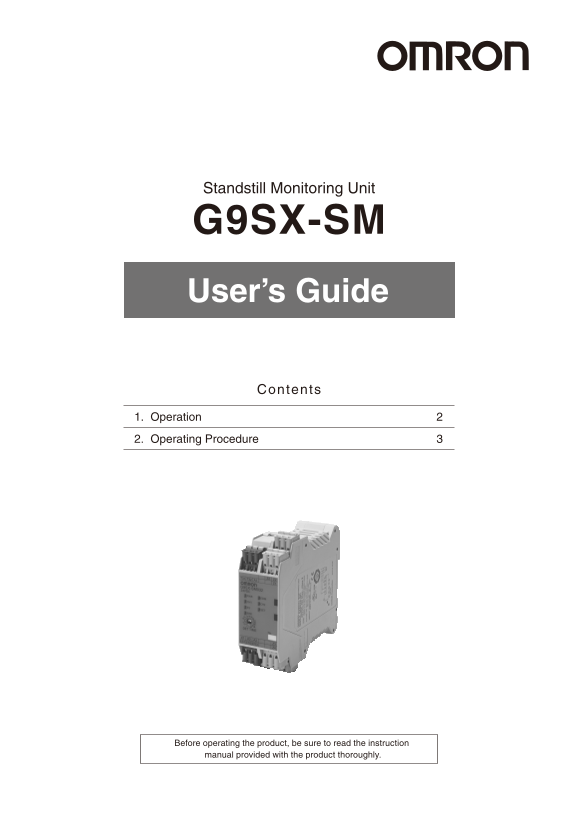
Page 1 Text Content
Standstill Monitoring Unit
G9SX-SM User’s Guide
Contents
1. Operation 2. Operating Procedure
Before operating the product, be sure to read the instruction manual provided with the product thoroughly.
Page Summary Contents For OMRON Safety Products Standstill Monitoring Unit G9SX-SM G9SX-SM User's Guide
Manual Details
| Brand | Omron |
|---|---|
| Pages | 6 |
| File Size | 1.65 MB |
| Published | June 04, 2026 |
Enter the captcha to get the download link:

Frequently Asked Questions
How do I perform an initial standstill check?
For the 'Standard Configuration', set the front preset switch to 1 second, power on, and test against actual machine standby.
What is the difference between Standard and User Configuration?
'Standard Configuration' uses fixed settings, while 'User Configuration' allows manual tuning for sensitivity adjustments in both Tuning Mode and Monitoring Mode.
Which mode should I use to adjust the standstill timing?
To tune the time, set the back operation preset switch to "USR" and the back mode preset switch to "TUN," then power on.
What happens when standstill is detected during Monitoring Mode?
When specified DET time has passed, ES lights up (auxiliary output X1 turns ON) indicating that a standstill condition has occurred.