LINKSYS RE1000 User Guide and Manual
Summary
The Linksys RE1000 is a powerful Wireless-N extender designed to eliminate Wi-Fi dead zones by significantly boosting your home or office network coverage. This manual provides comprehensive, step-by-step guidance on installing and optimizing the range extender, covering initial setup via CD utility, connecting via Ethernet, utilizing Wi-Fi Protected Setup for easy security configuration, and thorough troubleshooting. It is essential reading for users who require expanded, stable wireless internet access across large or multi-level properties.
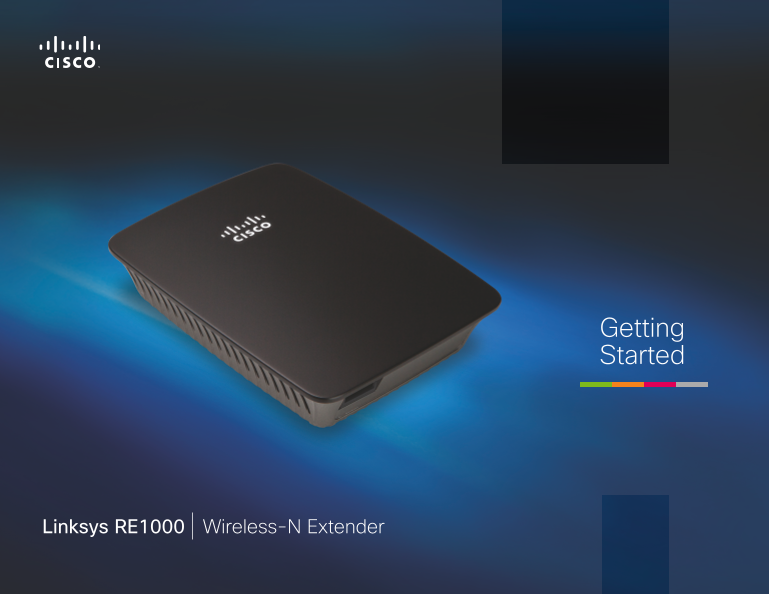
Page 1 Text Content
Getting Started
Linksys RE1000 Wireless-N Extender
Page Summary Contents For LINKSYS RE1000 User Guide and Manual
Manual Details
| Brand | Linksys |
|---|---|
| Pages | 15 |
| File Size | 6.40 MB |
| Published | May 26, 2026 |
Enter the captcha to get the download link:

Frequently Asked Questions
How should I position the range extender for best performance?
Place it where the wireless signal from your router is reliably strong, ideally keeping the signal strength between 60% and 100%.
What steps are required to connect an Ethernet device to the range extender?
Use an Ethernet cable to connect the wired device to the green 'Ethernet' port on the unit.
How do I reset the range extender to factory defaults?
Press and hold the 'Reset' button for about eight seconds. Alternatively, you can use the Administration > Factory Defaults screen in the browser-based utility.
Is the detachable AC power plug mandatory for setup?
No. For desktop or table-top setups, you can remove the built-in plug and use an external AC cable instead.