Lexmark X560n User Guide
Summary
The Lexmark X560n is a versatile, high-performance color laser multifunction device ideal for medium-sized workgroups seeking an efficient all-in-one printing solution. This documentation outlines its core functions—including advanced print, copy, scan, and fax capabilities—while emphasizing features that boost office productivity. Benefit from reliable, quick color printing (up to 31 ppm), high-quality output on various media, and enhanced functionality through options like duplexing and expansive paper capacity.
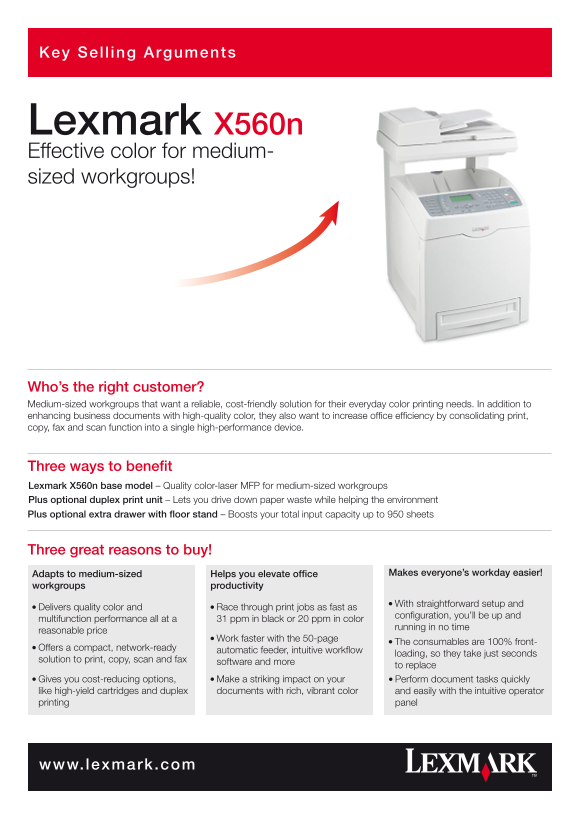
Page 1 Text Content
Key Sel ing Arguments
Lexmark X560n Effective color for medium- sized workgroups!
Who’s the right customer? Medium-sized workgroups that want a reliable, cost-friendly solution for their everyday color printing needs. In addition to enhancing business documents with high-quality color, they also want to increase office efficiency by consolidating print, copy, fax and scan function into a single high-performance device.
Three ways to benefit Lexmark X560n base model – Quality color-laser MFP for medium-sized workgroups Plus optional duplex print unit – Lets you drive down paper waste while helping the environment Plus optional extra drawer with floor stand – Boosts your total input capacity up to 950 sheets
Three great reasons to buy!
Adapts to medium-sized Helps you elevate office Makes everyone’s workday easier!
workgroups productivity
l With straightforward setup and
l Delivers quality color and l Race through print jobs as fast as
configuration, you’ll be up and
multifunction performance all at a 31 ppm in black or 20 ppm in color
running in no time
reasonable price
l Work faster with the 50-page
l The consumables are 100% front-
l Offers a compact, network-ready
automatic feeder, intuitive workflow
loading, so they take just seconds
solution to print, copy, scan and fax
software and more
to replace
l Gives you cost-reducing options, l Make a striking impact on your l Perform document tasks quickly
like high-yield cartridges and duplex documents with rich, vibrant color and easily with the intuitive operator printing panel
www.lexmark.com
Page Summary Contents For Lexmark X560n User Guide
Manual Details
| Brand | Lexmark |
|---|---|
| Pages | 2 |
| File Size | 590.34 KB |
| Published | May 30, 2026 |
Enter the captcha to get the download link:

Frequently Asked Questions
What are the printing speeds and resolutions?
It prints at 31 ppm in black or 20 ppm in color, offering a resolution of 2400 x 600 dpi.
How much paper capacity does it handle?
The device has a standard paper capacity of 400 pages and can be boosted up to 950 sheets using optional drawers.
What core functions does the X560n MFP support?
It supports printing, copying, scanning, and faxing, consolidating all these roles in a single high-performance device.
Is it easy to set up or use?
Yes, setup is straightforward, featuring a 100% front-loading sheet drawer and an intuitive operator panel for simple operation.