Lexmark X3650 User Guide
Summary
This versatile 3-in-1 color printer, copier, and scanner is designed for home and student use, offering high-speed performance and vivid photo quality. The included manual provides comprehensive guidance on setup, utilizing advanced features such as one-touch copying from digital media, OCR scanning of hard copy text, and professional photo editing. It quickly connects to various devices and handles multiple paper types, making it an indispensable tool for projects, memory keeping, and everyday printing needs.
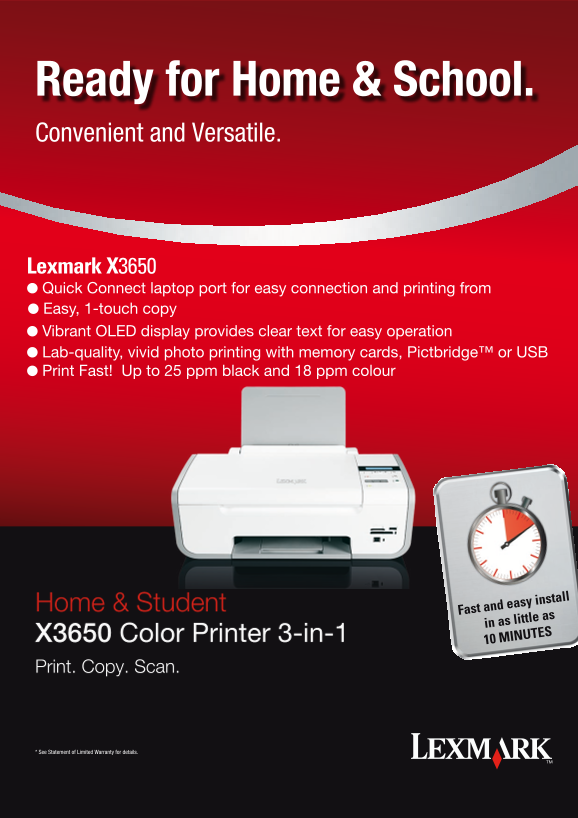
Page 1 Text Content
Ready for Home & School. Convenient and Versatile.
Lexmark X3650 l Quick Connect laptop port for easy connection and printing from l Easy, 1-touch copy l Vibrant OLED display provides clear text for easy operation l Lab-quality, vivid photo printing with memory cards, Pictbridge™ or USB l Print Fast! Up to 25 ppm black and 18 ppm colour
Home & Student
Fast and easy install in as little as
X3650 Color Printer 3-in-1
10 MINUTES
Print. Copy. Scan.
* See Statement of Limited Warranty for details.
Page Summary Contents For Lexmark X3650 User Guide
Manual Details
| Brand | Lexmark |
|---|---|
| Pages | 2 |
| File Size | 1.62 MB |
| Published | May 29, 2026 |
Enter the captcha to get the download link:

Frequently Asked Questions
What are the maximum printing speeds of the X3650?
It prints up to 25 ppm black and 18 ppm colour in normal mode.
Can this printer scan large items like books or reports?
Yes, the flatbed scanner is designed to easily handle thick books, reports, and more.
Which operating systems are compatible with the X3650?
Supported OS include Windows XP through Vista x64, along with various Mac OS X versions in Intel and PowerPC architectures.
What must I do with used cartridges?
Return empty cartridges only to Lexmark for remanufacturing, refilling, or recycling.