Lexmark X1180 User Guide
Summary
Elevate your personal productivity with the Lexmark X1180 All-In-One device. This versatile machine seamlessly handles printing web pages, documents, and photos; scanning high-resolution images in color and black & white; and copying via PC connection. Ideal for students, families, or individuals needing reliable home office tools, it features a flatbed scanner and print quality up to 4800 x 1200 dpi. The comprehensive manual details advanced specifications, multiple operational modes, and setup instructions to ensure effortless use for all your daily needs.
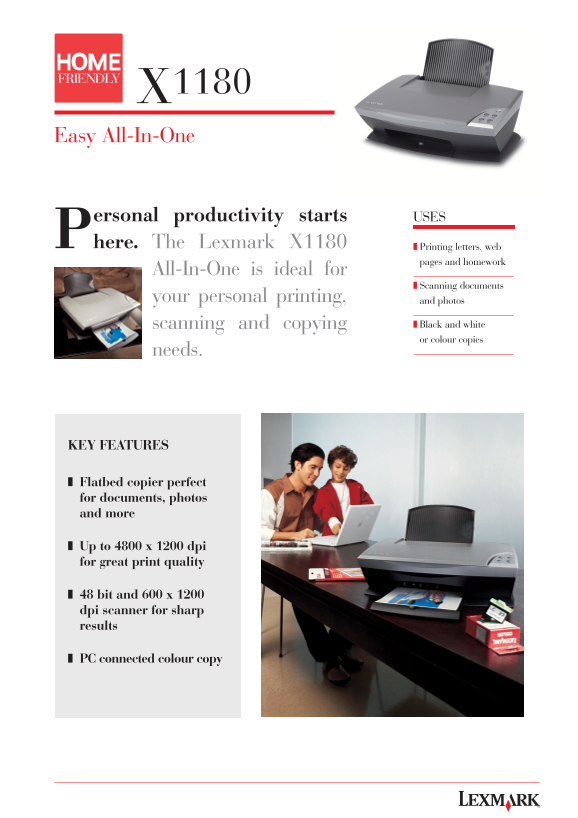
Page 1 Text Content
X1180 Easy All-In-One
Personal productivity starts here. The Lexmark X1180 Printing letters, web
pages and homework
All-In-One is ideal for
Scanning documents
your personal printing, and photos
scanning and copying Black and white or colour copies
needs.
KEY FEATURES
❚ Flatbed copier perfect for documents, photos and more
❚ Up to 4800 x 1200 dpi for great print quality
❚ 48 bit and 600 x 1200 dpi scanner for sharp results
❚ PC connected colour copy
Page Summary Contents For Lexmark X1180 User Guide
Manual Details
| Brand | Lexmark |
|---|---|
| Pages | 2 |
| File Size | 913.83 KB |
| Published | May 30, 2026 |
Enter the captcha to get the download link:

Frequently Asked Questions
What printing resolutions are available on the X1180?
It offers high print quality up to 4800 x 1200 dpi, with a flatbed scanner also supporting various resolutions.
Which operating systems does this printer support?
It supports Windows 98 through XP, and Mac OS 9.2.2 up to OS X.
How do I set up the device after purchase?
Connections are made via USB 2.0. The package includes an installation CD with necessary drivers like Twain Driver, OCR software, and Lexmark Photo Editor.