Lexmark Pro905 User Guide
Summary
Streamline your office operations with this wireless 4-in-1 business printer. The Pro905 effortlessly handles Print, Copy, Scan, and Fax using advanced SmartSolutions technology for maximum efficiency gains. Built for reliability, it features a large capacity document feeder and superb print quality suitable for high-volume commercial use. This manual provides comprehensive instructions on setup, utilizing its seamless wireless connectivity, optimizing duplex printing, and maximizing every function to support your demanding business needs.
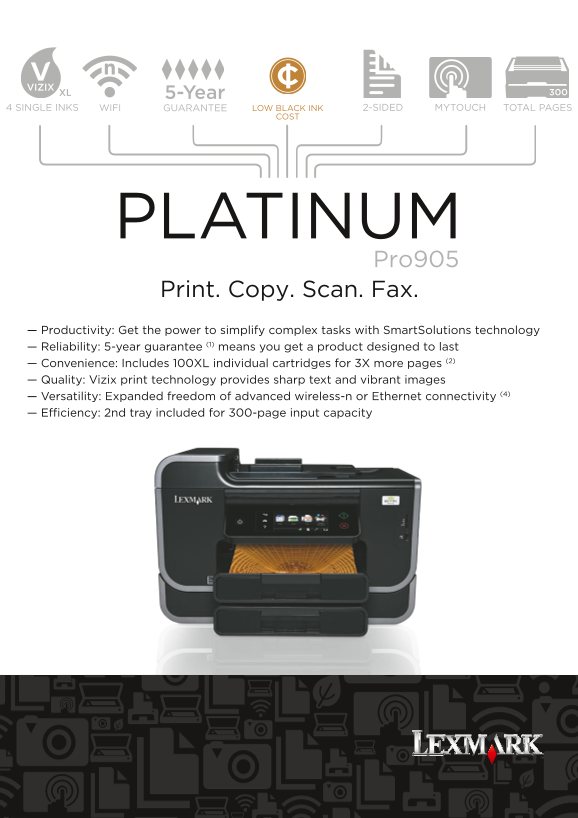
Page 1 Text Content
5-Year
4 SINGLE INKS GUARANTEE LOW BLACK INK 2-SIDED MYTOUCH TOTAL PAGES
PLATINUM Pro905 Print. Copy. Scan. Fax. — Productivity: Get the power to simplify complex tasks with Smart Solutions technology — Reliability: 5-year guarantee (1) means you get a product designed to last — Convenience: Includes 100XL individual cartridges for 3X more pages (2) — Quality: Vizix print technology provides sharp text and vibrant images — Versatility: Expanded freedom of advanced wireless-n or Ethernet connectivity (4)
— Efficiency: 2nd tray included for 300-page input capacity
Page Summary Contents For Lexmark Pro905 User Guide
Manual Details
| Brand | Lexmark |
|---|---|
| Pages | 2 |
| File Size | 1.54 MB |
| Published | May 29, 2026 |
Enter the captcha to get the download link:

Frequently Asked Questions
What print resolution can I expect for color images?
The maximum color print resolution is up to 4800 x 1200 dpi.
How big must my copy job be to fit on standard paper?
It can handle a maximum input scanning area of 8.5 x 14 inches.
What kind of connectivity options are available for this model?
The Pro905 supports both fast Ethernet and wireless (802.11b/g/n) networking.