Lexmark P6250 User Guide
Summary
The Lexmark Photo All-In-One is the definitive solution for capturing and preserving family memories. This powerful device functions as a high-resolution printer, scanner, and copier, allowing users to print vibrant photos from digital cameras or PCs, scan documents, and make copies with ease. The included manual provides comprehensive guidance on utilizing advanced features like borderless printing, automatic photo enhancement, and setting up connectivity for seamless workflow integration. It is designed for home photographers and families seeking reliable, high-quality image management without the complexity.
Page 1 Text Content
P6250 Home Photo All-In-One
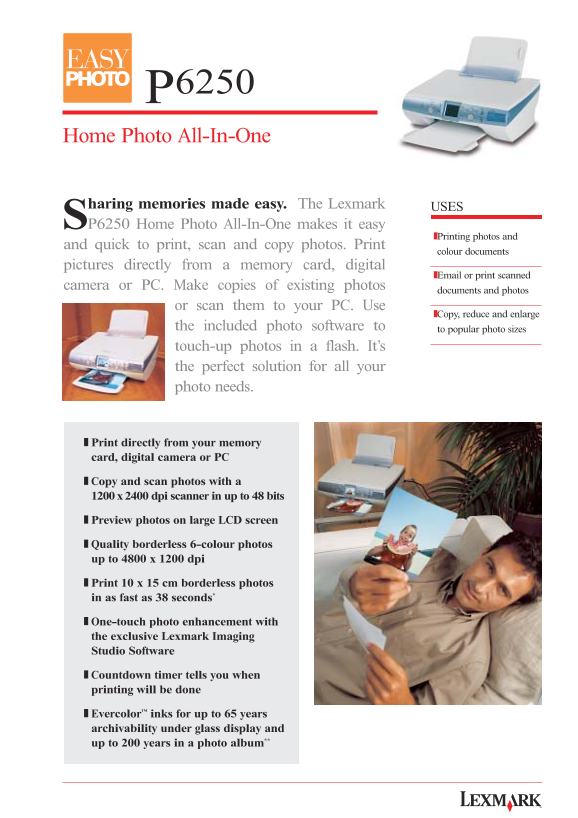
Sharing memories made easy. The Lexmark P6250 Home Photo All-In-One makes it easy
❚Printing photos and
and quick to print, scan and copy photos. Print
colour documents
pictures directly from a memory card, digital
❚Email or print scanned
camera or PC. Make copies of existing photos
documents and photos
or scan them to your PC. Use
❚Copy, reduce and enlarge
the included photo software to to popular photo sizes touch-up photos in a flash. It’s the perfect solution for all your photo needs.
❚ Print directly from your memory card, digital camera or PC
❚ Copy and scan photos with a 1200x2400 dpi scanner in up to 48 bits
❚ Preview photos on large LCD screen
❚ Quality borderless 6-colour photos up to 4800 x 1200 dpi
❚ Print 10 x 15 cm borderless photos in as fast as 38 seconds*
❚ One-touch photo enhancement with the exclusive Lexmark Imaging Studio Software
❚ Countdown timer tells you when printing will be done
❚ Evercolor™ inks for up to 65 years archivability under glass display and up to 200 years in a photo album**
Page Summary Contents For Lexmark P6250 User Guide
Manual Details
| Brand | Lexmark |
|---|---|
| Pages | 2 |
| File Size | 676.56 KB |
| Published | May 30, 2026 |
Enter the captcha to get the download link:

Frequently Asked Questions
What operating systems can the P6250 support?
It supports Windows 98, ME, XP, and Mac OS X V10.1.5 and higher.
Can I print photos directly from a digital camera or memory card?
Yes, it can print images directly from your memory card, digital camera, or PC via PictBridge interface.
What is the resolution of the built-in scanner?
The machine features a CIS, flatbed scanner with a resolution of 1200 x 2400 dpi.
How long are the prints expected to last over time?
Evercolor ink offers up to 65 years of archivability under glass display and up to 200 years in a photo album.