IRIVER T30 Quick User Guide
Summary
Master comprehensive operation of your T30 portable digital media player with this essential guide. This manual covers everything from initial setup and PC connectivity to advanced audio features, ensuring you maximize your listening experience. Learn how to easily manage batteries, download music files via USB, navigate playback modes, skip tracks, and utilize built-in recording functions for both FM Radio and line-in sources. Perfect for users seeking thorough instructions on transforming digital audio management into simple, enjoyable entertainment.
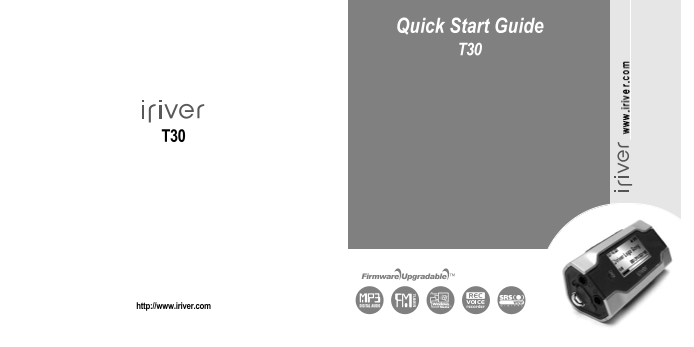
Page 1 Text Content
Quick Start Guide T30
http://www.iriver.com
Page Summary Contents For IRIVER T30 Quick User Guide
Manual Details
| Brand | iRiver |
|---|---|
| Pages | 26 |
| File Size | 7.72 MB |
| Published | May 24, 2026 |
Enter the captcha to get the download link:

Frequently Asked Questions
How do I perform a fast-forward or fast-rewind on music playback?
Press and hold the <-/-> button for fast-forward or fast-reverse, then release to return to normal playback.
What is required to connect music files from my PC?
You must use the provided USB cable to connect the T30 player to your PC while in [BROWSER] mode.
Can I save an FM radio station frequency for later listening?
Yes, select [AUTO SAVE] in PRESET mode, choose the desired channel, and press the button to save it.
Where are recorded files saved when using the T30 player?
FM recordings are saved as TUNER on a removable drive; Voice recordings go into the VOICE folder, and Line-In records go into the RECORD folder.