HP Engage One Pro AIO System Stability Plate Quick Installation Guide
Summary
This preliminary guide provides essential setup instructions for your HP printer, detailing how to correctly print incorporated statement(s). It covers necessary placeholders within the manual while clearly defining legal guidelines, warranty restrictions, and document revisions. This resource is designed for users requiring precise information on printing official company statements and ensuring compliance with necessary hardware procedures.
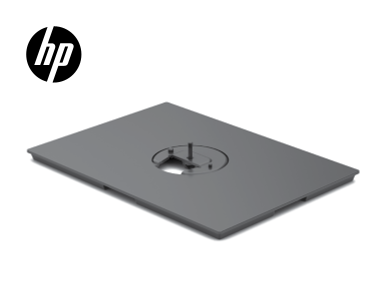
Page Summary Contents For HP Engage One Pro AIO System Stability Plate Quick Installation Guide
Manual Details
| Brand | HP |
|---|---|
| Pages | 2 |
| File Size | 112.79 KB |
| Published | June 17, 2026 |
Enter the captcha to get the download link:

Frequently Asked Questions
What should be placed in the printer's placeholder box?
It must be replaced with Printed-In (PI) Statement(s) according to specifications.
Are there any additional warranties provided by this document?
No, the only warranties for HP products and services are set forth in the express warranty statements accompanying them.
Can the information in this material change?
Yes, the enclosed information is subject to change without notice.