HP Deskjet D1400 Series Printer Reference Guide
Summary
This comprehensive guide for the HP Deskjet D1400 series provides everything new users need to know about operating and setting up your printer. It delivers clear, step-by-step instructions covering initial installation procedures for both Windows and Macintosh systems. Furthermore, it features essential troubleshooting tips and technical guidance for solving common issues such as paper jams or printing errors, ensuring a simple and reliable start to your printing experience.
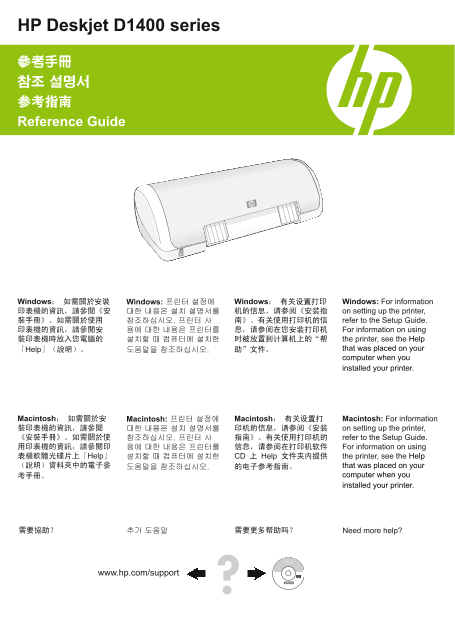
Page 1 Text Content
HP Deskjet D1400 series
參考手冊 참조 설명서 参考指南 Reference Guide
Windows: 如需關於安裝 Windows: 프린터 설정에 Windows: 有关设置打印 Windows: For information 印表機的資訊,請參閱《安 대한 내용은 설치 설명서를 机的信息,请参阅《安装指 on setting up the printer, 裝手冊》。如需關於使用 참조하십시오. 프린터 사 南》。有关使用打印机的信 refer to the Setup Guide. 印表機的資訊,請參閱安 용에 대한 내용은 프린터를 息,请参阅在您安装打印机 For information on using 裝印表機時放入您電腦的 설치할 때 컴퓨터에 설치한 时被放置到计算机上的“帮 the printer, see the Help
「Help」(說明)。 도움말을 참조하십시오. 助”文件。 that was placed on your computer when you installed your printer.
Macintosh: 如需關於安 Macintosh: 프린터 설정에 Macintosh: 有关设置打 Macintosh: For information 裝印表機的資訊,請參閱 대한 내용은 설치 설명서를 印机的信息,请参阅《安装 on setting up the printer, 《安裝手冊》。如需關於使 참조하십시오. 프린터 사 指南》。有关使用打印机的 refer to the Setup Guide. 用印表機的資訊,請參閱印 용에 대한 내용은 프린터를 信息,请参阅在打印机软件 For information on using 表機軟體光碟片上「Help」 설치할 때 컴퓨터에 설치한 CD 上 Help 文件夹内提供 the printer, see the Help (說明)資料夾中的電子參 도움말을 참조하십시오. 的电子参考指南。 that was placed on your
考手冊。 computer when you installed your printer.
需要協助? 추가 도움말 需要更多帮助吗? Need more help?
www.hp.com/support
Page Summary Contents For HP Deskjet D1400 Series Printer Reference Guide
Manual Details
| Brand | HP |
|---|---|
| Pages | 16 |
| File Size | 3.69 MB |
| Published | May 22, 2026 |
Enter the captcha to get the download link:

Frequently Asked Questions
打印机首次设置时,我应该查阅哪些资料?
有关设置和使用打印机的详细信息,请参阅《安装手册》(Setup Guide)。
如果电脑无法识别或连接打印机,应如何排查?
请确保电源线、USB数据线牢固连接,并且直接连接至电脑,避免使用USB集线器。
打印件卡滞在队列中该怎么办?
尝试清除所有待处理的印制任务;重启“打印后台处理程序”(Print Spooler)服务并重新开机。
无法顺利进纸时需要注意哪些事项?
使用建议规格范围内的纸张厚度,减少每个纸盒中的纸量,并且每次仅使用一种类型的纸张。