Fairchild Fan5069 Component Calculation & Simulation Tools Data Sheet
Summary
Optimizing power converter designs using the FAN5069 component? This application note provides essential design tools for engineers, including an Excel spreadsheet for calculating recommended external components and a continuous-time PSPICE behavioral simulation model. Users can follow a detailed procedure covering small-signal frequency response analysis (Bode Plot) and transient stability verification, ensuring optimal performance and necessary compensation for high-efficiency power management circuits.
Page 1 Text Content
www.fairchildsemi.com
AN-6010 FAN5069 Component Calculation and Simulation Tools Background / Overview Spreadsheet Start-up
The spreadsheet uses functions in Excel’s Analysis Tool Pak
This app note describes design tools for FAN5069,
add-in to optimize compensation and installs it
which include:
automatically if it is not already installed.
• An Excel workbook to calculate recommended external
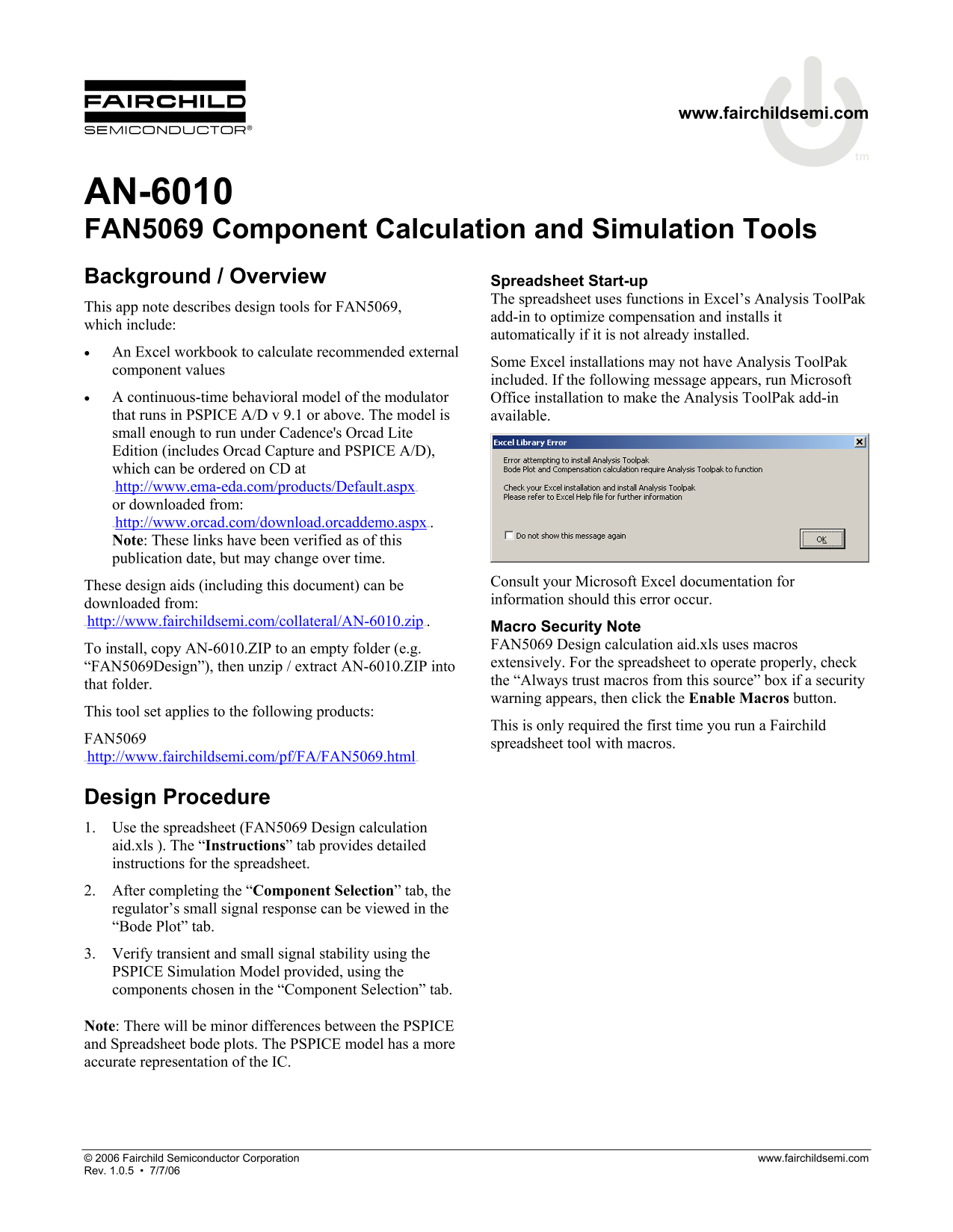
Some Excel installations may not have Analysis Tool Pak
component values
included. If the following message appears, run Microsoft
• A continuous-time behavioral model of the modulator Office installation to make the Analysis Tool Pak add-in that runs in PSPICE A/D v 9.1 or above. The model is available. small enough to run under Cadence's Orcad Lite Edition (includes Orcad Capture and PSPICE A/D), which can be ordered on CD at HTUhttp://www.ema-eda.com/products/Default.aspx UHT or downloaded from: HTUhttp://www.orcad.com/download.orcaddemo.aspx UHT. Note: These links have been verified as of this publication date, but may change over time.
Consult your Microsoft Excel documentation for
These design aids (including this document) can be
information should this error occur.
downloaded from: HTUhttp://www.fairchildsemi.com/collateral/AN-6010.zip UTH.
Macro Security Note FAN5069 Design calculation aid.xls uses macros
To install, copy AN-6010.ZIP to an empty folder (e.g.
extensively. For the spreadsheet to operate properly, check
“FAN5069Design”), then unzip / extract AN-6010.ZIP into
the “Always trust macros from this source” box if a security
that folder.
warning appears, then click the Enable Macros button.
This tool set applies to the following products:
This is only required the first time you run a Fairchild
FAN5069
spreadsheet tool with macros.
HTUhttp://www.fairchildsemi.com/pf/FA/FAN5069.html UHT
Design Procedure 1. Use the spreadsheet (FAN5069 Design calculation aid.xls ). The “Instructions” tab provides detailed instructions for the spreadsheet. 2. After completing the “Component Selection” tab, the regulator’s small signal response can be viewed in the “Bode Plot” tab. 3. Verify transient and small signal stability using the PSPICE Simulation Model provided, using the components chosen in the “Component Selection” tab.
Note: There will be minor differences between the PSPICE and Spreadsheet bode plots. The PSPICE model has a more accurate representation of the IC.
© 2006 Fairchild Semiconductor Corporation www.fairchildsemi.com Rev. 1.0.5 • 7/7/06
Page Summary Contents For Fairchild Fan5069 Component Calculation & Simulation Tools Data Sheet
Manual Details
| Brand | Fairchild |
|---|---|
| Pages | 5 |
| File Size | 134.70 KB |
| Published | July 06, 2026 |
Enter the captcha to get the download link:
