Dell Wyse 5012 5290 Quick Start Guide (D Class Cloud Clients, Model Dx0D)
Summary
This Quick-Start Guide for the Dell Wyse 5012 and 5290 D Class Cloud Clients (Model Dx0D) documents the setup and deployment of multiple thin client and cloud desktop models including D00D, D10D, D10DP, D50D, D90D7/7B/7p, D90D8/8B, and D90DW. It covers safety guidelines, licensing agreement references, Wyse Device Manager server software compatibility requirements, and product registration. Includes multilingual safety and regulatory compliance information. Designed for IT administrators deploying Dell Wyse thin clients and cloud desktops in virtualized desktop infrastructure environments.
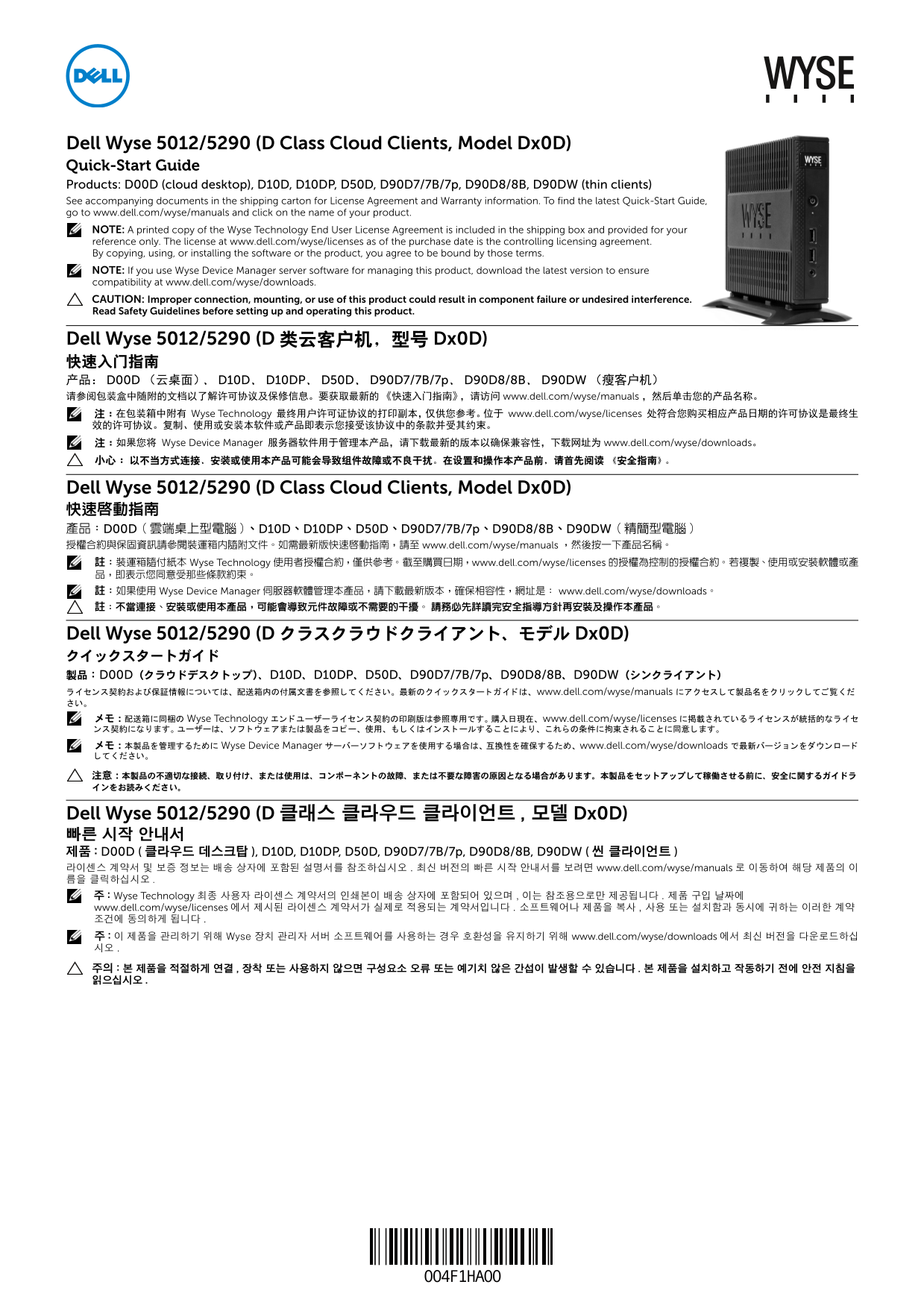
Page 1 Text Content
Dell Wyse 5012/5290 (D Class Cloud Clients, Model Dx0D) Quick-Start Guide Products: D00D (cloud desktop), D10D, D10DP, D50D, D90D7/7B/7p, D90D8/8B, D90DW (thin clients) See accompanying documents in the shipping carton for License Agreement and Warranty information. To find the latest Quick-Start Guide, go to www.dell.com/wyse/manuals and click on the name of your product. NOTE: A printed copy of the Wyse Technology End User License Agreement is included in the shipping box and provided for your reference only. The license at www.dell.com/wyse/licenses as of the purchase date is the controlling licensing agreement. By copying, using, or installing the software or the product, you agree to be bound by those terms. NOTE: If you use Wyse Device Manager server software for managing this product, download the latest version to ensure compatibility at www.dell.com/wyse/downloads. CAUTION: Improper connection, mounting, or use of this product could result in component failure or undesired interference. Read Safety Guidelines before setting up and operating this product.
Dell Wyse 5012/5290 (D 类云客户机,型号 Dx0D) 快速入门指南 产品: D00D (云桌面)、 D10D、 D10DP、 D50D、 D90D7/7B/7p、 D90D8/8B、 D90DW (瘦客户机) 请参阅包装盒中随附的文档以了解许可协议及保修信息。要获取最新的《快速入门指南》,请访问 www.dell.com/wyse/manuals ,然后单击您的产品名称。 :在包装箱中附有 Wyse Technology 最终用户许可证协议的打印副本,仅供您参考。位于 www.dell.com/wyse/licenses 处符合您购买相应产品日期的许可协议是最终生 效的许可协议。复制、使用或安装本软件或产品即表示您接受该协议中的条款并受其约束。 :如果您将 Wyse Device Manager 服务器软件用于管理本产品,请下载最新的版本以确保兼容性,下载网址为 www.dell.com/wyse/downloads。 小心 : 以不当方式连接、安装或使用本产品可能会导致组件故障或不良干扰。在设置和操作本产品前,请首先阅读 《安全指南》。
Dell Wyse 5012/5290 (D Class Cloud Clients, Model Dx0D) 快速啟動指南 產品:D00D ( 雲端桌上型電腦 )、D10D、D10DP、D50D、D90D7/7B/7p、D90D8/8B、D90DW ( 精簡型電腦 授權合約與保固資訊請參閱裝運箱內隨附文件。如需最新版快速啟動指南,請至 www.dell.com/wyse/manuals ,然後按一下產品名稱。 :裝運箱隨付紙本 Wyse Technology 使用者授權合約,僅供參考。 截至購買日期,www.dell.com/wyse/licenses 的授權為控制的授權合約。 若複製、使用或安裝軟體或產 品,即表示您同意受那些條款約束。 :如果使用 Wyse Device Manager 伺服器軟體管理本產品,請下載最新版本,確保相容性,網址是 : www.dell.com/wyse/downloads。 :不當連接、安裝或使用本產品,可能會導致元件故障或不需要的干擾。 請務必先詳讀完安全指導方針再安裝及操作本產品。
Dell Wyse 5012/5290 (D クラスクラウドクライアント、モデル Dx0D) クイックスタートガイド 製品: D00D(クラウドデスクトップ)、D10D、D10DP、D50D、D90D7/7B/7p、D90D8/8B、D90DW(シンクライアント) イセンス契約および保証情報については、 配送箱内の付属文書を参照し い。 最新のク クス ター ガイ ドは、 www.dell.com/wyse/manuals にア クセス て製品名を てご覧 い。 メモ 配送箱に同梱の Wyse Technology エン ユーザーラ イセンス契約の印刷版は参照専用です。 購入日現在、 www.dell.com/wyse/licenses に掲載されている イセンスが統括的なラ イセ ンス契約にな ます。 ユーザーは、 アまたは製品を ピー、 使用、 はイ ンス ールする によ り、 これらの条件に拘束される に同意し ます。 メモ 本製品を管理するために Wyse Device Manager サーバーソ アを使用する場合は、 互換性を確保するため、 www.dell.com/wyse/downloads で最新バージ ンをダウンロー
Dell Wyse 5012/5290 (D 클래스 클라우드 클라이언트 , 모델 Dx0D) 빠른 시작 안내서 제품 : D00D ( 클라우드 데스크탑 ), D10D, D10DP, D50D, D90D7/7B/7p, D90D8/8B, D90DW ( 씬 클라이언트 라이센스 계약서 및 보증 정보는 배송 상자에 포함된 설명서를 참조하십시오 . 최신 버전의 빠른 시작 안내서를 보려면 www.dell.com/wyse/manuals 로 이동하여 해당 제품의 이 름을 클릭하십시오 : Wyse Technology 최종 사용자 라이센스 계약서의 인쇄본이 배송 상자에 포함되어 있으며 , 이는 참조용으로만 제공됩니다 . 제품 구입 날짜에 www.dell.com/wyse/licenses 에서 제시된 라이센스 계약서가 실제로 적용되는 계약서입니다 . 소프트웨어나 제품을 복사 , 사용 또는 설치함과 동시에 귀하는 이러한 계약 조건에 동의하게 됩니다 : 이 제품을 관리하기 위해 Wyse 장치 관리자 서버 소프트웨어를 사용하는 경우 호환성을 유지하기 위해 www.dell.com/wyse/downloads 에서 최신 버전을 다운로드하십 시오 주의 : 본 제품을 적절하게 연결 , 장착 또는 사용하지 않으면 구성요소 오류 또는 예기치 않은 간섭이 발생할 수 있습니다 . 본 제품을 설치하고 작동하기 전에 안전 지침을 읽으십시오
Page Summary Contents For Dell Wyse 5012 5290 Quick Start Guide (D Class Cloud Clients, Model Dx0D)
Manual Details
| Brand | Dell |
|---|---|
| Pages | 8 |
| File Size | 1.00 MB |
| Published | July 02, 2026 |
Enter the captcha to get the download link:

Frequently Asked Questions
How can I find the latest Quick-Start Guide?
Go to www.dell.com/wyse/manuals and click on your specific product name.
What should I do before setting up or operating the device?
First, read the Safety Guidelines thoroughly to prevent component failure or undesired interference.
Is a printed license agreement included in the box?
Yes, a printed copy of the Wyse Technology End User License Agreement is provided, but only for reference.
How do I maintain proper airflow when mounting the device?
Ensure sufficient space around the unit; do not obstruct ventilation ports or place items on top of the device.