Dell SupportAssist Enterprise Version 2.0.80 Release Notes
Summary
Upgrade your Dell EMC environment with SupportAssist Enterprise Version 2.0.80. This critical update addresses major security vulnerabilities, including CVE-2021-44228 (Log4j), significantly improving overall system security and reliability. Designed for IT administrators and system managers, this guide covers essential installation requirements, compatibility matrices, service setup procedures, and detailed workarounds for known issues. Use it to ensure optimal performance, stable connectivity, and robust support for your critical infrastructure.
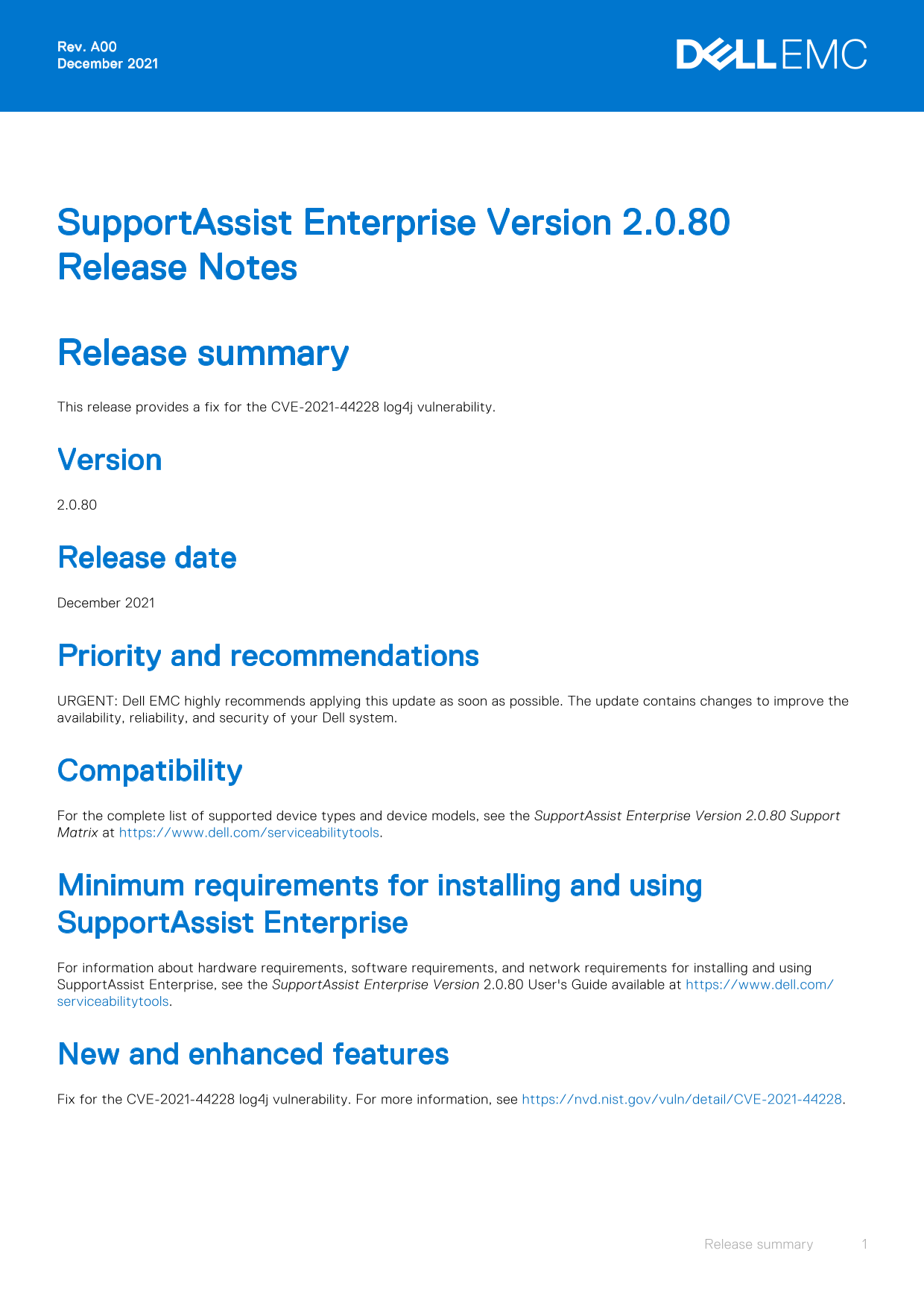
Page 1 Text Content
Rev. A00 December 2021
Support Assist Enterprise Version 2.0.80 Release Notes
Release summary This release provides a fix for the CVE-2021-44228 log4j vulnerability.
Version 2.0.80
Release date December 2021
Priority and recommendations URGENT: Dell EMC highly recommends applying this update as soon as possible. The update contains changes to improve the availability, reliability, and security of your Dell system.
Compatibility For the complete list of supported device types and device models, see the Support Assist Enterprise Version 2.0.80 Support Matrix at https://www.dell.com/serviceabilitytools.
Minimum requirements for installing and using Support Assist Enterprise For information about hardware requirements, software requirements, and network requirements for installing and using Support Assist Enterprise, see the Support Assist Enterprise Version 2.0.80 User's Guide available at https://www.dell.com/ serviceabilitytools.
New and enhanced features Fix for the CVE-2021-44228 log4j vulnerability. For more information, see https://nvd.nist.gov/vuln/detail/CVE-2021-44228.
Release summary
Page Summary Contents For Dell SupportAssist Enterprise Version 2.0.80 Release Notes
Manual Details
| Brand | Dell |
|---|---|
| Pages | 12 |
| File Size | 117.75 KB |
| Published | June 23, 2026 |
Enter the captcha to get the download link:

Frequently Asked Questions
What vulnerability did this release address?
This release included a fix for the CVE-2021-44228 log4j vulnerability.
How do I resolve services not starting automatically on ESXi VMs?
Repair the SupportAssist Enterprise installation via Control Panel, or configure time synchronization between the VM and ESXi host.
What steps are needed if I cannot connect to a remote system?
The documentation advises no workaround for this specific error (SAE-9968).
Where can I find detailed compatibility information for my device?
Check the SupportAssist Enterprise Version 2.0.80 Support Matrix at https://www.dell.com/serviceabilitytools.
Why does the OMSA option fail when already configured?
Manually remove the device and then attempt to add the same device again.