Dell EMC OpenManage Enterprise Version 3.2.1 Release Notes
Summary
Release notes for Dell EMC OpenManage Enterprise version 3.2.1 (August 2019), documenting this web-based one-to-many systems management application for discovering, monitoring, and managing Dell EMC servers, chassis, storage, and network switches. Covers new features, enhancements, fixed issues, known limitations, platform support details, and installation procedures. Classified as Optional update priority, this release adds incremental improvements over version 3.2 for enterprise data center ma
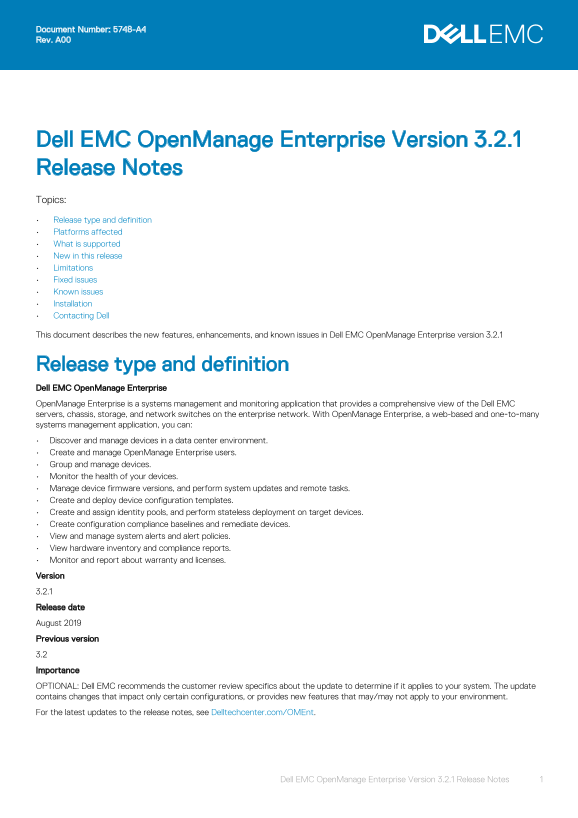
Page 1 Text Content
Document Number: 5748-A4 Rev. A00
Dell EMC Open Manage Enterprise Version 3.2.1 Release Notes Topics: Release type and definition Platforms affected What is supported New in this release Limitations Fixed issues Known issues Installation Contacting Dell This document describes the new features, enhancements, and known issues in Dell EMC Open Manage Enterprise version 3.2.1
Release type and definition Dell EMC Open Manage Enterprise Open Manage Enterprise is a systems management and monitoring application that provides a comprehensive view of the Dell EMC servers, chassis, storage, and network switches on the enterprise network. With Open Manage Enterprise, a web-based and one‑to‑many systems management application, you can: Discover and manage devices in a data center environment. Create and manage Open Manage Enterprise users. Group and manage devices. Monitor the health of your devices. Manage device firmware versions, and perform system updates and remote tasks. Create and deploy device configuration templates. Create and assign identity pools, and perform stateless deployment on target devices. Create configuration compliance baselines and remediate devices. View and manage system alerts and alert policies. View hardware inventory and compliance reports. Monitor and report about warranty and licenses. Version 3.2.1 Release date August 2019 Previous version 3.2 Importance OPTIONAL: Dell EMC recommends the customer review specifics about the update to determine if it applies to your system. The update contains changes that impact only certain configurations, or provides new features that may/may not apply to your environment. For the latest updates to the release notes, see Delltechcenter.com/OMEnt.
Dell EMC Open Manage Enterprise Version 3.2.1 Release Notes
Page Summary Contents For Dell EMC OpenManage Enterprise Version 3.2.1 Release Notes
Manual Details
| Brand | Dell |
|---|---|
| Pages | 11 |
| File Size | 110.05 KB |
| Published | June 18, 2026 |
Enter the captcha to get the download link:

Frequently Asked Questions
What does OpenManage Enterprise manage?
It is a systems management application that monitors servers, chassis, storage, network switches, and the enterprise network.
How can I monitor device health and configurations?
You can monitor the health, manage firmware versions, view compliance reports, and create/deploy configuration templates.
Where can I find the complete list of supported operating systems and devices?
Check the Dell EMC OpenManage Enterprise Version 3.2 Support Matrix at Delltechcenter.com/OMEnt or Dell.com/OpenManageManuals.
What are some new features supporting advanced setups?
It supports discovering PowerVault MD3, PowerVault ME4 devices, and allows programmatic appliance deployment for VMware ESXi (OVF form factor).
Is there a limit on managing multiple devices at once?
You can select a maximum of 25 devices per page for operations like refreshing inventory or adding to groups.