# A B C D E F G H I J K L M N O P Q R S T U V W X Y Z

Dell EMC OpenManage Enterprise 3.8.1 Release Notes

Summary

This document provides release notes for Dell EMC OpenManage Enterprise version 3.8.1, a systems management and monitoring web application delivered as a virtual appliance. It describes new features, resolved issues, known issues, and limitations. The application enables device discovery, hardware inventory, health monitoring, alert management, firmware and driver updates, remote task execution, deployment templates, configuration baselines, and warranty retrieval. Targeted at enterprise IT administrators responsible for managing Dell EMC servers, chassis, storage, and network switches across LAN environments.
📄 Preview 📖 Table of Contents Contents PAGE OF 19

Page 1 Text Content

Rev. 2 December 2021

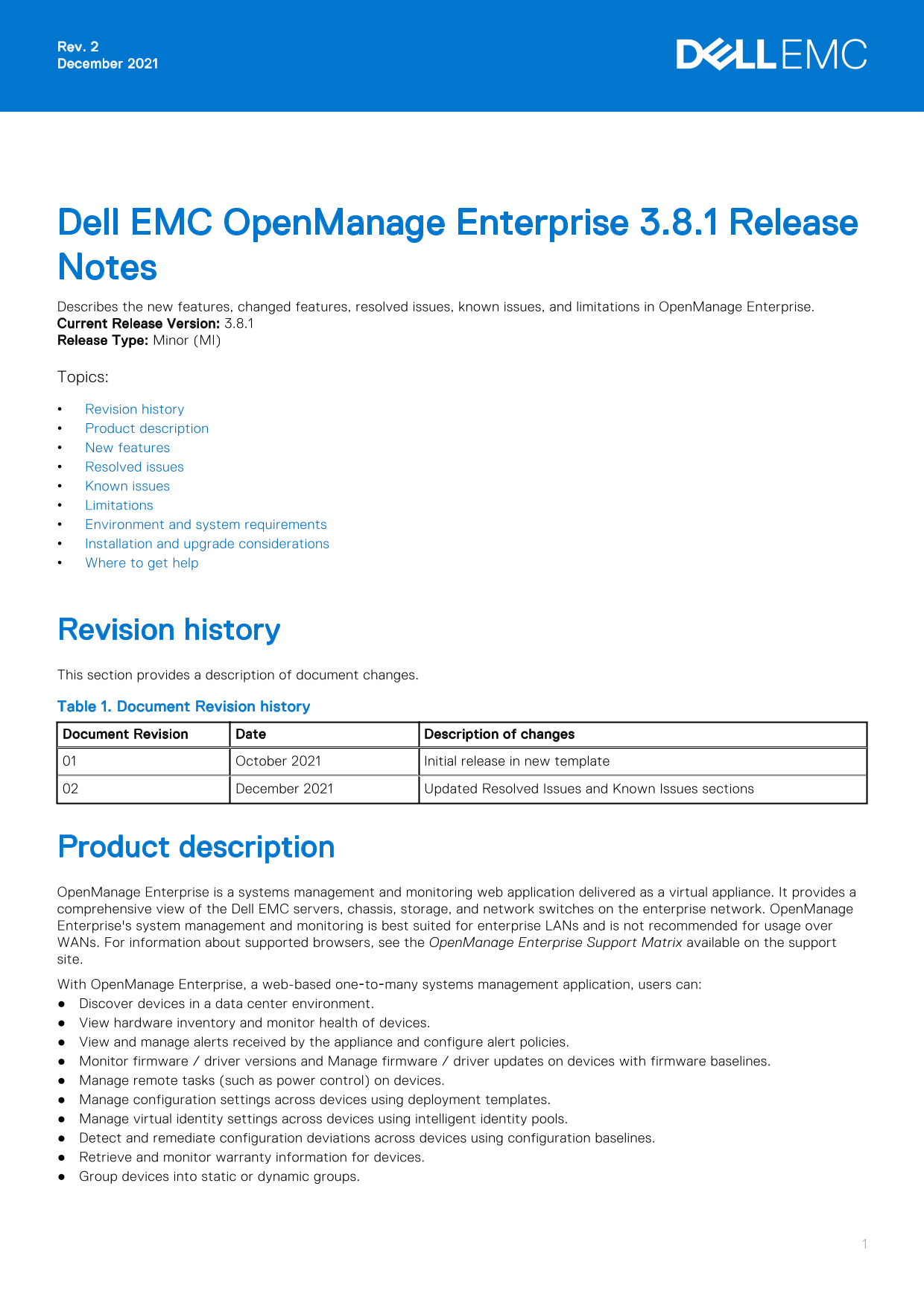
Dell EMC Open Manage Enterprise 3.8.1 Release Notes Describes the new features, changed features, resolved issues, known issues, and limitations in Open Manage Enterprise. Current Release Version: 3.8.1 Release Type: Minor (MI) Topics: Revision history Product description New features Resolved issues Known issues Limitations Environment and system requirements Installation and upgrade considerations Where to get help

Revision history This section provides a description of document changes. Table 1. Document Revision history Document Revision Date Description of changes

October 2021 Initial release in new template December 2021 Updated Resolved Issues and Known Issues sections

Product description Open Manage Enterprise is a systems management and monitoring web application delivered as a virtual appliance. It provides a comprehensive view of the Dell EMC servers, chassis, storage, and network switches on the enterprise network. Open Manage Enterprise's system management and monitoring is best suited for enterprise LANs and is not recommended for usage over WANs. For information about supported browsers, see the Open Manage Enterprise Support Matrix available on the support site. With Open Manage Enterprise, a web-based one‑to‑many systems management application, users can: Discover devices in a data center environment. View hardware inventory and monitor health of devices. View and manage alerts received by the appliance and configure alert policies. Monitor firmware / driver versions and Manage firmware / driver updates on devices with firmware baselines. Manage remote tasks (such as power control) on devices. Manage configuration settings across devices using deployment templates. Manage virtual identity settings across devices using intelligent identity pools. Detect and remediate configuration deviations across devices using configuration baselines. Retrieve and monitor warranty information for devices. Group devices into static or dynamic groups.

Page Summary Contents For Dell EMC OpenManage Enterprise 3.8.1 Release Notes

Page 1 Rev. 2 December 2021 Dell EMC Open Manage Enterprise 3.8.1 Release Notes Describes the new features, changed features, resolved issues, known issues, and limitations in Open Manage Enterprise. Current...
Page 2 Create and manage Open Manage Enterprise users. Some of the security features of Open Manage Enterprise are: Role-based access that limits access to console settings and device actions. Scope based ac...
Page 3 Table 3. Known issues (continued) Issue ID Functional area Description Workaround/Resolution SNMPv3 Authentication and Privacy passphrases SNMP community string or port before proceeding. is edited on...
Page 4 Table 3. Known issues (continued) Issue ID Functional area Description Workaround/Resolution is enabled in the VM. On VMware v Sphere, changing time, disable the periodic time the appliance's time to ...
Page 5 Table 3. Known issues (continued) Issue ID Functional area Description Workaround/Resolution the appliance to version 3.4.1 on ESXi with large deployments involving 8,000 or more devices. Appliance Up...
Page 6 Table 3. Known issues (continued) Issue ID Functional area Description Workaround/Resolution Configuration The deployment task of an MX7000 chassis fails if Deployment proxy authentication is enabled ...
Page 7 Table 3. Known issues (continued) Issue ID Functional area Description Workaround/Resolution profile. The other VLAN values on the ports that were not set during the initial deployment of the profile ...
Page 8 Table 3. Known issues (continued) Issue ID Functional area Description Workaround/Resolution After rediscovery, the device is correctly grouped under HCI. Device Grouping A query group with switch and...
Page 9 Table 3. Known issues (continued) Issue ID Functional area Description Workaround/Resolution Device Management The i DRAC virtual console management launch point is unavailable in the All Devices page...
Page 10 Table 3. Known issues (continued) Issue ID Functional area Description Workaround/Resolution Device Monitoring The Managed State of the previously 'Monitored' MX7000 chassis and sleds, on the All Devi...
Page 11 Table 3. Known issues (continued) Issue ID Functional area Description Workaround/Resolution message 'Unable to connect to the device over SSH because a connection error occurred.' This must be interp...
Page 12 Table 3. Known issues (continued) Issue ID Functional area Description Workaround/Resolution become non compliant after running compliance task: <Baseline Name>— is sometimes logged for these ba...
Page 13 Table 3. Known issues (continued) Issue ID Functional area Description Workaround/Resolution Firmware/Driver The firmware rollback on the Power Edge MX7000 Management sleds is not supported. Also, rol...
Page 14 Table 3. Known issues (continued) Issue ID Functional area Description Workaround/Resolution the primary network is enabled with only IPv6, and the FQDN expected to work on primary interface fails, us...
Page 15 Table 3. Known issues (continued) Issue ID Functional area Description Workaround/Resolution Scope Based Access Ownership information for device managers (AD/ Control LDAP and OIDC) is lost on applian...
Page 16 Table 3. Known issues (continued) Issue ID Functional area Description Workaround/Resolution Security Open Manage Enterprise could be impacted by the Linux TCP SACK vulnerability (CVE-2019-11477). Use...
Page 17 Table 4. Limitations (continued) Functional area Limitation Appliance Upgrade After installing or upgrading to Open Manage Enterprise version 3.3.1 on Hyper-V, power off the appliance, remove the stan...
Page 18 Installation and upgrade considerations For instructions on installing and upgrading of Open Manage Enterprise, see the Dell EMC Open Manage Enterprise User's Guide. Where to get help Dell Technologie...
Page 19 Notes, cautions, and warnings NOTE: A NOTE indicates important information that helps you make better use of your product. CAUTION: A CAUTION indicates either potential damage to hardware or loss of d...

Manual Details

Brand Dell
Pages 19
File Size 224.12 KB
Published June 23, 2026
5 views

Enter the captcha to get the download link:

captcha

Frequently Asked Questions

Is OpenManage Enterprise recommended for WAN usage?

No, it is best suited for enterprise LANs and not recommended for usage over WANs.

How does version 3.8.1 address security vulnerabilities?

It upgrades Apache Tomcat to 8.5.70 and Apache Shiro to 1.8 to address CVE-2021-33037 and a Spring Boot vulnerability.

What happens if I edit SNMPv3 passphrases in alert forwarding?

You must re-enter all previously entered SNMPv3 destination addresses and Authentication and Privacy passphrases.

Is OpenManage Essentials still supported?

No, OpenManage Essentials reached End of Life in December 2015 and End of Software Maintenance in December 2018.