# A B C D E F G H I J K L M N O P Q R S T U V W X Y Z

Dell EMC OpenManage Enterprise 3.9 Release Notes

Summary

Dell EMC OpenManage Enterprise 3.9 Release Notes (May 2022, Major release) covering revision history, product description as a virtual appliance for systems management and monitoring, new features, resolved issues, known issues, limitations, environment and system requirements, and installation/upgrade considerations for managing Dell EMC servers, chassis, storage, and network switches.
📄 Preview 📖 Table of Contents Contents PAGE OF 20

Page 1 Text Content

Rev. 1 May 2022

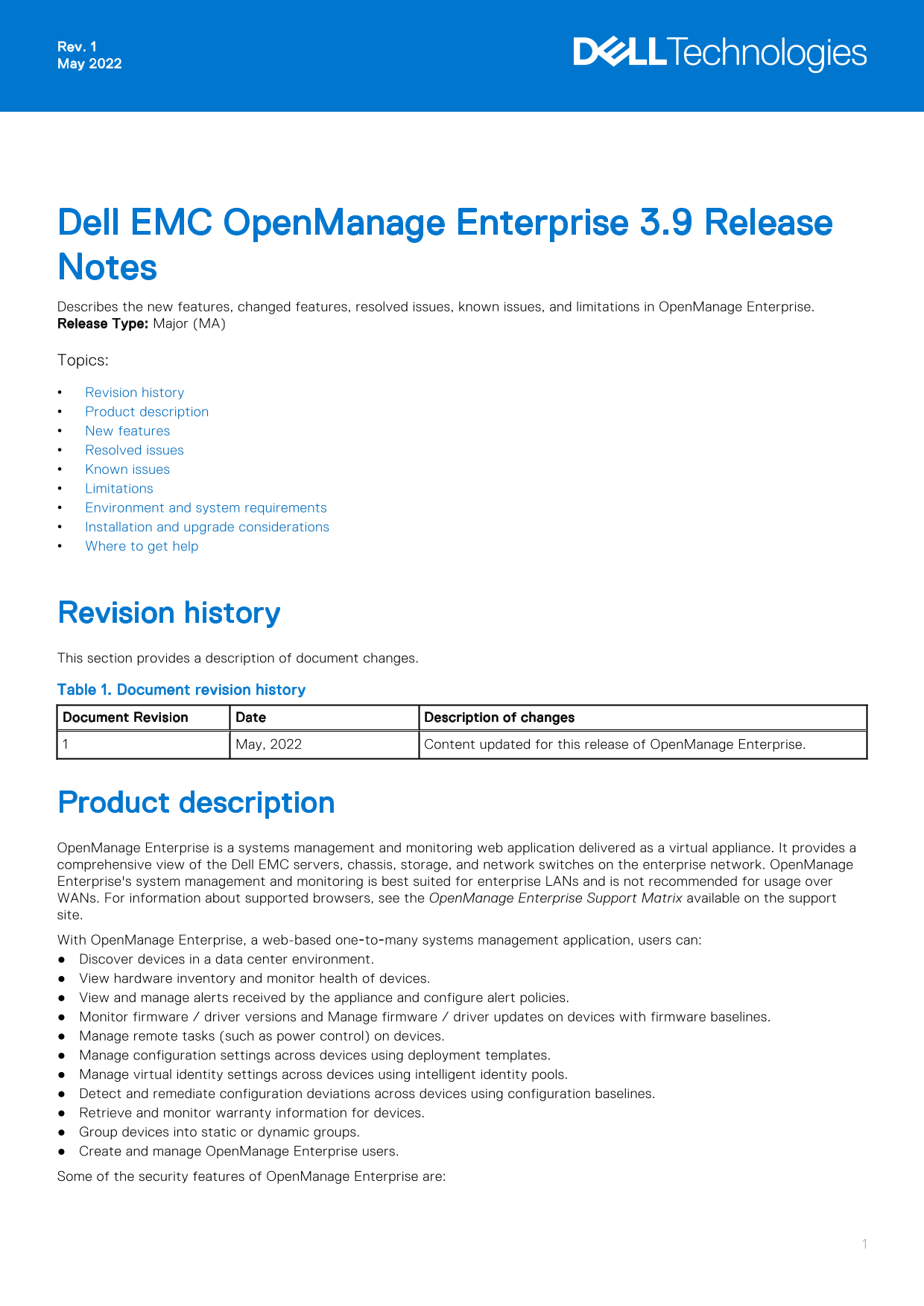
Dell EMC Open Manage Enterprise 3.9 Release Notes Describes the new features, changed features, resolved issues, known issues, and limitations in Open Manage Enterprise. Release Type: Major (MA) Topics: Revision history Product description New features Resolved issues Known issues Limitations Environment and system requirements Installation and upgrade considerations Where to get help

Revision history This section provides a description of document changes. Table 1. Document revision history Document Revision Date Description of changes

May, 2022 Content updated for this release of Open Manage Enterprise.

Product description Open Manage Enterprise is a systems management and monitoring web application delivered as a virtual appliance. It provides a comprehensive view of the Dell EMC servers, chassis, storage, and network switches on the enterprise network. Open Manage Enterprise's system management and monitoring is best suited for enterprise LANs and is not recommended for usage over WANs. For information about supported browsers, see the Open Manage Enterprise Support Matrix available on the support site. With Open Manage Enterprise, a web-based one‑to‑many systems management application, users can: Discover devices in a data center environment. View hardware inventory and monitor health of devices. View and manage alerts received by the appliance and configure alert policies. Monitor firmware / driver versions and Manage firmware / driver updates on devices with firmware baselines. Manage remote tasks (such as power control) on devices. Manage configuration settings across devices using deployment templates. Manage virtual identity settings across devices using intelligent identity pools. Detect and remediate configuration deviations across devices using configuration baselines. Retrieve and monitor warranty information for devices. Group devices into static or dynamic groups. Create and manage Open Manage Enterprise users. Some of the security features of Open Manage Enterprise are:

Page Summary Contents For Dell EMC OpenManage Enterprise 3.9 Release Notes

Page 1 Rev. 1 May 2022 Dell EMC Open Manage Enterprise 3.9 Release Notes Describes the new features, changed features, resolved issues, known issues, and limitations in Open Manage Enterprise. Release Type: ...
Page 2 Role-based access that limits access to console settings and device actions. Scope based access control allows administrators to restrict the device groups that device managers can access and manage. ...
Page 3 Resolved issues The problems resolved in this version of Open Manage Enterprise are listed in the following table: Table 2. Resolved issues Issue ID Functional area Description Appliance Upgrade In a ...
Page 4 Table 2. Resolved issues (continued) Issue ID Functional area Description components) and firmware components for update and if the user select one of the components from the Component Type in the Adv...
Page 5 Table 3. Known issues (continued) Issue Functional Description Workaround/Resolution ID area every 2 minutes to avoid many repeated/redundant alert messages in the inbox. Alert The .CSV files that rec...
Page 6 Table 3. Known issues (continued) Issue Functional Description Workaround/Resolution ID area backup before applying any disk configuration changes. Appliance The Timezone and NTP Server Address fields...
Page 7 Table 3. Known issues (continued) Issue Functional Description Workaround/Resolution ID area Update Execution task is seen if the appliance upgrade takes more than 60 minutes. The 'Failed' status is d...
Page 8 Table 3. Known issues (continued) Issue Functional Description Workaround/Resolution ID area Configuration Unable to set Target i SCSI IQN on BIOS-i SCSI via reference Select 'BIOS' attributes only fo...
Page 9 Table 3. Known issues (continued) Issue Functional Description Workaround/Resolution ID area the ports that were not set during the initial deployment of the profile are not cleared during redeploymen...
Page 10 Table 3. Known issues (continued) Issue Functional Description Workaround/Resolution ID area Device The IPMI CLI command -I lanplus shell doesn't end Management automatically and the jobs associated w...
Page 11 Table 3. Known issues (continued) Issue Functional Description Workaround/Resolution ID area Device For the family of network adapter drivers, the operating Monitoring system installed version, as see...
Page 12 Table 3. Known issues (continued) Issue Functional Description Workaround/Resolution ID area Discovery Few invalid IP range formats are not being validated when creating a Discovery job. While discove...
Page 13 Table 3. Known issues (continued) Issue Functional Description Workaround/Resolution ID area Firmware/ Firmware catalog management using Dell.com or a local Driver network path is limited to only the ...
Page 14 Table 3. Known issues (continued) Issue Functional Description Workaround/Resolution ID area Inventory Incorrect inventory data after moving sled from lead to To immediately update the sled member cha...
Page 15 Table 3. Known issues (continued) Issue Functional Description Workaround/Resolution ID area Networking When PCIe cards are mapped to the FX2/FX2s chassis, migration of identities is not supported on ...
Page 16 Table 3. Known issues (continued) Issue Functional Description Workaround/Resolution ID area Scope Based Alert policies and firmware baselines created by a device Access Control manager in 3.5 or earl...
Page 17 Table 3. Known issues (continued) Issue Functional Description Workaround/Resolution ID area Warranty With the Japanese version of the appliance, it is observed To get the PDF export of the Management...
Page 18 Table 4. Limitations (continued) Functional area Limitation Appliance Upgrade After installing or upgrading to Open Manage Enterprise version 3.3.1 on Hyper-V, power off the appliance, remove the stan...
Page 19 Support deprecation Open Manage Essentials has reached both the End of Life as of December 2015 and End of Software Maintenance as of December 2018. The last release of Open Manage Essentials is versi...
Page 20 Notes, cautions, and warnings NOTE: A NOTE indicates important information that helps you make better use of your product. CAUTION: A CAUTION indicates either potential damage to hardware or loss of d...

Manual Details

Brand Dell
Pages 20
File Size 237.35 KB
Published July 03, 2026
1 views

Enter the captcha to get the download link:

captcha

Frequently Asked Questions

Is OpenManage Enterprise suitable for Wide Area Networks (WANs)?

No, it is best suited for enterprise LANs and is not recommended for usage over WANs.

What new features are available in this release?

New features include Report scheduling, Configuration drift notifications, and a Troubleshooting tool with connectivity tests.

How can I monitor non-compliant devices going forward?

You can use the added feature of Configuration drift notifications to schedule compliance emails.

Does OpenManage Enterprise manage specific device types?

Yes, it supports monitoring for HCI devices, PowerVault ME5 storage devices, and OS10 N Series storage reports.