# A B C D E F G H I J K L M N O P Q R S T U V W X Y Z

Dell EMC OpenManage Enterprise 3.8.2 Release Notes

Summary

Release notes for Dell EMC OpenManage Enterprise 3.8.2, a web-based management virtual appliance. Documents new features including Log4j upgrade, resolved/known issues, and limitations. Covers device discovery, inventory, health monitoring, firmware management, remote tasks, deployment templates, and configuration baselines. For enterprise IT administrators.
📄 Preview 📖 Table of Contents Contents PAGE OF 19

Page 1 Text Content

Rev. 1 December 2021

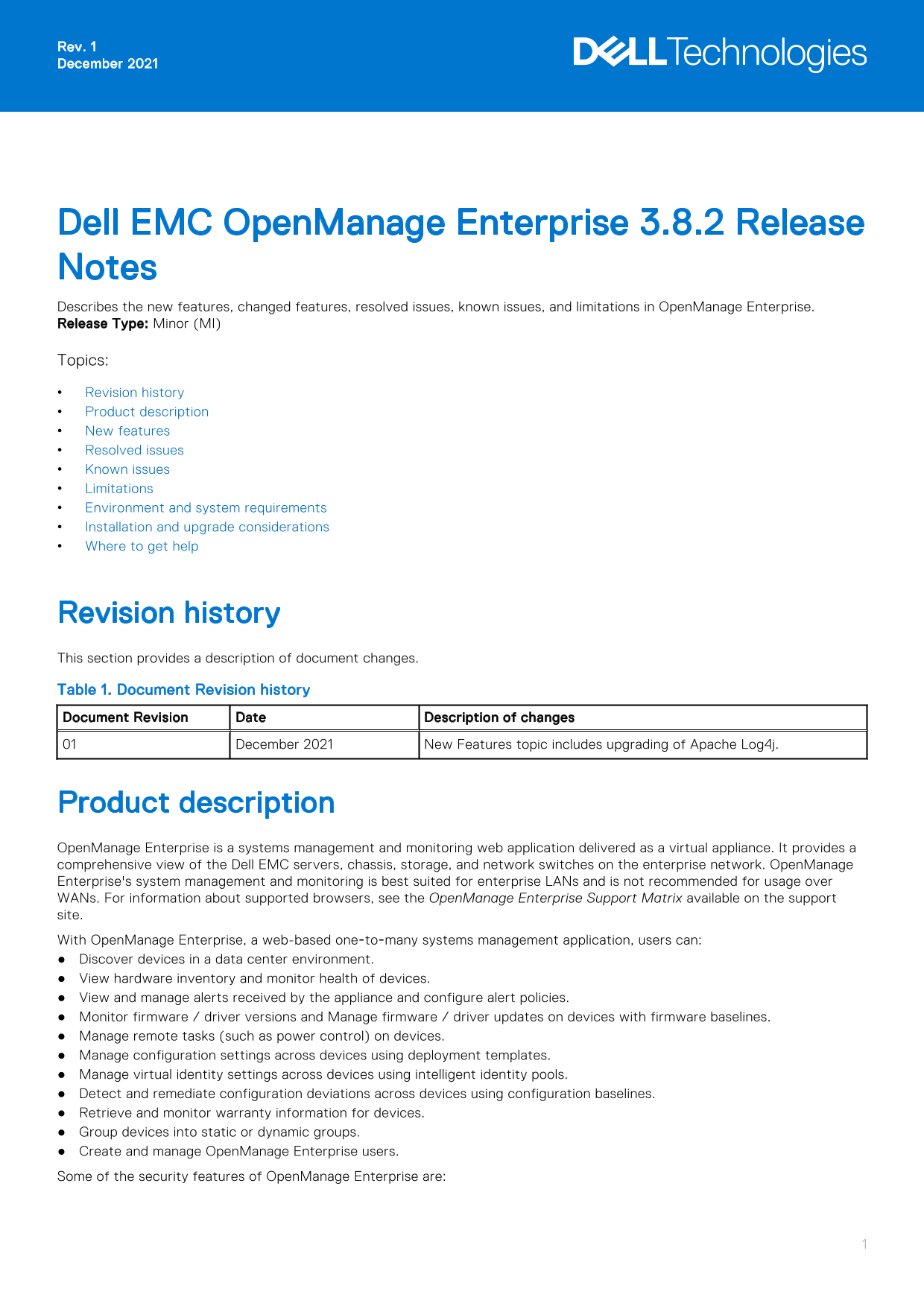
Dell EMC Open Manage Enterprise 3.8.2 Release Notes Describes the new features, changed features, resolved issues, known issues, and limitations in Open Manage Enterprise. Release Type: Minor (MI) Topics: Revision history Product description New features Resolved issues Known issues Limitations Environment and system requirements Installation and upgrade considerations Where to get help

Revision history This section provides a description of document changes. Table 1. Document Revision history Document Revision Date Description of changes

December 2021 New Features topic includes upgrading of Apache Log4j.

Product description Open Manage Enterprise is a systems management and monitoring web application delivered as a virtual appliance. It provides a comprehensive view of the Dell EMC servers, chassis, storage, and network switches on the enterprise network. Open Manage Enterprise's system management and monitoring is best suited for enterprise LANs and is not recommended for usage over WANs. For information about supported browsers, see the Open Manage Enterprise Support Matrix available on the support site. With Open Manage Enterprise, a web-based one‑to‑many systems management application, users can: Discover devices in a data center environment. View hardware inventory and monitor health of devices. View and manage alerts received by the appliance and configure alert policies. Monitor firmware / driver versions and Manage firmware / driver updates on devices with firmware baselines. Manage remote tasks (such as power control) on devices. Manage configuration settings across devices using deployment templates. Manage virtual identity settings across devices using intelligent identity pools. Detect and remediate configuration deviations across devices using configuration baselines. Retrieve and monitor warranty information for devices. Group devices into static or dynamic groups. Create and manage Open Manage Enterprise users. Some of the security features of Open Manage Enterprise are:

Page Summary Contents For Dell EMC OpenManage Enterprise 3.8.2 Release Notes

Page 1 Rev. 1 December 2021 Dell EMC Open Manage Enterprise 3.8.2 Release Notes Describes the new features, changed features, resolved issues, known issues, and limitations in Open Manage Enterprise. Release...
Page 2 Role-based access that limits access to console settings and device actions. Scope based access control allows administrators to restrict the device groups that device managers can access and manage. ...
Page 3 Table 3. Known issues (continued) Issue ID Functional area Description Workaround/Resolution Alert Management The traps forwarded from one Open Manage Enterprise console to another Open Manage Enterpr...
Page 4 Table 3. Known issues (continued) Issue ID Functional area Description Workaround/Resolution Appliance Settings Manually setting the time to an earlier time on the To set the appliance's time to VMwar...
Page 5 Table 3. Known issues (continued) Issue ID Functional area Description Workaround/Resolution Appliance Upgrade The Text User Interface (TUI) screen is not displayed until the 'Enter' key is pressed af...
Page 6 Table 3. Known issues (continued) Issue ID Functional area Description Workaround/Resolution operation fails. This happens as the appliance is unable to ping the target post template deployment. Confi...
Page 7 Table 3. Known issues (continued) Issue ID Functional area Description Workaround/Resolution Configuration Profile redeployment on FX2, VRTX, and M1000e Management chassis with edited VLAN configurati...
Page 8 Table 3. Known issues (continued) Issue ID Functional area Description Workaround/Resolution Device Grouping Servers that are reconfigured as Vx RAIL do not After a server is reconfigured automaticall...
Page 9 Table 3. Known issues (continued) Issue ID Functional area Description Workaround/Resolution Device Management In the Execution Details section, data must be Sort information of a single page manually...
Page 10 Table 3. Known issues (continued) Issue ID Functional area Description Workaround/Resolution view the newly-imported VLAN definitions. Device Monitoring The Managed State of the previously 'Monitored'...
Page 11 Table 3. Known issues (continued) Issue ID Functional area Description Workaround/Resolution Discovery Unclear error message on failure of Windows server discovery using SSH. Discovery of Windows serv...
Page 12 Table 3. Known issues (continued) Issue ID Functional area Description Workaround/Resolution firmware compliance check is executed for multiple firmware baselines simultaneously, the warning alert —CD...
Page 13 Table 3. Known issues (continued) Issue ID Functional area Description Workaround/Resolution fail. This happens because the firmware rollback is not supported on the MX series sleds discovered as part...
Page 14 Table 3. Known issues (continued) Issue ID Functional area Description Workaround/Resolution Networking When the appliance is configured to IPv6, it is unable When the features that use to reach the t...
Page 15 Table 3. Known issues (continued) Issue ID Functional area Description Workaround/Resolution versions such as version 3.4 and version 3.5 are only assigned to the administrator users. Hence, these ent...
Page 16 Table 3. Known issues (continued) Issue ID Functional area Description Workaround/Resolution in the Subject Alternate Name (SAN) field on the Certificates section of the Application Settings > Secu...
Page 17 Table 4. Limitations (continued) Functional area Limitation Appliance Settings Up to 40 API sessions are supported by the appliance even though the UI allows entry of 100 as the maximum number of sess...
Page 18 Dell EMC recommends managing your devices by using Dell EMC Open Manage Enterprise - the “next generation” of the Open Manage Essentials console. This ensures the latest features, best performance as ...
Page 19 Notes, cautions, and warnings NOTE: A NOTE indicates important information that helps you make better use of your product. CAUTION: A CAUTION indicates either potential damage to hardware or loss of d...

Manual Details

Brand Dell
Pages 19
File Size 225.56 KB
Published June 23, 2026
7 views

Enter the captcha to get the download link:

captcha

Frequently Asked Questions

What new security vulnerability fix is included in version 3.8.2?

The Apache Log4j library is upgraded to version 2.16.0 to address the Log4Shell vulnerabilities (CVE-2021-45046 and CVE-2021-44228).

What are the recommended system requirements for the appliance?

It is best suited for enterprise LANs and is not recommended for WANs. For specific details, refer to the User's Guide or Support Matrix.

What are the known issues with alert forwarding in MCM environments?

Alerts forwarded from one console to another may display as 'unknown trap reports'. Also, in multi-chassis management, processing multiple alerts simultaneously causes delays.