Dell S2721NX Monitor Simplified Service Manual
Summary
Service manual for a RoHS-compliant Dell monitor with 1920x1080 panel, covering important safety notices including lead-free solder requirements (fusion point 220 degrees Celsius) and approved component replacement procedures. Includes exploded view diagram with parts list, wiring connectivity diagram showing interface board, power board, and HDMI connections, and detailed disassembly and assembly procedures. Emphasizes using specified torque values and proper screwdriver types during service op
Page 1 Text Content
1. Important Safety Notice
Product Announcement:
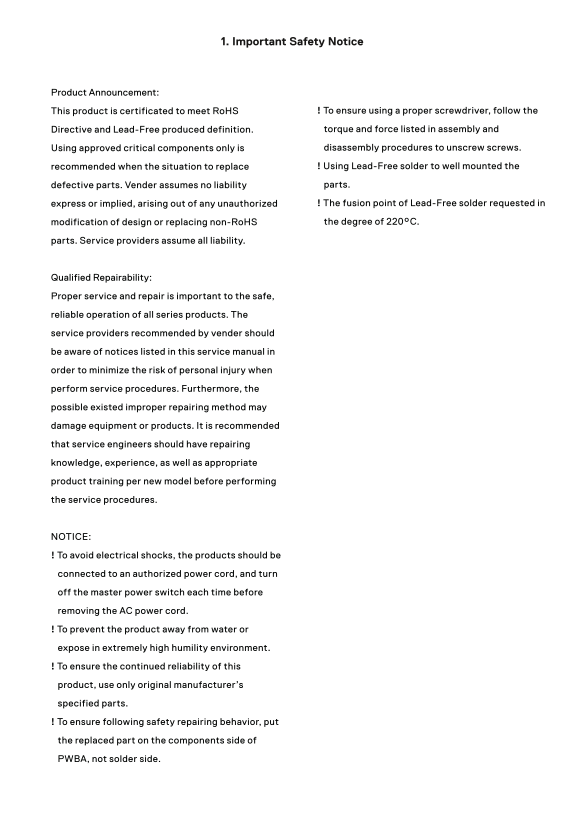
This product is certificated to meet Ro HS ! To ensure using a proper screwdriver, follow the Directive and Lead-Free produced definition. torque and force listed in assembly and Using approved critical components only is disassembly procedures to unscrew screws. recommended when the situation to replace ! Using Lead-Free solder to well mounted the defective parts. Vender assumes no liability parts. express or implied, arising out of any unauthorized ! The fusion point of Lead-Free solder requested in modification of design or replacing non-Ro HS the degree of 220°C.
parts. Service providers assume all liability.
Qualified Repairability: Proper service and repair is important to the safe, reliable operation of all series products. The service providers recommended by vender should be aware of notices listed in this service manual in order to minimize the risk of personal injury when perform service procedures. Furthermore, the possible existed improper repairing method may damage equipment or products. It is recommended that service engineers should have repairing knowledge, experience, as well as appropriate product training per new model before performing the service procedures.
NOTICE: ! To avoid electrical shocks, the products should be connected to an authorized power cord, and turn off the master power switch each time before removing the AC power cord. ! To prevent the product away from water or expose in extremely high humility environment. ! To ensure the continued reliability of this product, use only original manufacturer’s specified parts. ! To ensure following safety repairing behavior, put the replaced part on the components side of PWBA, not solder side.
Page Summary Contents For Dell S2721NX Monitor Simplified Service Manual
Manual Details
| Brand | Dell |
|---|---|
| Pages | 14 |
| File Size | 9.32 MB |
| Published | June 17, 2026 |
Enter the captcha to get the download link:

Frequently Asked Questions
What should I do if the monitor displays 'No input signal'?
Check the signal source, ensure the video cable is plugged in securely, and consider resetting your computer or video player.
How can I adjust the display color format?
Use the Color menu OSD to change the Input Color Format to either PC RGB or YPbPr depending on your required output.
What steps must be followed before servicing the monitor?
To prevent electrical shocks, always turn off the master power switch and unplug the AC power cord from the power wall.