Dell D2721H Monitor Simplified Service Manual
Summary
Service manual for the Dell D2721H 27-inch LCD color monitor covering safety precautions for high-voltage chassis servicing, including the requirement for a separate isolation transformer. Details horizontal frequency range of 30kHz to 83kHz, laser radiation warnings for optical drive-equipped units, and cautions against using non-specified replacement parts that may create shock or fire hazards. Intended for qualified service personnel familiar with electronic equipment containing high voltages
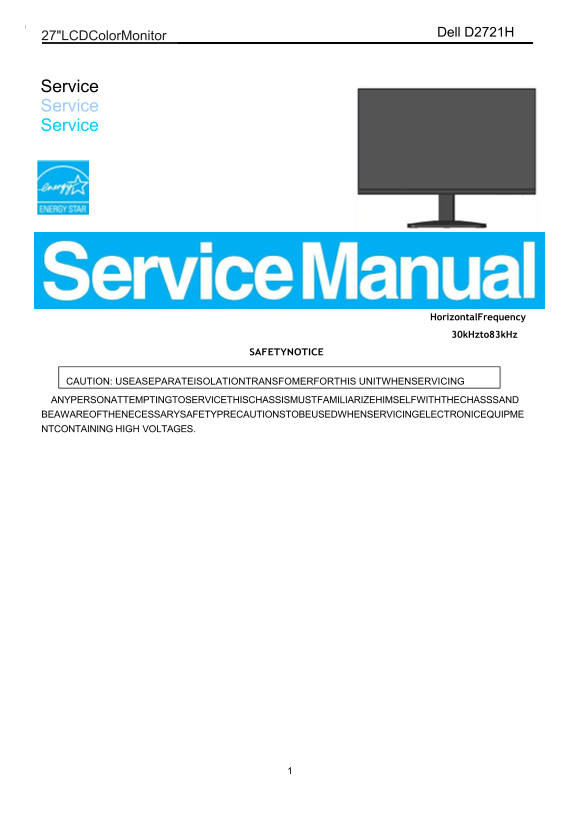
Page 1 Text Content
Dell D2721H
27"LCDColor Monitor
Service Service Service
Horizontal Frequency
30k Hzto83k Hz
SAFETYNOTICE
CAUTION: USEASEPARATEISOLATIONTRANSFOMERFORTHIS UNITWHENSERVICING
ANYPERSONATTEMPTINGTOSERVICETHISCHASSISMUSTFAMILIARIZEHIMSELFWITHTHECHASSSAND BEAWAREOFTHENECESSARYSAFETYPRECAUTIONSTOBEUSEDWHENSERVICINGELECTRONICEQUIPME NTCONTAINING HIGH VOLTAGES.
Page Summary Contents For Dell D2721H Monitor Simplified Service Manual
Manual Details
| Brand | Dell |
|---|---|
| Pages | 5 |
| File Size | 639.59 KB |
| Published | June 15, 2026 |
Enter the captcha to get the download link:

Frequently Asked Questions
What safety precautions must I take when servicing this monitor?
Use a separate isolation transformer. Service personnel must be aware of necessary safety precautions for high voltages.
How should I clean the LCD panel surface?
Wipe it off with a soft material only; avoid using dirty or rough cloths, as this may damage the panel.
What do I do to prevent electrical damage during internal repairs?
Wear an ESD wristband and always take the PCB components to ground and place them on a protective cushion.
Can I use third-party replacement parts for repair?
No. Use only manufacturer's replacement parts listed in the service manual to maintain product reliability.