Dell S2721HS Monitor Simplified Service Manual
Summary
A comprehensive service manual designed for qualified technicians and repair professionals working on high-definition display monitors. This guide provides thorough coverage of safe and expert handling, including detailed exploded views, wiring diagrams, and step-by-step assembly/disassembly procedures. It assists service engineers with component replacement, troubleshooting signal issues, adjusting color settings, and ensuring reliable maintenance while strictly adhering to all electrical safety standards.
Page 1 Text Content
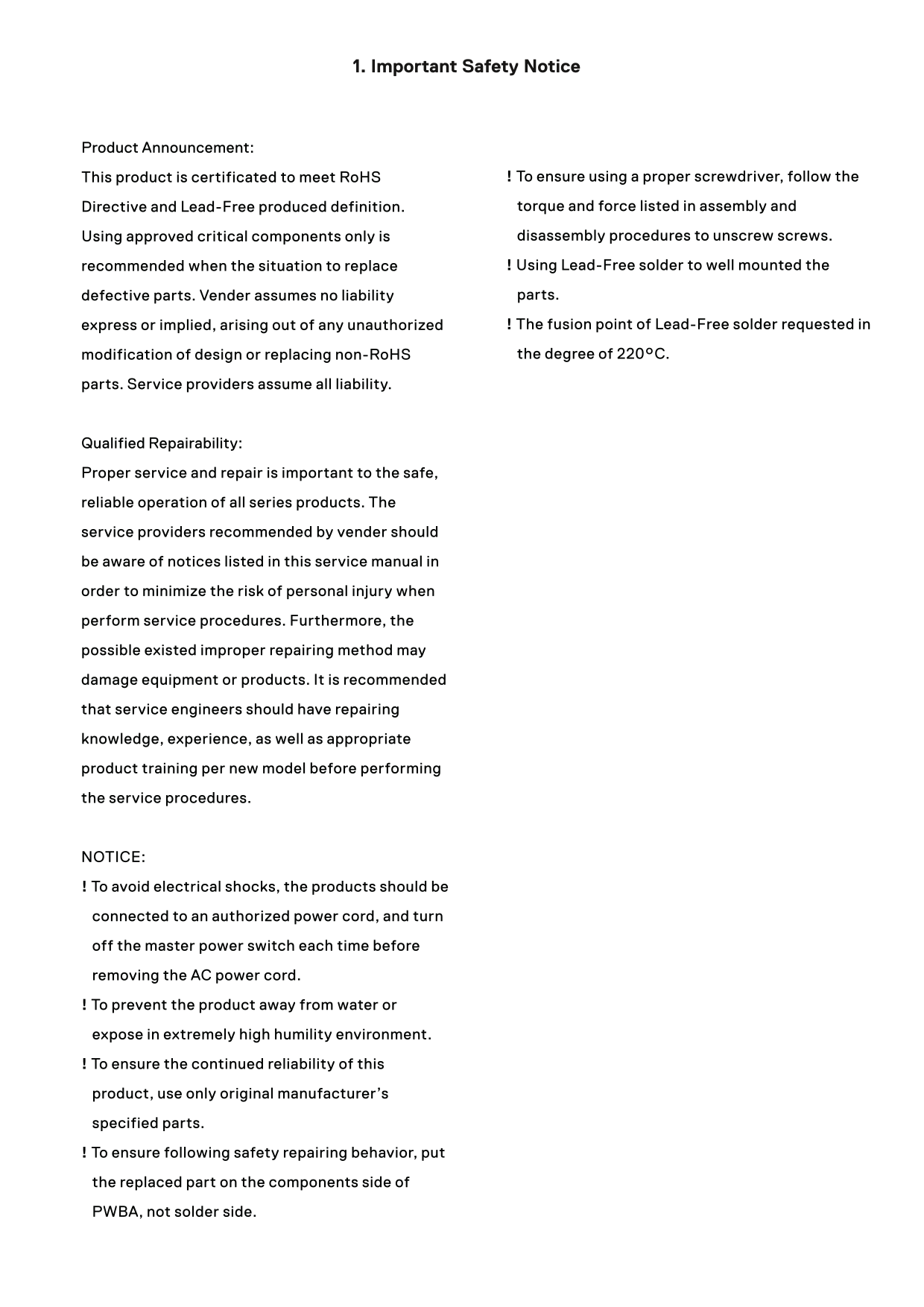
1. Important Safety Notice
Product Announcement:
This product is certificated to meet Ro HS ! To ensure using a proper screwdriver, follow the Directive and Lead-Free produced definition. torque and force listed in assembly and Using approved critical components only is disassembly procedures to unscrew screws. recommended when the situation to replace ! Using Lead-Free solder to well mounted the defective parts. Vender assumes no liability parts. express or implied, arising out of any unauthorized ! The fusion point of Lead-Free solder requested in modification of design or replacing non-Ro HS the degree of 220°C.
parts. Service providers assume all liability.
Qualified Repairability: Proper service and repair is important to the safe, reliable operation of all series products. The service providers recommended by vender should be aware of notices listed in this service manual in order to minimize the risk of personal injury when perform service procedures. Furthermore, the possible existed improper repairing method may damage equipment or products. It is recommended that service engineers should have repairing knowledge, experience, as well as appropriate product training per new model before performing the service procedures.
NOTICE: ! To avoid electrical shocks, the products should be connected to an authorized power cord, and turn off the master power switch each time before removing the AC power cord. ! To prevent the product away from water or expose in extremely high humility environment. ! To ensure the continued reliability of this product, use only original manufacturer’s specified parts. ! To ensure following safety repairing behavior, put the replaced part on the components side of PWBA, not solder side.
Page Summary Contents For Dell S2721HS Monitor Simplified Service Manual
Manual Details
| Brand | Dell |
|---|---|
| Pages | 13 |
| File Size | 9.92 MB |
| Published | June 23, 2026 |
Enter the captcha to get the download link:

Frequently Asked Questions
What safety precautions must be taken before service and repair?
To avoid electrical shocks, disconnect the AC power cord and turn off the master power switch each time before performing service procedures.
The screen shows no picture; what might be the problem?
Check the signal source on the computer, verify the video cable is plugged in properly, and consider resetting the computer or video player.
How can I correct issues with image color accuracy?
Adjust R/G/B value under Custom Color in the Color menu OSD, or change the Input Color Format to PC RGB or YPbPr.
What is necessary when performing repairs on this product?
Use only original manufacturer specified parts and approved critical components, as proper service is essential for reliable operation.