Dell Response to US-CERT TA13-207A IPMI TechAlert Owner's Manual
Summary
Dell response to US-CERT TA13-207A IPMI TechAlert. This security advisory document addresses IPMI (Intelligent Platform Management Interface) security concerns related to Dell hardware and DRAC (Dell Remote Access Controller). It clarifies Dell's position on BMC and DRAC security, emphasizing that DRACs should be on isolated management networks, not internet-facing. The document provides best practices for securing IPMI over LAN, which is disabled by default on Dell 8th through 12th generation PowerEdge servers. Target audience includes IT security professionals and server administrators responsible for remote management infrastructure.
Page 1 Text Content
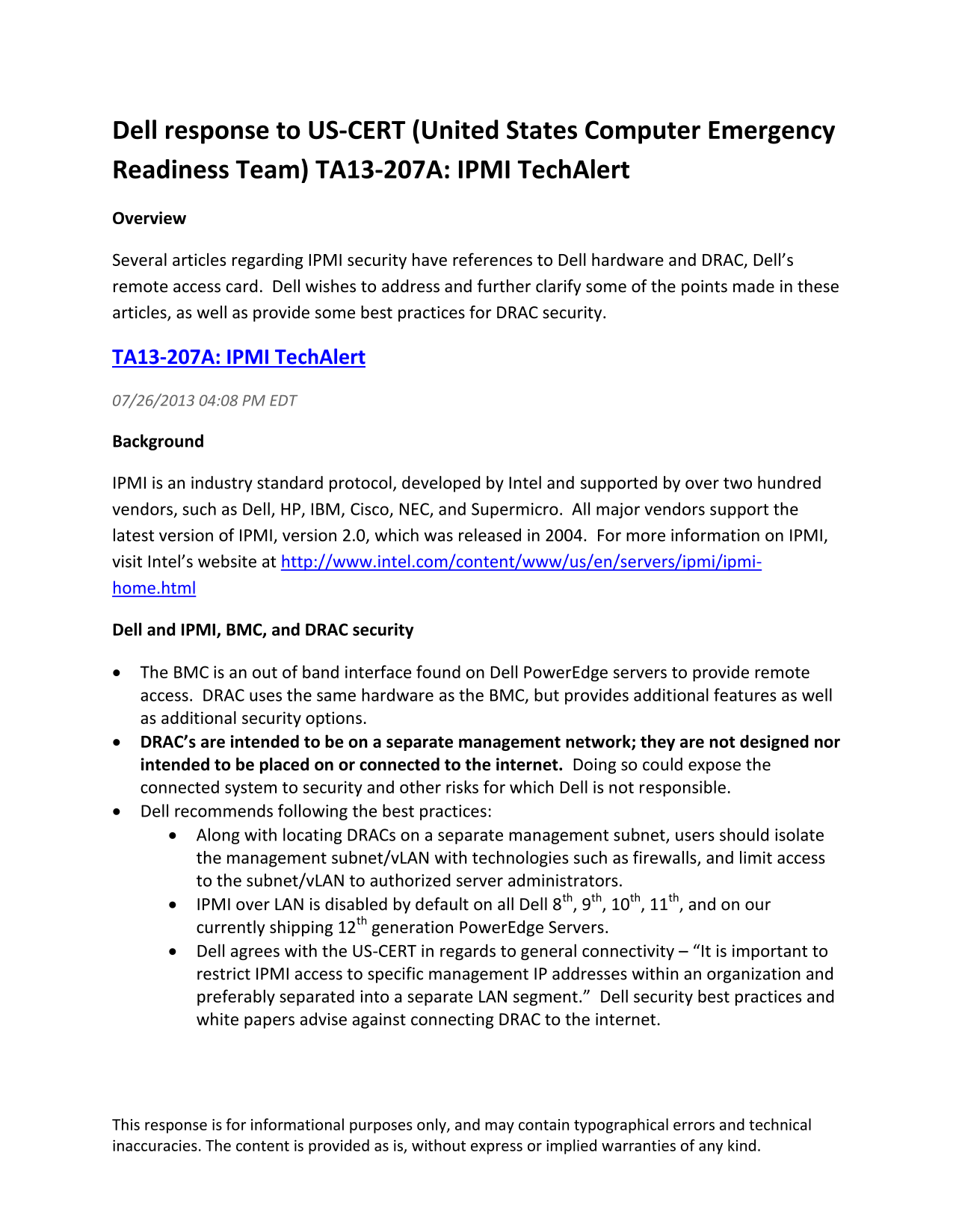
Dell response to US-CERT (United States Computer Emergency Readiness Team) TA13-207A: IPMI Tech Alert Overview Several articles regarding IPMI security have references to Dell hardware and DRAC, Dell’s remote access card. Dell wishes to address and further clarify some of the points made in these articles, as well as provide some best practices for DRAC security.
TA13-207A: IPMI Tech Alert 07/26/2013 04:08 PM EDT
Background
IPMI is an industry standard protocol, developed by Intel and supported by over two hundred vendors, such as Dell, HP, IBM, Cisco, NEC, and Supermicro. All major vendors support the latest version of IPMI, version 2.0, which was released in 2004. For more information on IPMI, visit Intel’s website at http://www.intel.com/content/www/us/en/servers/ipmi/ipmi- home.html
Dell and IPMI, BMC, and DRAC security
The BMC is an out of band interface found on Dell Power Edge servers to provide remote access. DRAC uses the same hardware as the BMC, but provides additional features as well as additional security options. DRAC’s are intended to be on a separate management network; they are not designed nor intended to be placed on or connected to the internet. Doing so could expose the connected system to security and other risks for which Dell is not responsible. Dell recommends following the best practices: Along with locating DRACs on a separate management subnet, users should isolate
the management subnet/v LAN with technologies such as firewalls, and limit access to the subnet/v LAN to authorized server administrators. IPMI over LAN is disabled by default on all Dell 8th, 9th, 10th, 11th, and on our currently shipping 12th generation Power Edge Servers. Dell agrees with the US-CERT in regards to general connectivity – “It is important to restrict IPMI access to specific management IP addresses within an organization and preferably separated into a separate LAN segment.” Dell security best practices and white papers advise against connecting DRAC to the internet.
This response is for informational purposes only, and may contain typographical errors and technical inaccuracies. The content is provided as is, without express or implied warranties of any kind.
Page Summary Contents For Dell Response to US-CERT TA13-207A IPMI TechAlert Owner's Manual
Manual Details
| Brand | Dell |
|---|---|
| Pages | 2 |
| File Size | 309.30 KB |
| Published | June 26, 2026 |
Enter the captcha to get the download link:

Frequently Asked Questions
Is IPMI over LAN enabled by default on Dell servers?
No, IPMI over LAN is disabled by default on Dell 8th, 9th, 10th, 11th, and 12th generation PowerEdge servers.
Should I connect the DRAC to the internet?
No, Dell recommends isolating the management subnet with firewalls and explicitly advises against connecting DRACs to the internet.
Is anonymous login allowed on the DRAC?
No, user ID 1 for anonymous login is always disabled on DRAC, and it does not support NULL passwords.
How do I reset DRAC configuration and passwords?
Use the Lifecycle Controller option 'delete configuration and reset defaults' on 11th/12th gen servers, or 'Ctrl-E' and reset to defaults on 8th/9th/10th gen servers.