# A B C D E F G H I J K L M N O P Q R S T U V W X Y Z

Dell OpenManage Software 5.1 Readme

Summary

Dell OpenManage Installation and Server Management README Version 5.1. Covers compatibility for PowerEdge and PowerVault systems, OS support including SUSE Linux Enterprise Server 10, installation procedures, and known issues. Target users are administrators installing Dell server infrastructure.
📄 Preview 📖 Table of Contents Contents PAGE OF 20

Page 1 Text Content

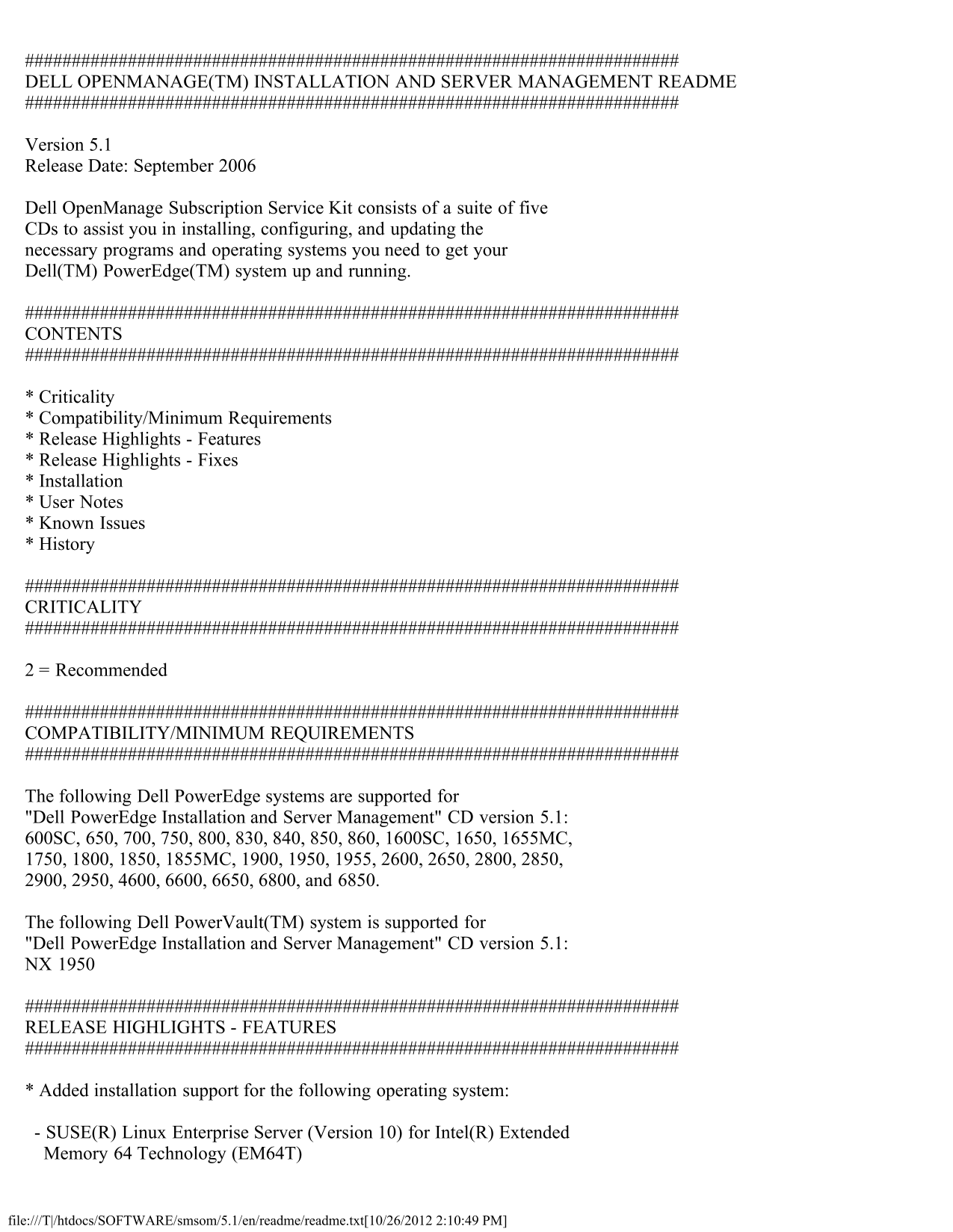
DELL OPENMANAGE(TM) INSTALLATION AND SERVER MANAGEMENT README

Version 5.1 Release Date: September 2006

Dell Open Manage Subscription Service Kit consists of a suite of five CDs to assist you in installing, configuring, and updating the necessary programs and operating systems you need to get your Dell(TM) Power Edge(TM) system up and running.

CONTENTS

* Criticality * Compatibility/Minimum Requirements * Release Highlights - Features * Release Highlights - Fixes * Installation * User Notes * Known Issues * History

CRITICALITY

2 = Recommended

COMPATIBILITY/MINIMUM REQUIREMENTS

The following Dell Power Edge systems are supported for "Dell Power Edge Installation and Server Management" CD version 5.1: 600SC, 650, 700, 750, 800, 830, 840, 850, 860, 1600SC, 1650, 1655MC, 1750, 1800, 1850, 1855MC, 1900, 1950, 1955, 2600, 2650, 2800, 2850, 2900, 2950, 4600, 6600, 6650, 6800, and 6850.

The following Dell Power Vault(TM) system is supported for "Dell Power Edge Installation and Server Management" CD version 5.1: NX 1950

RELEASE HIGHLIGHTS - FEATURES

* Added installation support for the following operating system:

- SUSE(R) Linux Enterprise Server (Version 10) for Intel(R) Extended Memory 64 Technology (EM64T)

file:///T|/htdocs/SOFTWARE/smsom/5.1/en/readme/readme.txt[10/26/2012 2:10:49 PM]

Page Summary Contents For Dell OpenManage Software 5.1 Readme

Page 1 DELL OPENMANAGE(TM) INSTALLATION AND SERVER MANAGEMENT README Version 5.1 Release Date: September 2006 Dell Open Manage Subscription Service Kit consists of a suite of five CDs to assist you in instal...
Page 2 * Added installation support for the following systems: - Power Edge 840 - Power Edge 860 - Power Edge 1900 - Power Vault NX 1950 RELEASE HIGHLIGHTS - FIXES INSTALLATION * On Microsoft(R) Windows(R) o...
Page 3 the "QUICK_INSTALL_GUIDE.htm" file in the "srvadmin\docs\en\Open Manage_QIG" directory on the "Installation and Server Management" CD. * If you are running any applicatio...
Page 4 correctly." This error occurs when the Prerequisite Checker calls the Dell Open Manage "vbstest.vbs" (a Visual Basic [VB]) script to verify the installation environment and fails for so...
Page 5 msi/setup/mediapackagepath.asp" * MSI reference counting takes effect if you install the Intel SNMP agent using the MSI provided by Intel, and then install the Intel SNMP agent again using Dell O...
Page 6 After Server Administrator installation is completed, this policy can be set to its original value. * During installation of Server Administrator on Windows 2000, if an "Out of Memory" error...
Page 7 USER NOTES FOR SUPPORTED RED HAT ENTERPRISE LINUX AND SUSE LINUX ENTERPRISE SERVER OPERATING SYSTEMS * If your system comes with a factory installed Red Hat Enterprise Linux (version 3) operating syst...
Page 8 installed on a system running a 64-bit version of a Linux operating system, ensure that the "compat-libstdc++-<version>.i386.rpm" RPM package is installed. You will need to resolve the...
Page 9 Power Edge Diagnostics requires packages such as "srvadmin-omilcore-X.Y.Z-N" and "srvadmin-hapi-X.Y.Z-N." These packages will not get uninstalled during an uninstallation of Server...
Page 10 message: "Server Administrator version X.Y.Z is currently installed. Installed Components are: - srvadmin-omilcore-X.Y.Z-N - srvadmin-hapi-X.Y.Z-N Do you want to upgrade Server Administrator to X...
Page 11 * Most of the RPM packages have been written and tested for Dell Power Edge systems and the Linux flavors that have been listed in this readme. If you try to install them on an unsupported system or a...
Page 12 denial of access, or an initialization error. An example of installation failure during Dell Open Manage Install is "failed to load OMIL32.DLL." This is most likely due to insufficient COM p...
Page 13 Install, it is recommended that you run the "OMClean.exe" program, under the "srvadmin\support\OMClean" directory, to remove an old version of Server Administrator on your system. ...
Page 14 * If you have installed Server Administrator and Dell Power Edge Diagnostics in the same folder, Poweredge diagnostics may fail to work. Later on uninstalling Server Administrator, you may also lose a...
Page 15 prompts. To remedy this limitation, edit the ".bash_profile" file and comment out the line: "[ ${SHLVL}...." (152668) * There may be problems uninstalling Server Administrator afte...
Page 16 srvadmin-deng-5.0.0-200 srvadmin-omhip-4.4.0-339 srvadmin-jre-5.0.0-200 srvadmin-omacore-5.0.0-200 srvadmin-cm-5.0.0-200 srvadmin-omilcore-5.0.0-200 srvadmin-odf-5.0.0-200 To fix the problem, perform ...
Page 17 * Added installation support for the following operating system: - SUSE Linux Enterprise Server (Version 9) for Intel Extended Memory 64 Technology (EM64T) * Added installation support for the followi...
Page 18 Release Date: October 2005 Release Highlights - Features * Added installation support for the following operating system: - VMWare ESX 2.5.1 * Added installation support for the following systems: - P...
Page 19 Release Highlights - Features * Added installation support for the following operating systems: - Windows Server(R) 2003 x64 (Standard and Enterprise editions) - Windows Server 2003 SP1 NOTE: Dell Ope...
Page 20 Trademarks used in this text: "Dell," "Power Edge," "Power Vault," and "Dell Open Manage" are trademarks of Dell Inc.; "Windows Server," "Microso...

Manual Details

Brand Dell
Pages 20
File Size 51.40 KB
Published June 26, 2026
5 views

Enter the captcha to get the download link:

captcha

Frequently Asked Questions

What operating systems are supported for installation?

Microsoft Windows, Red Hat Enterprise Linux, and SUSE Linux Enterprise Server 10.

Which Dell PowerEdge systems are supported?

Systems include the 600SC through 2950, 4600, 6600, 6650, 6800, 6850, and PowerVault NX 1950.

How do I perform an Express Install on Linux?

Execute the 'srvadmin-install.sh' script from the '/srvadmin/linux/supportscripts' directory using the command 'sh srvadmin-install.sh -x'.

What happens if a reboot is required after installation?

You must remove the CD from the CD drive before rebooting.

Can I upgrade from older versions of OpenManage?

This version only supports upgrades from version 4.3 or above; versions prior to 4.3 must be uninstalled first.