Dell OpenManage Software 6.0.1 Readme - Installation and Server Management
Summary
Optimize your Dell server infrastructure with the comprehensive OpenManage systems management software kit. This essential tool streamlines the installation, configuration, and updating of operating systems, drivers, BIOS, and vital system programs across your hardware environment. The accompanying manual provides expert guidance on compatibility requirements, detailing full installation procedures for major OS platforms, troubleshooting known issues, and providing critical user notes necessary for seamless deployment by system administrators and IT professionals managing Dell server assets.
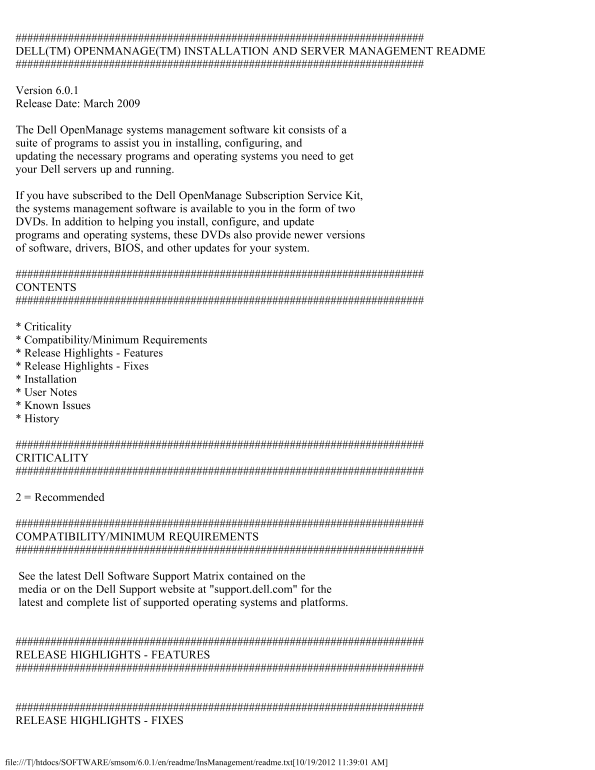
Page 1 Text Content
DELL(TM) OPENMANAGE(TM) INSTALLATION AND SERVER MANAGEMENT README
Version 6.0.1 Release Date: March 2009
The Dell Open Manage systems management software kit consists of a suite of programs to assist you in installing, configuring, and updating the necessary programs and operating systems you need to get your Dell servers up and running.
If you have subscribed to the Dell Open Manage Subscription Service Kit, the systems management software is available to you in the form of two DVDs. In addition to helping you install, configure, and update programs and operating systems, these DVDs also provide newer versions of software, drivers, BIOS, and other updates for your system.
CONTENTS
* Criticality * Compatibility/Minimum Requirements * Release Highlights - Features * Release Highlights - Fixes * Installation * User Notes * Known Issues * History
CRITICALITY
2 = Recommended
COMPATIBILITY/MINIMUM REQUIREMENTS
See the latest Dell Software Support Matrix contained on the media or on the Dell Support website at "support.dell.com" for the latest and complete list of supported operating systems and platforms.
RELEASE HIGHLIGHTS - FEATURES
RELEASE HIGHLIGHTS - FIXES
file:///T|/htdocs/SOFTWARE/smsom/6.0.1/en/readme/Ins Management/readme.txt[10/19/2012 11:39:01 AM]
Page Summary Contents For Dell OpenManage Software 6.0.1 Readme - Installation and Server Management
Manual Details
| Brand | Server |
|---|---|
| Pages | 16 |
| File Size | 45.48 KB |
| Published | May 31, 2026 |
Enter the captcha to get the download link:

Frequently Asked Questions
Where can I find the list of supported operating systems and platforms?
Check the latest Dell Software Support Matrix on the media or at ""support.dell.com"".
How do I perform an 'Express Install' on Red Hat or SUSE Linux?
Execute the ""srvadmin-install.sh"" script from the ""SYSMGMT/srvadmin/linux/supportscripts"" directory using: ""sh srvadmin-install.sh -x"".
What should I do if upgrading Dell OpenManage after a significant version gap?
If your current version is prior to 4.3, you must uninstall the old version first. Alternatively, upgrade to version 4.3 first.
Why might installing OpenManage from virtual media fail?
Low bandwidth or high latency on a Wide Area Network (WAN) can cause failure; copy the Web install package locally instead.