Dell OpenManage Software 6.4 Management Station Software Installation Guide
Summary
Installation guide for Dell OpenManage Management Station Software v6.4. Covers managed system and management station concepts, plus installation on Windows and Linux platforms including Red Hat, SUSE, and VMware ESX. Target users: IT administrators deploying Dell systems management tools across enterprise environments.
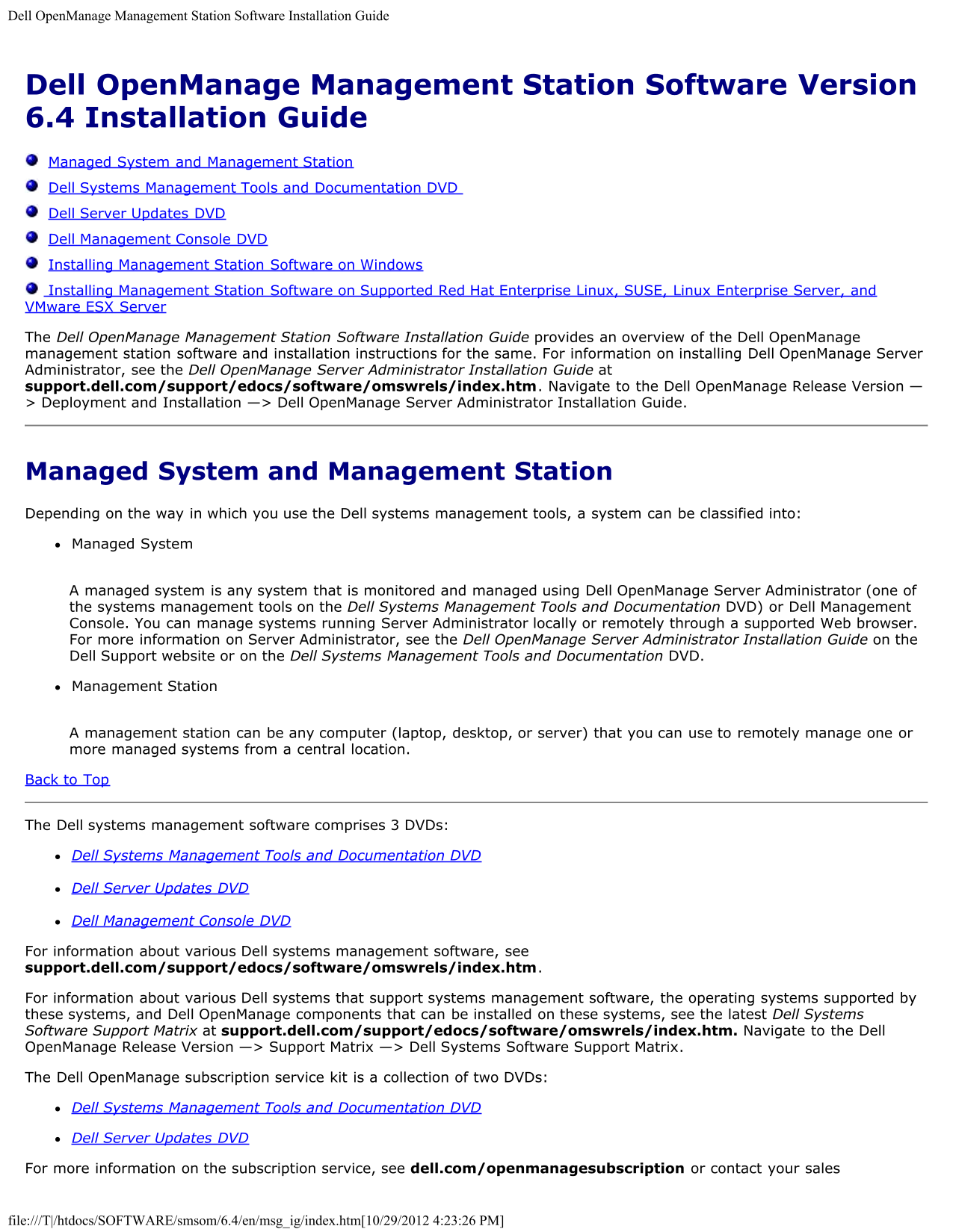
Page 1 Text Content
Dell Open Manage Management Station Software Installation Guide
Dell Open Manage Management Station Software Version 6.4 Installation Guide Managed System and Management Station Dell Systems Management Tools and Documentation DVD Dell Server Updates DVD Dell Management Console DVD Installing Management Station Software on Windows Installing Management Station Software on Supported Red Hat Enterprise Linux, SUSE, Linux Enterprise Server, and VMware ESX Server The Dell Open Manage Management Station Software Installation Guide provides an overview of the Dell Open Manage management station software and installation instructions for the same. For information on installing Dell Open Manage Server Administrator, see the Dell Open Manage Server Administrator Installation Guide at support.dell.com/support/edocs/software/omswrels/index.htm. Navigate to the Dell Open Manage Release Version — > Deployment and Installation —> Dell Open Manage Server Administrator Installation Guide.
Managed System and Management Station Depending on the way in which you use the Dell systems management tools, a system can be classified into: Managed System
A managed system is any system that is monitored and managed using Dell Open Manage Server Administrator (one of the systems management tools on the Dell Systems Management Tools and Documentation DVD) or Dell Management Console. You can manage systems running Server Administrator locally or remotely through a supported Web browser. For more information on Server Administrator, see the Dell Open Manage Server Administrator Installation Guide on the Dell Support website or on the Dell Systems Management Tools and Documentation DVD.
Management Station
A management station can be any computer (laptop, desktop, or server) that you can use to remotely manage one or more managed systems from a central location.
Back to Top
The Dell systems management software comprises 3 DVDs:
Dell Systems Management Tools and Documentation DVD
Dell Server Updates DVD
Dell Management Console DVD
For information about various Dell systems management software, see support.dell.com/support/edocs/software/omswrels/index.htm.
For information about various Dell systems that support systems management software, the operating systems supported by these systems, and Dell Open Manage components that can be installed on these systems, see the latest Dell Systems Software Support Matrix at support.dell.com/support/edocs/software/omswrels/index.htm. Navigate to the Dell Open Manage Release Version —> Support Matrix —> Dell Systems Software Support Matrix.
The Dell Open Manage subscription service kit is a collection of two DVDs:
Dell Systems Management Tools and Documentation DVD
Dell Server Updates DVD
For more information on the subscription service, see dell.com/openmanagesubscription or contact your sales
file:///T|/htdocs/SOFTWARE/smsom/6.4/en/msg_ig/index.htm[10/29/2012 4:23:26 PM]
Page Summary Contents For Dell OpenManage Software 6.4 Management Station Software Installation Guide
Manual Details
| Brand | Dell |
|---|---|
| Pages | 6 |
| File Size | 53.79 KB |
| Published | June 27, 2026 |
Enter the captcha to get the download link:

Frequently Asked Questions
What primary functions does OpenManage software perform for system management?
It enables managing systems by monitoring components, diagnosing issues, providing alerts, and allowing remote access.
How do I install the BMC Management Utility (BMU) on RHEL systems?
Navigate to the specific directory and use the command: `rpm -ivh osabmcutil*-RHEL-*.rpm`.
What is the technical difference between a Managed System and a Management Station?
A Managed System is monitored by Server Administrator; a Management Station is any computer used for centralized remote management.
Are there required DVDs to run the OpenManage system software?
Yes, the Dell systems management software comprises three primary DVDs: Tools & Documentation, Server Updates, and Management Console.