# A B C D E F G H I J K L M N O P Q R S T U V W X Y Z

Dell OpenManage Software 5.2 Readme

Summary

The Dell OpenManage Server Administrator Version 5.2 Readme provides critical update information for Dell's server management software. It covers minimum system requirements, release highlights, installation notes, known issues, and user notes. The document details compatibility with Dell PowerEdge servers, storage management integration, SNMP configuration, command-line interface updates, and CIM provider information. It includes criticality classifications for updates and references to companion documentation. Target users are server administrators, data center operators, and IT professionals managing Dell PowerEdge server infrastructure who need the latest technical information for.
📄 Preview 📖 Table of Contents Contents PAGE OF 26

Page 1 Text Content

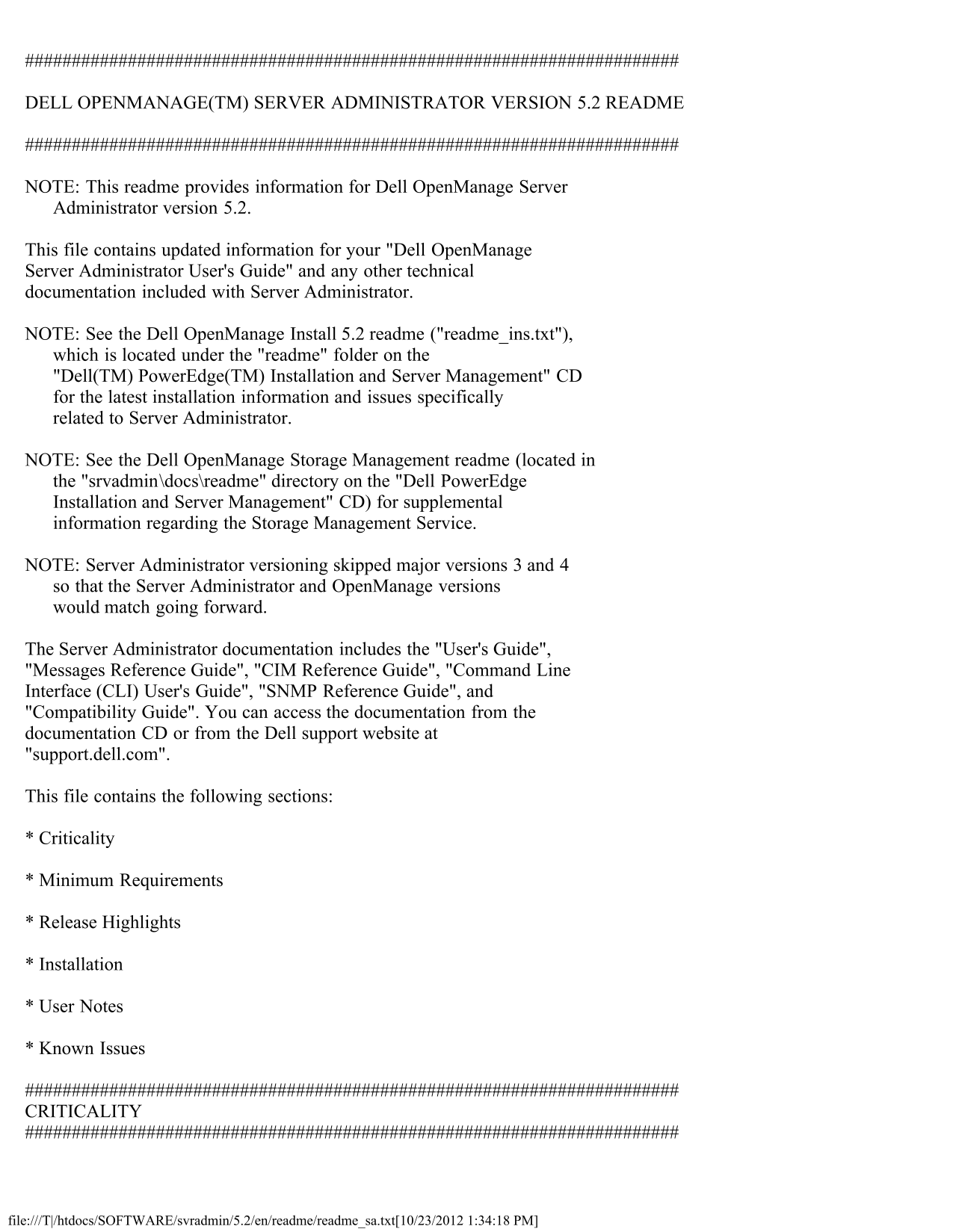
DELL OPENMANAGE(TM) SERVER ADMINISTRATOR VERSION 5.2 README

NOTE: This readme provides information for Dell Open Manage Server Administrator version 5.2.

This file contains updated information for your "Dell Open Manage Server Administrator User's Guide" and any other technical documentation included with Server Administrator.

NOTE: See the Dell Open Manage Install 5.2 readme ("readme_ins.txt"), which is located under the "readme" folder on the "Dell(TM) Power Edge(TM) Installation and Server Management" CD for the latest installation information and issues specifically related to Server Administrator.

NOTE: See the Dell Open Manage Storage Management readme (located in the "srvadmin\docs\readme" directory on the "Dell Power Edge Installation and Server Management" CD) for supplemental information regarding the Storage Management Service.

NOTE: Server Administrator versioning skipped major versions 3 and 4 so that the Server Administrator and Open Manage versions would match going forward.

The Server Administrator documentation includes the "User's Guide", "Messages Reference Guide", "CIM Reference Guide", "Command Line Interface (CLI) User's Guide", "SNMP Reference Guide", and "Compatibility Guide". You can access the documentation from the documentation CD or from the Dell support website at "support.dell.com".

This file contains the following sections:

* Criticality

* Minimum Requirements

* Release Highlights

* Installation

* User Notes

* Known Issues

CRITICALITY

file:///T|/htdocs/SOFTWARE/svradmin/5.2/en/readme/readme_sa.txt[10/23/2012 1:34:18 PM]

Page Summary Contents For Dell OpenManage Software 5.2 Readme

Page 1 DELL OPENMANAGE(TM) SERVER ADMINISTRATOR VERSION 5.2 README NOTE: This readme provides information for Dell Open Manage Server Administrator version 5.2. This file contains updated information for you...
Page 2 3 - Optional Dell recommends that you review specifics about the update to determine if it applies to your system. The update contains changes that impacts only certain configurations, or provides new...
Page 3 * Red Hat(R) Enterprise Linux version 5 for x86 and x86_64 * SUSE(R) Linux Enterprise Server version 9 (x86_64) with SP3 and SUSE(R) Linux Enterprise Server version 10 (x86_64). In XEN mode, support f...
Page 4 installed with DRAC 5. * On systems installed with a DRAC 4/I and DRAC 4/P firmware version 1.0 or greater is required. * RAC firmware version 3.20 or greater is required for DRAC III, DRAC III/XT, ER...
Page 5 4. Select the security zone that the system running Server Administrator falls under. NOTE: This option should be set to "Trusted sites". 5. Click the "Custom Level" button. 6. For...
Page 6 displayed. The following warnings have been investigated by Dell engineering and are determined to be "false positives" (invalid security warnings) that you can safely ignore: * "The We...
Page 7 running Server Administrator and then uninstall Server Administrator, the changed threshold value becomes the default threshold value. * When modifying the warning threshold settings, the values are s...
Page 8 Server Administrator provides precompiled dcdbas and dell_rbu modules for Red Hat Enterprise Linux version 3 and 4. These drivers are expected to ship with future Red Hat Enterprise Linux version 3 an...
Page 9 become unresponsive. In this release of Server Administrator, the Remote Access Service uses the following Remote Access Controllers (RACs): Dell Remote Access Controller (DRAC) 4/I, DRAC 4/P, DRAC II...
Page 10 type is "DWORD". Note: Hot Fix Q818060 may still fail to install on Internet Explorer 6.0 SP1. If the error "This update requires Internet Explorer 6.0 SP1 to be installed" occurs,...
Page 11 * On Power Edge 750 systems, if you disable the Power button in Server Administrator, the system does not power cycle or power down in the event of system instability and/or blue screens. In such case...
Page 12 * When a log file is saved from Server Administrator, it is saved in zip format. For best results, it is recommended to open this zip file using Win Zip. Using the Windows Server 2003 or Windows XP em...
Page 13 1. Click "Main System Chassis" under "System Component Tree". 2. Click "Fans" under "Main System Chassis". 3. Click "Alert Actions" on the tab menu ba...
Page 14 supported for whole degrees, not tenths of a degree. On these systems, setting a fractional value for the minimum warning temperature threshold results in the set value being rounded down to the next ...
Page 15 hostnames with underscores are not supported and can lead to unexpected behavior. For example (assuming Server Administrator is listening on port 1311): https://192.168.2.3:1311. ISSUES FOR SERVER ADM...
Page 16 4. Click "Open" in "File Download" message box. Additionally, the "Export" function in the Server Administrator GUI may not work. The root cause of both problems is the s...
Page 17 * When using the Mozilla browser on Red Hat Enterprise Linux operating systems, the font and type size on the Server Administrator global navigation bar appear different from the default font and type...
Page 18 ISSUES FOR STORAGE MANAGEMENT SERVICE The following are open issues regarding the Storage Management Service. STORAGE MANAGEMENT SERVICE ISSUES FOR ALL SUPPORTED OPERATING SYSTEMS * When issuing certa...
Page 19 * If a virtual disk, using the GUI, is renamed with a name containing multiple blank and consecutive spaces, the name is truncated to a single space after "Apply" is clicked. * When the &quo...
Page 20 * DRAC 5 GUI supports Mozilla Firefox 1.0.7 only (32-bit) * DRAC 5 GUI supports only 32-bit browser editions. ISSUES FOR THE DELL REMOTE ACCESS CONTROLLER 4 Download the DRAC 4 readme from support.del...
Page 21 6. Mozilla presents you with the "Software Installation" dialog: Click the "Install" button to continue. 7. After installation completes, close and restart the browser. 8. Now, log...
Page 22 the Dell Open Manage commands. If a firewall is installed in the system, it may cause these commands to fail. The following Server Administrator CLI commands use FTP protocol to communicate with the R...
Page 23 - Use the following CLI command to change the password: "omconfig rac users username=xx userpassword=yy" where "xx" is the original userid and "yy" is the new password. -...
Page 24 To enable all cookies, go to the menu options and click "Edit -> Preferences -> Privacy & Security -> Cookies", and then select "Enable all cookies". If you do not per...
Page 25 2. When the installation application starts, click "Exit". 3. Open a command shell window: a. Click the "Start" button, and then click "Run". b. In the "Run" di...
Page 26 * While installing the Dell Open Manage systems management applications through the Nautilus File Manager, you must use the "Run" button and not the "Run In Terminal" button after ...

Manual Details

Brand Dell
Pages 26
File Size 67.76 KB
Published June 27, 2026
8 views

Enter the captcha to get the download link:

captcha

Frequently Asked Questions

What operating systems are compatible with Server Administrator 5.2?

Supported OS include Windows Server 2003 R2, Red Hat Enterprise Linux versions 4 and 5, and SUSE Linux Enterprise Server versions 9 and 10.

Where should I look for the latest installation instructions?

Consult the Dell OpenManage Install 5.2 readme file found under the 'readme' folder on the dedicated CD.

How do I ensure text input works in Console Redirection mode?

Click the mouse within the text window’s spacebar or top menu bar to ensure the correct application has focus before typing.

What types of detailed technical references are provided?

Reference materials include the User's Guide, Messages Reference Guide, CIM Reference Guide, CLI User's Guide, and SNMP Reference Guide.