Dell Mobile Computing Cart (Unmanaged) User Guide
Summary
User guide for the Dell Mobile Computing Cart (MCC) manufactured by Ergotron, models ERGITD-001 and ERGITD-002. The cart transports, secures, charges, and manages up to 30 notebooks, netbooks, ultrabooks, or tablets up to 14 inches. Covers exterior and interior features, step-by-step set-up procedures for power adapters and devices, managed cart options including Dell PowerConnect 3548 Ethernet switch and wireless access point installation, operation verification, and maintenance. Targets educational institutions and organizations managing mobile device fleets.
Page 1 Text Content
Custom Solution for Dell™ by Ergotron
CUSTOM SOLUTION FOR DELL BY ERGOTRON
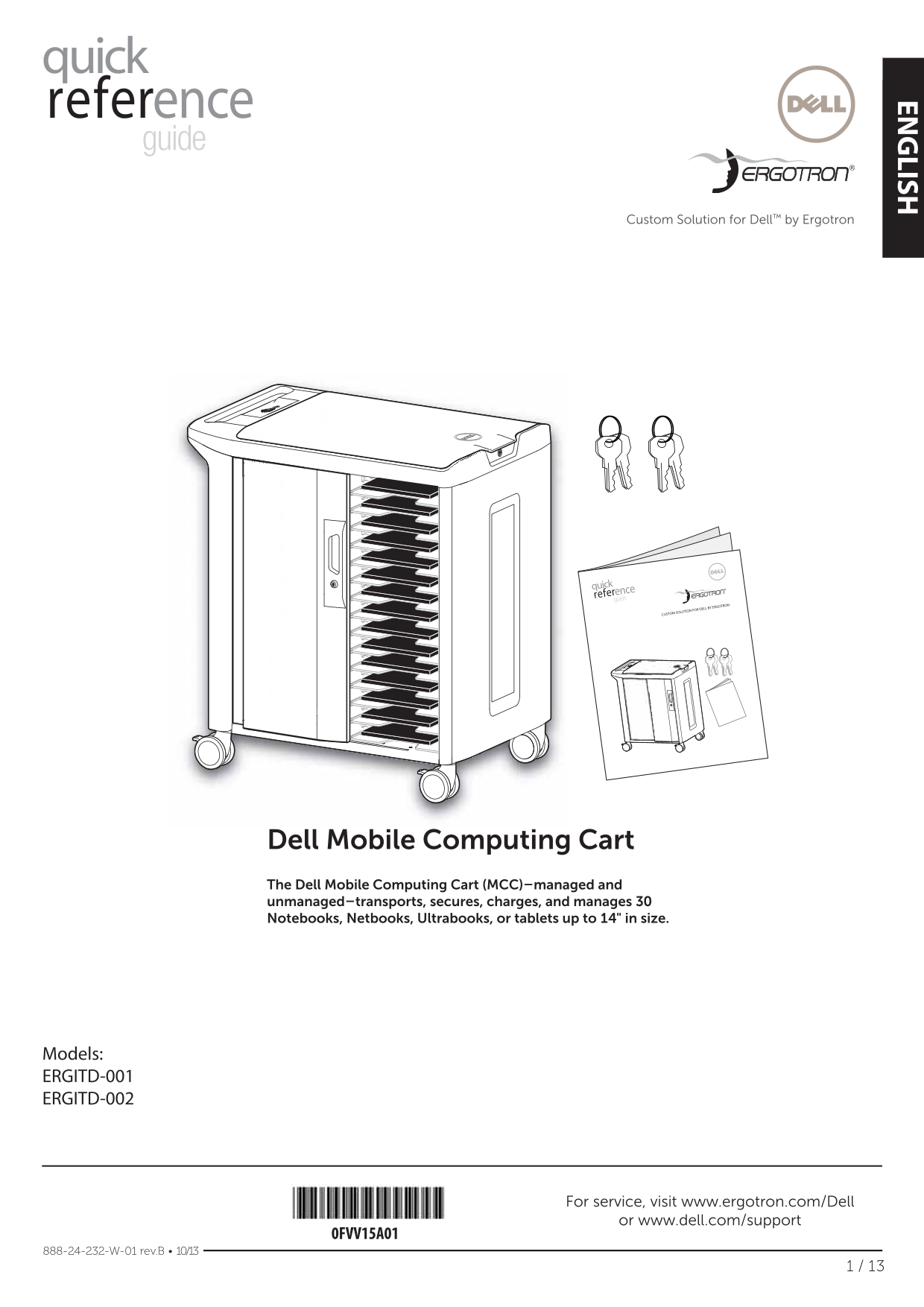
Dell Mobile Computing Cart The Dell Mobile Computing Cart (MCC)–managed and unmanaged–transports, secures, charges, and manages 30 Notebooks, Netbooks, Ultrabooks, or tablets up to 14" in size.
Models: ERGITD-001 ERGITD-002
For service, visit www.ergotron.com/Dell or www.dell.com/support
0FVV15A01
888-24-232-W-01 rev.B • 10/13
Page Summary Contents For Dell Mobile Computing Cart (Unmanaged) User Guide
Manual Details
| Brand | Dell |
|---|---|
| Pages | 13 |
| File Size | 7.96 MB |
| Published | June 24, 2026 |
Enter the captcha to get the download link:

Frequently Asked Questions
How do I first charge mobile devices in this cart?
Ensure devices have a full 100% charge before first use. Charge them in the cart for at least 2-3 hours before removing them.
What does the Power/Fault Status Indicator light mean?
White solid means ON; white slow flash means charging; white fast flash means scanning; amber flashing means max temperature exceeded.
What is the weight capacity of the shelves?
The top surface can hold 11.3 kg (25 lb), while each shelf holds 2.7 kg (6 lb).
What safety precautions should I take during setup?
Connect the power cable to a dedicated circuit not shared with other devices to avoid overcurrent. Ensure the white light is on.