Dell EMC OpenManage Installation and Management Release Notes Version 9.2
Summary
This release notes provides comprehensive documentation for the Dell EMC OpenManage Installation and Management. The document covers installation procedures. This documentation is intended for system administrators and IT professionals, server administrators and data center operators. The manual provides detailed guidance to ensure proper operation and maintenance of the Dell EMC OpenManage Installation and Management. Users will find step-by-step instructions and technical details necessary for effective utilization of the product.
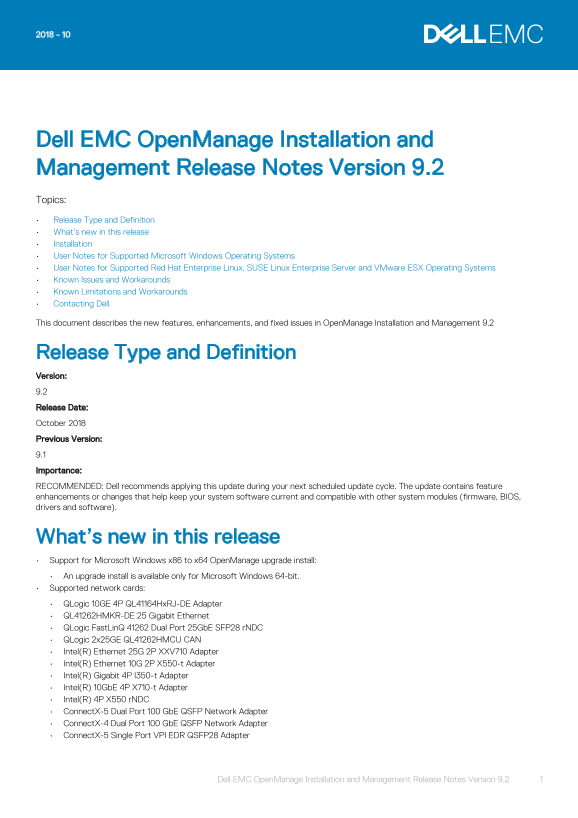
Page 1 Text Content
Dell EMC Open Manage Installation and Management Release Notes Version 9.2 Topics: Release Type and Definition What’s new in this release Installation User Notes for Supported Microsoft Windows Operating Systems User Notes for Supported Red Hat Enterprise Linux, SUSE Linux Enterprise Server and VMware ESX Operating Systems Known Issues and Workarounds Known Limitations and Workarounds Contacting Dell This document describes the new features, enhancements, and fixed issues in Open Manage Installation and Management 9.2
Release Type and Definition Version: 9.2 Release Date: October 2018 Previous Version: 9.1 Importance: RECOMMENDED: Dell recommends applying this update during your next scheduled update cycle. The update contains feature enhancements or changes that help keep your system software current and compatible with other system modules (firmware, BIOS, drivers and software).
What’s new in this release Support for Microsoft Windows x86 to x64 Open Manage upgrade install: An upgrade install is available only for Microsoft Windows 64-bit. Supported network cards: QLogic 10GE 4P QL41164Hx RJ-DE Adapter QL41262HMKR-DE 25 Gigabit Ethernet QLogic Fast Lin Q 41262 Dual Port 25Gb E SFP28 r NDC QLogic 2x25GE QL41262HMCU CAN Intel(R) Ethernet 25G 2P XXV710 Adapter Intel(R) Ethernet 10G 2P X550-t Adapter Intel(R) Gigabit 4P I350-t Adapter Intel(R) 10Gb E 4P X710-t Adapter Intel(R) 4P X550 r NDC Connect X-5 Dual Port 100 Gb E QSFP Network Adapter Connect X-4 Dual Port 100 Gb E QSFP Network Adapter Connect X-5 Single Port VPI EDR QSFP28 Adapter
Dell EMC Open Manage Installation and Management Release Notes Version 9.2 1
Page Summary Contents For Dell EMC OpenManage Installation and Management Release Notes Version 9.2
Manual Details
| Brand | Dell |
|---|---|
| Pages | 6 |
| File Size | 98.55 KB |
| Published | June 16, 2026 |
Enter the captcha to get the download link:

Frequently Asked Questions
What is the release date and importance of OpenManage Installation and Management 9.2?
Released in October 2018, Dell recommends applying this update during your next scheduled cycle to keep system software current.
What are the supported network cards for this release?
It supports QLogic and Intel network adapters, including models like QL41262HMKR-DE 25GbE, Intel XXV710 25G, and ConnectX-5 Dual Port 100 GbE.
Which operating systems are supported?
Supported OSs include Red Hat Enterprise Linux 6.10 and 7.5, SUSE Linux Enterprise Server 15, and VMware ESXi 6.5 U2 and 6.7.
How do I perform an Express Install on Linux?
Execute 'srvadmin-install.sh -x' from the SYSMGMT/srvadmin/linux/supportscripts directory on Red Hat or SUSE systems.
Why is Visual Basic Script failing during installation on Windows?
Ensure Active Scripting is enabled in Internet Options, verify WSH is configured to run .VBS files, or register the Scrrun.dll file manually.