Dell EMC OpenManage Installation and Management Release Notes Version 10.1.0.0 Owner's Manual
Summary
This document provides release information for Dell EMC OpenManage Server Administrator including product description, compatibility details, installation instructions, new features, known issues, and user notes. It covers supported operating systems (Red Hat Enterprise Linux, SUSE Linux Enterprise Server, Ubuntu, VMware ESXi, Windows Server), supported web browsers, and priority recommendations. The release notes include OMSA customer survey information and resources/support details. Target users are system administrators and IT professionals managing Dell EMC server infrastructure using OpenManage tools.
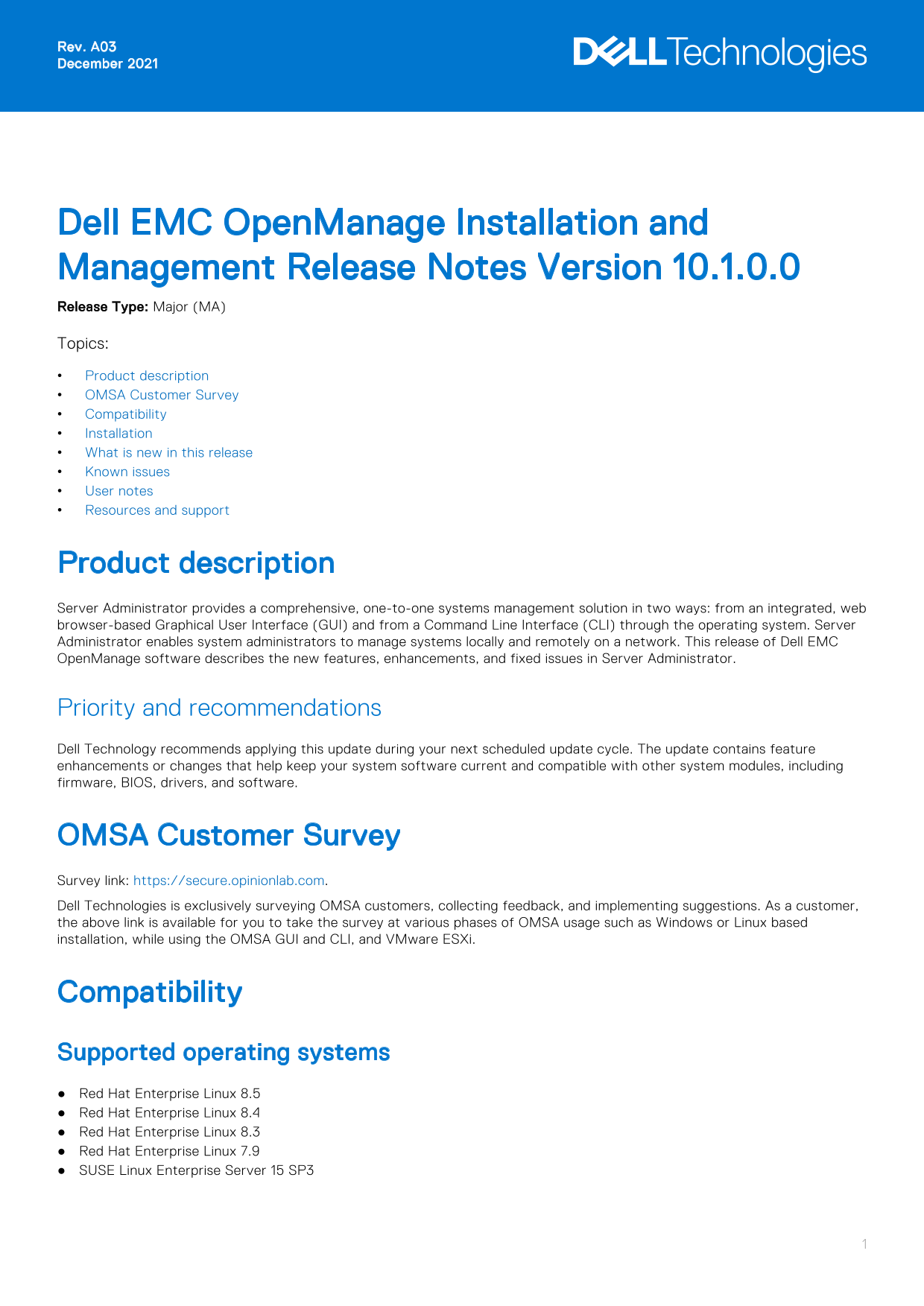
Page 1 Text Content
Rev. A03 December 2021
Dell EMC Open Manage Installation and Management Release Notes Version 10.1.0.0 Release Type: Major (MA) Topics: Product description OMSA Customer Survey Compatibility Installation What is new in this release Known issues User notes Resources and support
Product description Server Administrator provides a comprehensive, one-to-one systems management solution in two ways: from an integrated, web browser-based Graphical User Interface (GUI) and from a Command Line Interface (CLI) through the operating system. Server Administrator enables system administrators to manage systems locally and remotely on a network. This release of Dell EMC Open Manage software describes the new features, enhancements, and fixed issues in Server Administrator.
Priority and recommendations Dell Technology recommends applying this update during your next scheduled update cycle. The update contains feature enhancements or changes that help keep your system software current and compatible with other system modules, including firmware, BIOS, drivers, and software.
OMSA Customer Survey Survey link: https://secure.opinionlab.com. Dell Technologies is exclusively surveying OMSA customers, collecting feedback, and implementing suggestions. As a customer, the above link is available for you to take the survey at various phases of OMSA usage such as Windows or Linux based installation, while using the OMSA GUI and CLI, and VMware ESXi.
Compatibility Supported operating systems Red Hat Enterprise Linux 8.5 Red Hat Enterprise Linux 8.4 Red Hat Enterprise Linux 8.3 Red Hat Enterprise Linux 7.9 SUSE Linux Enterprise Server 15 SP3
Page Summary Contents For Dell EMC OpenManage Installation and Management Release Notes Version 10.1.0.0 Owner's Manual
Manual Details
| Brand | Dell |
|---|---|
| Pages | 7 |
| File Size | 127.97 KB |
| Published | June 24, 2026 |
Enter the captcha to get the download link:

Frequently Asked Questions
Which operating systems are supported for this release?
Red Hat Enterprise Linux 7.9 through 8.5, SUSE Linux Enterprise Server 15 SP2 through SP3, Ubuntu 20.04.02 64-bit, VMware ESXi 6.7 U3 through 7.0 U3, and Microsoft Windows 2016 or 2019.
How do I install Server Administrator on Red Hat Enterprise Linux?
To perform an Express Install on RHEL, run 'srvadmin-install.sh -x' from the SYSMGMT/srvadmin/linux/supportscripts directory.
Which PowerEdge server series are supported by the new PERC H355 Adapter?
The PERC H355 Adapter and PERC H355 Front are supported on all PowerEdge YX5X generation servers.
What are the key new features in OpenManage Server Administrator 10.1.0.0?
New features include Oracle Java Runtime Environment 11.0.11, SAN attribute support for certificates, new memory events for YX2X to YX5X servers, and updated PowerEdge naming conventions.
Can I install Server Administrator on Windows Server Core?
Yes, but you must enable Windows-on-Windows (WOW) mode before installation.