# A B C D E F G H I J K L M N O P Q R S T U V W X Y Z

Dell EMC OpenManage Release Notes Version 9.3.1

Summary

Dell EMC OpenManage Release Notes Version 9.3.1 for Server Administrator. Documents new features, enhancements, fixed issues, supported platforms, hardware/software requirements, and known issues. Covers compatibility with Dell PowerEdge systems and supported operating systems. Target users: enterprise systems administrators managing Dell server infrastructure.
📄 Preview 📖 Table of Contents Contents PAGE OF 26

Page 1 Text Content

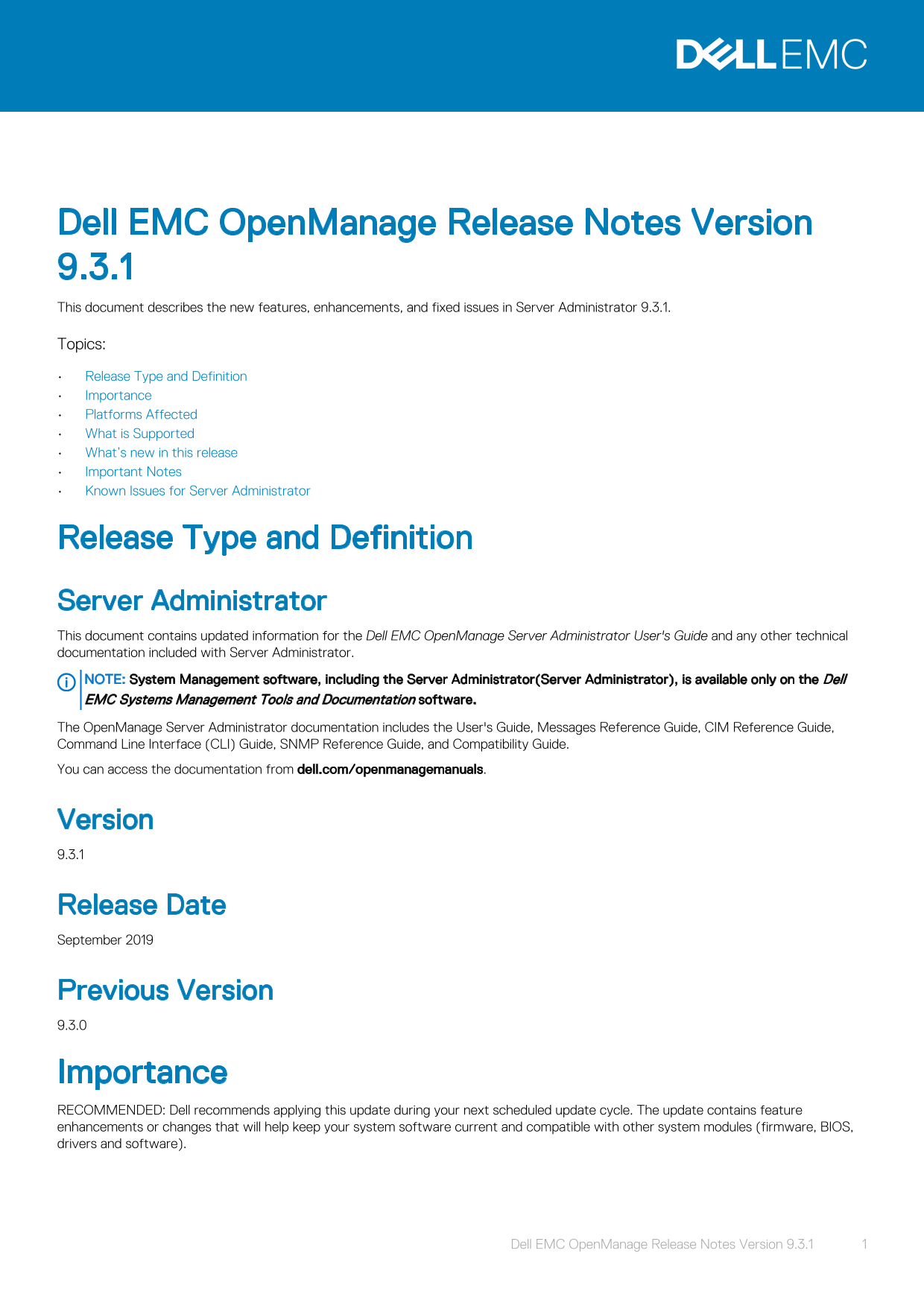
Dell EMC Open Manage Release Notes Version 9.3.1 This document describes the new features, enhancements, and fixed issues in Server Administrator 9.3.1. Topics: Release Type and Definition Importance Platforms Affected What is Supported What’s new in this release Important Notes Known Issues for Server Administrator

Release Type and Definition Server Administrator This document contains updated information for the Dell EMC Open Manage Server Administrator User's Guide and any other technical documentation included with Server Administrator. NOTE: System Management software, including the Server Administrator(Server Administrator), is available only on the Dell EMC Systems Management Tools and Documentation software. The Open Manage Server Administrator documentation includes the User's Guide, Messages Reference Guide, CIM Reference Guide, Command Line Interface (CLI) Guide, SNMP Reference Guide, and Compatibility Guide. You can access the documentation from dell.com/openmanagemanuals.

Version 9.3.1

Release Date September 2019

Previous Version 9.3.0

Importance RECOMMENDED: Dell recommends applying this update during your next scheduled update cycle. The update contains feature enhancements or changes that will help keep your system software current and compatible with other system modules (firmware, BIOS, drivers and software).

Dell EMC Open Manage Release Notes Version 9.3.1 1

Page Summary Contents For Dell EMC OpenManage Release Notes Version 9.3.1

Page 1 Dell EMC Open Manage Release Notes Version 9.3.1 This document describes the new features, enhancements, and fixed issues in Server Administrator 9.3.1. Topics: Release Type and Definition Importance ...
Page 2 Platforms Affected For a complete list of supported Dell Power Edge systems and supported Operating systems, see the Dell EMC Open Manage Systems Software Support Matrix available in the required vers...
Page 3 Mellanox Connect X-5 Dual Port 25 Gb E SFP28 PCIe Adapter Mellanox Connect X-5 Dual Port 25 Gb E SFP28 OCP 3.0 Adapter Intel(R) Gigabit 4P I350-t Adapter Intel(R) Ethernet 10G 2P X710-T2L-t Adapter Br...
Page 4 Server Administrator Device Drivers for Linux: Server Administrator includes two device drivers for Linux: Systems - Management Base Driver (dcdbas) and BIOS Update Driver (dell_rbu). Server Administr...
Page 5 Issues of Server Administrator on Red Hat Enterprise Linux Operating Systems When starting Server Administrator from the Red Hat Enterprise Linux console, kernel log messages may appear. To avoid thes...
Page 6 BITS054513: On a system running Windows, while running CLI commands using telnet from a system running Linux, the telnet session may terminate if the amount of data being transferred is huge. Workarou...
Page 7 For complex omconfig CLI commands that contain multiple set commands in one command line, the CLI may report a success status for the command even if a part of the command failed. To avoid this issue,...
Page 8 inaccurate measurement of a short keep alive interval (less than 120 seconds), and the configured action may be triggered. The issue is more prevalent in systems that have only one CPU with hyper-thre...
Page 9 Rename the file keystore.db.bak at <installed directory>\Dell\Sys Mgt\apache- tomcat\conf\ to keystore.db On systems running Linux: Delete the keystore.db file at /opt/dell/srvadmin/lib64/openma...
Page 10 Issues of Server Administrator on all Operating Systems The Server Administrator user interface and commands related to local authentication enable are not applicable for RAC firmware 3.20. The Active...
Page 11 5. Click Proxies in the left sidebar. 6. Enter the RAC IP address in the No Proxy for: field. 7. Click OK and then close the browser. To view the RAC Web-based interface when using Mozilla 1.6, you mu...
Page 12 Dell EMC Open Manage Release Notes Version 9.3.1 The following section describes the issues and workaround in Server Administrator Storage Management. Topics: Known Issues and Workarounds for Storage ...
Page 13 Description: The Import Foreign Configuration task can only import virtual disks that have consistent data. A virtual disk with inconsistent data cannot be imported. When importing multiple virtual di...
Page 14 BITS148893: When creating a virtual disk on PERC S130 (software RAID) controller, if you do not select the first option under Assign Dedicated Hot Spare a message appears: DHS not assigned to VD. When...
Page 15 Description: In PERC S140 advanced wizard, virtual disk creation fails if a combination of NVMe and HHHL addin cards(AIC) are present. This issue is observed if the PCI slot ID of the add-in card (AIC...
Page 16 JIT-106970:After change controller mode operation is performed, two alerts that are generated have the same alert ID and description. If the controller name is not displayed in the alert message, chec...
Page 17 JIT-120251: The foreign physical disks connected to the system, on reaching the maximum number of supported virtual disk by the controller is displayed on the Import Preview page as Orphan Drive. JIT-...
Page 18 NOTE: This option should be set to Trusted sites. 5. Click the Custom Level button. 6. For Windows 2003, perform the following: a. In Miscellaneous, select the Allow META REFRESH radio button. b. In A...
Page 19 The amount of time varies depending on the hardware and operating system. Firmware for PERC controllers Firmware for LSI 1020, LSI 1030, PERC H800 Adapter, PERC H700 Integrated, PERC H700 Adapter, PER...
Page 20 Controller Firmware/BIOS PERC S130 4.1.0–0009 PERC S300 2.0.0-0166+00193000 PERC S140 5.1.0.0006 PERC H730P Adapter 25.5.5.000X PERC H730P Mini Blades 25.5.5.000X PERC H730P Mini 25.5.5.000X PERC H730...
Page 21 Table 5. Microsoft Windows drivers for PERC controllers Controller Windows Server 2019 Driver PERC 6/E Adapter Not Applicable PERC 6/i Integrated Not Applicable PERC 6/i Adapter Not Applicable SAS 6/i...
Page 22 Controller Windows Server 2019 Driver PERC H730P Adapter PERC H730P Mini Blades PERC H730P Mini Monolithic PERC H730P Slim PERC H730 Adapter PERC H730 Mini Blades PERC H730 Mini Monolithic PERC H740P ...
Page 23 Linux Drivers for PERC Controllers 6/E Adapter, PERC 6/i Integrated, PERC 6/i Adapter, SAS 6/i R Integrated, SAS 6/i R Adapter, SAS 6/int. Modular, LSI 1020, LSI 1030, PERC H800 Adapter,PERC H700 Inte...
Page 24 Controller Red Hat Linux 7.6 Driver Red Hat Linux 8.0 Driver UBUNTU 18.04.2 Mini Blades PERC H710 Native Native Native Mini Monolithic PERC H710P Native Native Native Adapter PERC H710P Native Native ...
Page 25 Controller Red Hat Linux 7.6 Driver Red Hat Linux 8.0 Driver UBUNTU 18.04.2 Adapter PERC H330 Native Native Native Mini Blades PERC H330 Native Native Native Mini Monolithic PERC H330 Native Native Na...
Page 26 © 2019 Dell Inc. or its subsidiaries. All rights reserved. Dell, EMC, and other trademarks are trademarks of Dell Inc. or its subsidiaries. Other trademarks may be trademarks of their respective owner...

Manual Details

Brand Dell
Pages 26
File Size 262.80 KB
Published June 25, 2026
13 views

Enter the captcha to get the download link:

captcha

Frequently Asked Questions

What is minimally required to use Server Administrator?

At least 2 GB RAM, 512 MB free hard drive space, administrator rights, and a monitor with an 800 x 600 resolution.

How do I ensure the system remains compatible with other hardware?

Dell recommends applying this update during your next scheduled cycle to keep your system software current and compatible with firmware, BIOS, drivers, and software.

What are the minimum network requirements for remote management?

A TCP/IP connection is required on both the managed system and the remote system, along with a supported systems management protocol standard.

Which web browsers support Server Administrator 9.3.1?

Supported web browsers include Google Chrome up to version 75, Safari 12.x, Mozilla Firefox 67, and Microsoft Spartan/Edge.