Dell EMC OpenManage Installation and Management Release Notes Version 9.1.2 Owner's Manual, Quick User Guide
Summary
Keep your Dell PowerEdge infrastructure running smoothly with these comprehensive release notes for OpenManage Installation and Management. This guide details essential enhancements, feature upgrades, fixed bugs, and new hardware support, including for models like the MX740c and MX840c. System administrators can use this document to understand compatibility across supported OS environments (Windows Server, RHEL, VMware) and troubleshoot known limitations. Ensure optimal performance by following these recommended updates during your scheduled maintenance cycle.
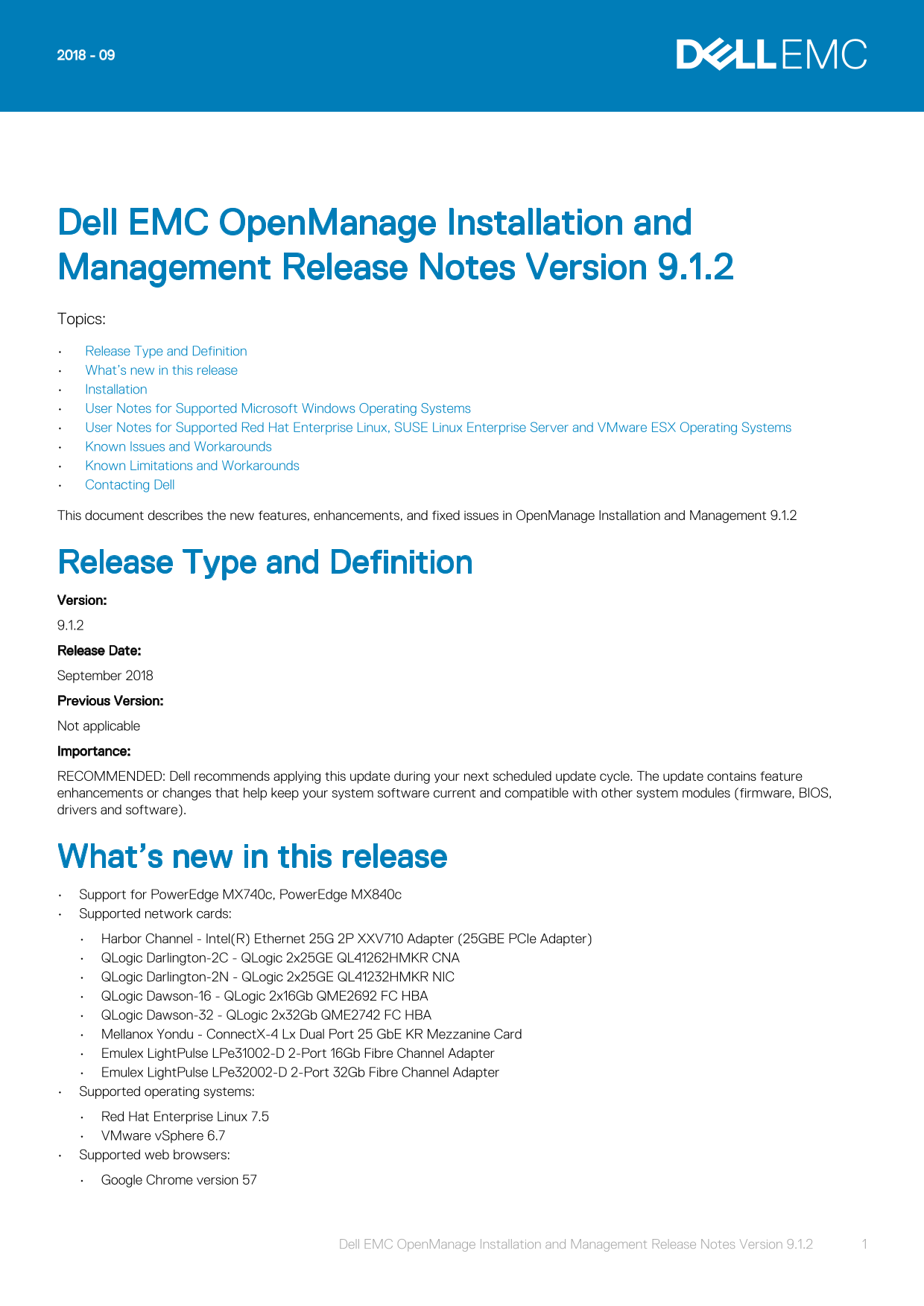
Page 1 Text Content
Dell EMC Open Manage Installation and Management Release Notes Version 9.1.2 Topics: Release Type and Definition What’s new in this release Installation User Notes for Supported Microsoft Windows Operating Systems User Notes for Supported Red Hat Enterprise Linux, SUSE Linux Enterprise Server and VMware ESX Operating Systems Known Issues and Workarounds Known Limitations and Workarounds Contacting Dell This document describes the new features, enhancements, and fixed issues in Open Manage Installation and Management 9.1.2
Release Type and Definition Version: 9.1.2 Release Date: September 2018 Previous Version: Not applicable Importance: RECOMMENDED: Dell recommends applying this update during your next scheduled update cycle. The update contains feature enhancements or changes that help keep your system software current and compatible with other system modules (firmware, BIOS, drivers and software).
What’s new in this release Support for Power Edge MX740c, Power Edge MX840c Supported network cards: Harbor Channel - Intel(R) Ethernet 25G 2P XXV710 Adapter (25GBE PCIe Adapter) QLogic Darlington-2C - QLogic 2x25GE QL41262HMKR CNA QLogic Darlington-2N - QLogic 2x25GE QL41232HMKR NIC QLogic Dawson-16 - QLogic 2x16Gb QME2692 FC HBA QLogic Dawson-32 - QLogic 2x32Gb QME2742 FC HBA Mellanox Yondu - Connect X-4 Lx Dual Port 25 Gb E KR Mezzanine Card Emulex Light Pulse LPe31002-D 2-Port 16Gb Fibre Channel Adapter Emulex Light Pulse LPe32002-D 2-Port 32Gb Fibre Channel Adapter Supported operating systems: Red Hat Enterprise Linux 7.5 VMware v Sphere 6.7 Supported web browsers: Google Chrome version 57
Dell EMC Open Manage Installation and Management Release Notes Version 9.1.2 1
Page Summary Contents For Dell EMC OpenManage Installation and Management Release Notes Version 9.1.2 Owner's Manual, Quick User Guide
Manual Details
| Brand | Dell |
|---|---|
| Pages | 6 |
| File Size | 100.10 KB |
| Published | June 23, 2026 |
Enter the captcha to get the download link:

Frequently Asked Questions
What must be enabled to run OpenManage Server Administrator on Windows Server 2008 R2 or 2012 Core?
Windows-on-Windows (WOW) mode must be enabled for server administrator installation.
How do I perform an Express Install of OpenManage on Linux systems?
Execute the command `srvadmin-install.sh -x` from the SYSMGMT/srvadmin/linux/supportscripts directory.
What steps should I take if a Visual Basic Script error occurs during the prerequisite check on Windows?
Ensure Active Scripting is enabled within Internet Explorer's security settings, and verify that the appropriate versions of WSH are installed.
Can I run command line interface (CLI) commands from the same console window after an Unattended Installation?
No; a new console window must be opened to run CLI commands after Server Administrator has been installed via unattended method.