Dell Advanced Projector P519HL - RS232 Command Set Document
Summary
RS232 serial protocol specification for the Dell P519HL projector, defining communication at 19200 baud, 8 data bits, no parity, 1 stop bit, and no flow control. Documents the binary command syntax structure (Header be ef, Address Code 10, CRC16, Message ID 11 11), power on/off commands, projector response codes (0x00 success, 0x01 invalid, 0x02 error), system status queries, operating hour counter retrieval, and firmware version response format (M0RXXX, 6-byte ASCII code). RS232 pin 2-3 swap ca
Page 1 Text Content
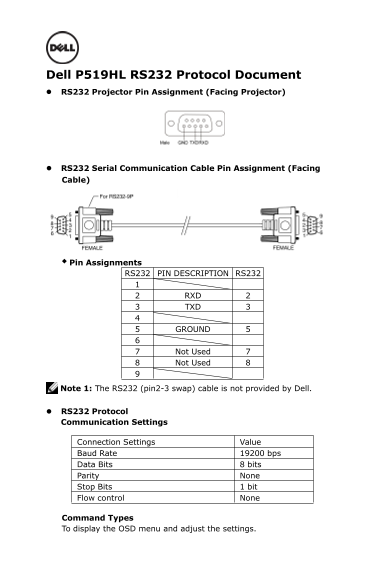
Dell P519HL RS232 Protocol Document RS232 Projector Pin Assignment (Facing Projector)
RS232 Serial Communication Cable Pin Assignment (Facing Cable)
Pin Assignments
RS232 PIN DESCRIPTION RS232
RXD TXD
GROUND
Not Used Not Used
Note 1: The RS232 (pin2-3 swap) cable is not provided by Dell.
RS232 Protocol Communication Settings
Connection Settings Value Baud Rate bps Data Bits bits Parity None Stop Bits bit Flow control None
Command Types To display the OSD menu and adjust the settings.
Page Summary Contents For Dell Advanced Projector P519HL - RS232 Command Set Document
Manual Details
| Brand | Dell |
|---|---|
| Pages | 6 |
| File Size | 221.83 KB |
| Published | June 17, 2026 |
Enter the captcha to get the download link:

Frequently Asked Questions
What physical pins correspond to transmitting and receiving data?
TXD is assigned to Pin 2, and RXD is assigned to Pin 3.
What core settings should I configure for successful RS232 communication?
The recommended settings are a BaudRate of 19200bps, DataBits of 8bits, Parity None, and StopBits of 1bit.
How can I retrieve the current operating hours count?
Use the OperatingHour command code (Byte 1) and retrieve the data from Byte 2 (LSB) and Byte 3 (MSB).
If a command fails during execution, what status response should I look for?
A 'Success' response is indicated by 0x00 in the first byte. An invalid command returns 0x01, while an error returns 0x02.