ASROCCK AMD RAID Installation Guide
Summary
Master high-performance data storage setups with this comprehensive guide for AMD hardware RAID configuration. The manual provides detailed instructions on creating, managing, and expanding advanced disk arrays using both the BIOS FastBuild utility and the user-friendly RAIDXpert software. Learn how to implement various array levels—from speed-focused RAID 0 to resilient RAID 1 and combined RAID 10—ensuring optimal data protection and scalability for your critical systems. This essential resource is designed for IT professionals, system administrators, and power users building robust storage infrastructure.
Page 1 Text Content
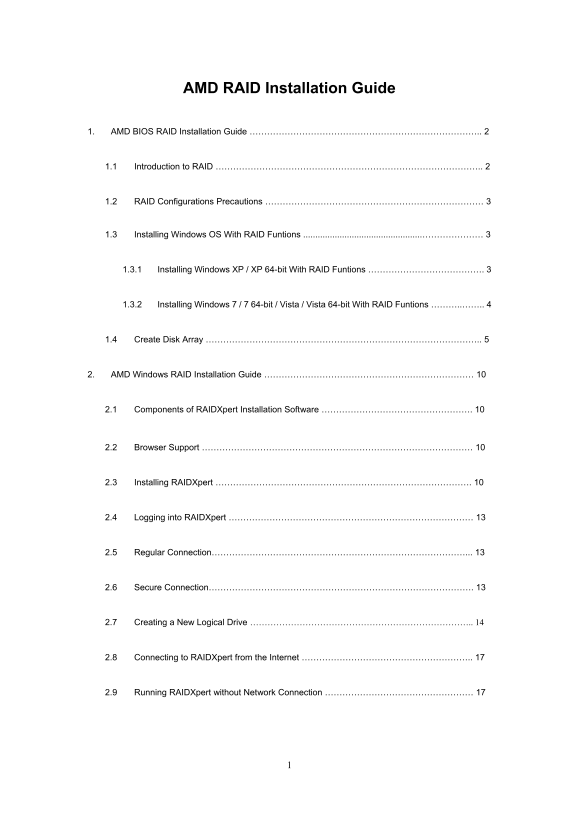
AMD RAID Installation Guide
1. AMD BIOS RAID Installation Guide …………………………………………………………………….. 2
1.1 Introduction to RAID ……………………………………………………………………………….. 2
1.2 RAID Configurations Precautions ………………………………………………………………… 3
1.3 Installing Windows OS With RAID Funtions .................................................………………… 3
1.3.1 Installing Windows XP / XP 64-bit With RAID Funtions …………………………………. 3
1.3.2 Installing Windows 7 / 7 64-bit / Vista / Vista 64-bit With RAID Funtions ………..…….. 4
1.4 Create Disk Array ………………………………………………………………………………….. 5
2. AMD Windows RAID Installation Guide ……………………………………………………………… 10
2.1 Components of RAIDXpert Installation Software ……………………………………………. 10
2.2 Browser Support ………………………………………………………………………………… 10
2.3 Installing RAIDXpert ……………………………………………………………………………. 10
2.4 Logging into RAIDXpert ………………………………………………………………………… 13
2.5 Regular Connection……………………………………………………………………………... 13
2.6 Secure Connection………………………………………………………………………………. 13
2.7 Creating a New Logical Drive ………………………………………………………………….. 14
2.8 Connecting to RAIDXpert from the Internet ………………………………………………….. 17
2.9 Running RAIDXpert without Network Connection …………………………………………… 17
Page Summary Contents For ASROCCK AMD RAID Installation Guide
Manual Details
| Brand | AMD |
|---|---|
| Pages | 17 |
| File Size | 1.54 MB |
| Published | May 14, 2026 |
Enter the captcha to get the download link:

Frequently Asked Questions
What drives should I use for optimal RAID performance?
For optimal performance, please install identical drives of the same model and capacity when creating a RAID set.
Which RAID level offers both speed and data protection?
RAID 10 (Stripe Mirroring) combines the performance of data striping (RAID 0) and the fault tolerance of disk mirroring (RAID 1).
Can I manage drives without a network connection using RAIDXpert?
Yes, you can run RAIDXpert without a network connection, but this procedure must be performed only from the Host PC.
What is the difference between RAID 0 and RAID 1 regarding data safety?
RAID 0 does not offer any fault tolerance, while RAID 1 provides data protection by mirroring the data onto a second drive.