Page 1
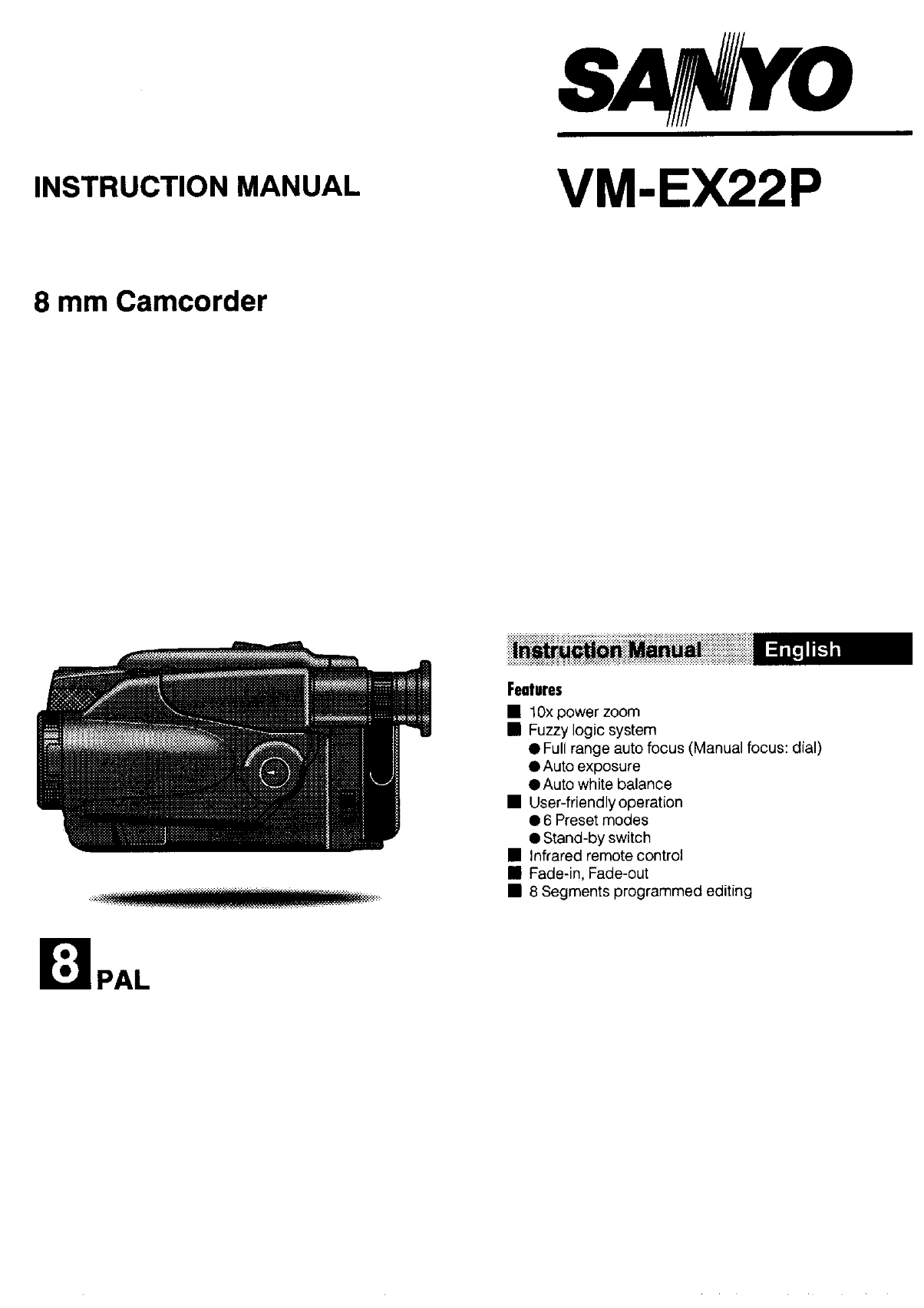
SANYOD INSTRUCTION MANUAL VM-EX22P 8 mm Camcorder Feacfures 国 10x power zoom 丽 Fuzzy logic system 鲁 Full range auto focus (Manual focus: dial) 全 Auto exposure 和 Auto white balance 国 User-friendly oper...
Page 2
Condensation DO NOT OPEN THE CAMCORDER CASING 和 Do not allow rain, steam, dew, salt water sand, oily Condensation is the moisture that forms on the outsiae of smoke, metal objects, etc. to enter the u...
Page 3
SAFETY WARNINGS CAMCORDER PARTS NAMES .,..............,,, 3 England (BEAB) only PREPARATION .see ee , 4 RECORDING BASIC STEPS ,.......,,,, 6 THIS PLUG IS NOT WATERPROOF-KEEP DRY 鳃 Eyesight compensatio...
Page 4
CANMCORDER PARTS NANMES Control panel | 生 Rewind/Reverse search putton (REW) 全 Playback button (PLAY) 个 Fast-forwara/Forward search button (FF) 人 @@ still button (STILU) 各 Sicp button (STOP) @@ Preset...
Page 5
CANMCORDER PARTS NANMES Front & Bottom | 各 Power zoom button (T, W) 外 Scene search buttons (SCENE SEARCH +, 一 ) 人 Accessory shoe (hot shoe) 全 Microphone (monaural) 态 Recording indicator @@ Manual ...
Page 6
AC adaptor/dharger The AC adaptorcharger is used to power the camcorder 及 ;Keep your feet slightly apart, and the upper arms close indoors, where an AC outlet is available. ltis also used to to the bo...
Page 7
1 Install a charged battery pack on the camcorder, (See pages 了 7 and 8.) Load a cassette tape. (See page 7,) Set the POWER switch to "CAMERA . Coifo Set the POWER switch while holding down the s...
Page 8
RECORDING BASIC STEPS |nsfaling fhe battery pack ] Loading 0 cassette | The supplied battery pack has not been charged, Before loading the cassette make sure to charge it before using it on the Record...
Page 9
| Recharging the battery pack | Refreshing the battery pa Instailthe battery pack on the AC adaptorcharger then 1 Align the marks on the battery pack with the ones on press the REFRESH button (C). The...
Page 10
| Battery padk WARNING: Charging/Operating time 量 Do not short-circuit the battery pack terminals, andl nevertry to disassemble or modify it When the battery pack is fully charged, the approximate 量 D...
Page 11
SETTING THE DATE AND TINME Before setting the date and time, make sure the lithium battery is installed. Example: Setting the date and time to 2:10 P.M., December 24, 1995. em Setthe POWER switch to &...
Page 12
国 Flickerless mode 乒 志 | Preset modes This mode is used to record under fluorescent lighting, if By turning the preset mode selector, you can set one of afhickering picture is seen in the viewfinder. ...
Page 13
CAMCORDER OPERATION | | Wanual foeus | Auto focus With the POWER switch set to “CAMERA" ,set the preset mode selector to "AUTO" and the auto focus mode will be 1 Press the FOCUS AF/MF b...
Page 14
| Linedr finmtle (ou Unfer Thelineartime counter indicates thetape runtime in ff atthe end of a recording, some unwanted pictures and hours, minutes and seconds. sound have been recorded, they can be ...
Page 15
Fade-in Fade-out Recording the date and fime The date and time will be recorded on the tape as The fade-in (A) will bring the Picture and sound gradually. displayed in the viewfinder. The gate and tim...
Page 16
和 Playback button (PLAY) 人 Rewind/Reverse search button (REW) 和 @ Siop button (STOP) 和 @ Stillbutton (STILLU) @@ Frame advance button (F.ADV) @@ Scene search buttons (- SCENE SEARCH +) 品 On-screen dis...
Page 17
Programmed editing allows you to select up to 8 Setting the programmed editing | segments of the recording to transfer to a new tape. You can select up to 8 segments of your recorded tape, This can be...
Page 18
| Progrommed editing | Erasing dhanging progrommed edifing seftings To change a segment setting, first erase it, then 1 Load ablanktape into the VCR, then set it to programme the new setting, recordin...
Page 19
The camcorder can be usedto play back a recorded tape | Slow Motion (The remote control only) and view it on a TV receiver, During playback er stii picture playback, press the SLOW For playback, a sta...
Page 20
TAPE COPY VIDEO LIGHT Please referto page 20 on how to connect the camcorder. Avideo light (sold separately) can be installed on the accessory shoe. 1 Connect the camcorder to a VCR. 国 Instaliing the ...
Page 21
Connections to u TV or VCR equipped with Connecfions to go TV noft 29 ed with SCART terminal or AUDIOAVIDEO terminals SCART terminal or AUDIOAVIDEO termingls You will need an RF converter and RF cable...
Page 22
| Video heads madiniendmke 和 Whenthe camcorder has been used foralong time, the soung and picture playback quality deteriorate (as Fully pulloutithe eye-piece, then push it back slightly. ilustrated)....
Page 23
No power ls the battery pack exhausted? Recharge the battery pack lsthe battery pack incorrectly installed? Installthe battery pack correctly ls the AC adaptorcharger DC connecting Install the DC conn...
Page 24
于 Camcorder Teievision system: PAL, CCIR Video recording system: Rotating 2-head, helical-scan system Audio recording system: Reotating head, FM system Cassette type: 8 mm video cassette tape Tape spe...