# A B C D E F G H I J K L M N O P Q R S T U V W X Y Z

Sanyo CE52LH1R User Guide

Summary

Introducing the LCD Monitor, a high-quality display solution designed for clear and reliable viewing. This comprehensive manual serves as your complete guide to safe setup, optimal operation, and troubleshooting. It covers essential safety precautions, detailed installation instructions (including necessary earthing procedures), and user commands for maximizing performance. Whether you are a novice user or require technical reference, this handbook ensures you can operate your monitor efficiently and confidently for years to come.
📄 Preview PAGE OF 18

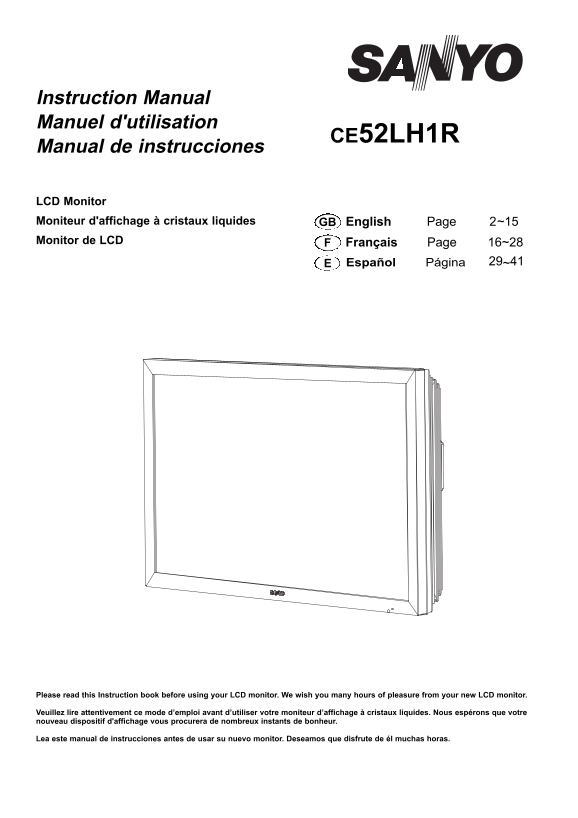
Page 1 Text Content

Instruction Manual Manuel d'utilisation

CE52LH1R

Manual de instrucciones

LCD Monitor Moniteur d'affichage à cristaux liquides GB English Page 2~15 Monitor de LCD Français Page 16~28

Español Página 29~41E

Please read this Instruction book before using your LCD monitor. We wish you many hours of pleasure from your new LCD monitor.

Veuillez lire attentivement ce mode d’emploi avant d’utiliser votre moniteur d’affichage à cristaux liquides. Nous espérons que votre nouveau dispositif d'affichage vous procurera de nombreux instants de bonheur.

Lea este manual de instrucciones antes de usar su nuevo monitor. Deseamos que disfrute de él muchas horas.

Page Summary Contents For Sanyo CE52LH1R User Guide

Page 1 Instruction Manual Manuel d'utilisation CE52LH1R Manual de instrucciones LCD Monitor Moniteur d'affichage à cristaux liquides GB English Page 2~15 Monitor de LCD Français Page 16~28 Español Página 29~...
Page 2 GB SAFETY PRECAUTIONS GB CAUTION: Please read and retain for your safety. This unit has been designed and manufactured to assure your personal safety, but improper use can result in potential electric...
Page 3 SERVICING GB GB Servicing Your monitor is fully transistorised and does not contain any user serviceable components. You must not remove the rear cover of the monitor by yourself. The apparatus is wor...
Page 4 GB GB Decloration of Conformity: North America and Canada Model Number : CE52LH1R Trade name : Sanyo Responsible party : SANYO FISHER COMPANY Address : 21605 Plummer Street, Chatsworth, California 913...
Page 5 GB GB INSTALLATION Step : 1 Mains Connection Connect the display unit to VGA, BNC and Scart connector as required. AV2-IN LD-Net N5VW N5VW Mains Inlet 1. Connect the in-line power connector to the Mai...
Page 6 REMOTE CONTROLGB GB Input Standby To switch input source from AV1, RGB, AV2, AV3, PC, DVI or To switch the monitor on and off. Also see page 7. Network mode. Recall To display input selection informat...
Page 7 GB INSTALLATION GB Controls and Menus Menu Operation Many of your monitors functions are controlled through the menu function, using the remote control. MENU Picture Brightness Contrast Color Tint (on...
Page 8 GB MENU OPERATION GB Current Weekday Picture menu Use to set current weekday using the1 or 2 button. Advanced settings Current Time Use the 5 or 6 button to select Advanced settings and press Use to s...
Page 9 MENU OPERATIONGB GB AV2 Setting Setup menu Use the 5 or 6 button to select AV2 Setting and press the PIP/POP Setup or 2 button to select YPb Pr or RGBHV. Use the 5 or 6 button to select PIP/POP Setup ...
Page 10 INSTALLATION MODEGB GB LED Light setting Installation Mode Select LED Light setting using the 5 or 6 button, once high- lighted you can select On or Off by pressing the or 2 Installation Mode VER -.--...
Page 11 OPERATION GBGB Selecting of picture size Select screen size from FULL, FULL ALL, ZOOM 16:9, TITLE IN 16:9, ZOOM 14:9, TITLE IN 14:9, NORMAL or NATURAL WIDE by pressing the WIDE button repeatedly on th...
Page 12 OPERATIONGB GB PIP/POP Operation Using this function, you can enjoy a DVI or Network program and an image (AV1, AV2, AV3 or PC input) at the same time. Press the ON/OFF button on the Remote Control re...
Page 13 OPERATION (IN TEXT MODE)GB GB Teletext Operation Teletext is only available via external sources. Teletext mode can be operated by the following buttons on the Remote Control. Some buttons have dual f...
Page 14 SPECIFICATIONS / HELPFUL HINTS GB GB Specification Helpful hints Common specification NO PICTURE NO SOUND Power source 100~240V 50Hz / 60Hz Check if monitor is plugged in. Check monitor is not in stan...
Page 15 PC/DVI-D / COMPONENT SIGNAL SUPPORT TIMING LISTGB GB PC signal support timing Horizontal Vertical Resolution Frequency Remark Frequency (Hz)(k Hz) 720_400 31.47 70.09 DOS (VGA) 640_480 31.43 59.88 VGA...
Page 16 RS232C Command Tables Functional Execution Command Table Command Item C00 POWER ON C01 POWER OFF C24 Wide “Natural” direct C25 Wide “Zoom 16:9” direct C26 Wide “Title in 16:9” direct C27 Wide “Zoom 14...
Page 17 RS232C Command Tables Time Read Command Table Status read command Item Status of accumulated lifetime of panel. CR PANELH The same as CR_LAMPH Command CR MONH Status of accumulated lifetime of monitor...
Page 18 Part No. 1KA6P1P0423-C N5VV (1) Printed in U.K.

Manual Details

Brand Sanyo
Pages 18
File Size 4.11 MB
Published May 28, 2026
73 views

Enter the captcha to get the download link:

captcha

Frequently Asked Questions

Must the LCD monitor be permanently mounted to a building structure?

No, it must not be permanently mounted to the building structure; it should be mounted so that it can be easily removed.

How must the power supply cord be located and routed?

The cord must NOT be routed through walls, ceilings, floors, or other similar openings, and needs proper positioning to prevent damage.

What safety precautions are needed regarding mounting?

The LCD monitor must be securely attached to the wall following the manufacturer's instructions. Do not place it on an unstable stand or shelf.

Where should the LCD monitor *not* be placed?

Do not locate it near heat sources (like radiators or heaters), and ensure it is away from openings in the building structure.