# A B C D E F G H I J K L M N O P Q R S T U V W X Y Z

Roland INTEGRA-7 with Real Sound Technology Synthesizer INTEGRA-7 Editor Ver.2 Install Guide User Manual

Summary

This comprehensive guide supports the setup and effective use of INTEGRA-7 Editor Ver.2, a professional electronic music plug-in. Whether you are running Windows or macOS, the manual provides detailed step-by-step instructions for installation, device configuration, and seamless integration into major Digital Audio Workstations (DAWs), including Cubase 7.5, Logic Pro X, and SONAR X3. It is essential reading for musicians and sound designers who need to quickly get the Editor running and maximize its sonic potential within their recording studio setup.
📄 Preview 📖 Table of Contents Contents PAGE OF 9

Page 1 Text Content

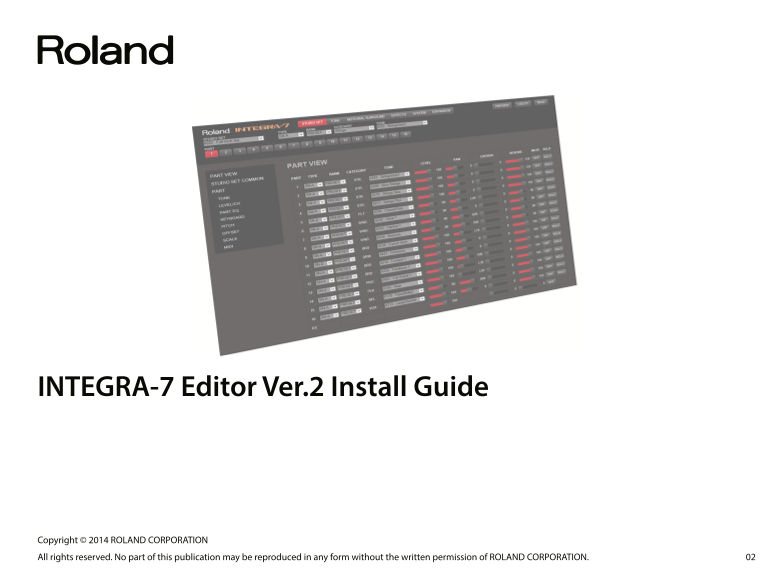
INTEGRA-7 Editor Ver.2 Install Guide

Copyright © 2014 ROLAND CORPORATION All rights reserved. No part of this publication may be reproduced in any form without the written permission of ROLAND CORPORATION.

Page Summary Contents For Roland INTEGRA-7 with Real Sound Technology Synthesizer INTEGRA-7 Editor Ver.2 Install Guide User Manual

Page 1 INTEGRA-7 Editor Ver.2 Install Guide Copyright © 2014 ROLAND CORPORATION All rights reserved. No part of this publication may be reproduced in any form without the written permission of ROLAND CORPORA...
Page 2 Contents Installation and Setup (Windows) . IMPORTANTNOTES Installation Procedure . Uninstallation Procedure Cubase 7.5 Users . Trademarks and Licenses Device Settings VST is a trademark and software ...
Page 3 Installation and Setup (Windows) 5. The “Confirm Installation” dialog box appears. Installation Procedure Click [Next] to begin the installation. If the “User Account Control” dialog box appears, Use ...
Page 4 Installation and Setup (Windows) Cubase 7.5 Users Launching and Setting-Up INTEGRA-7 Editor Ver.2 1. Launch Cubase and create a project. If you’re using INTEGRA-7 Editor Ver.2 with Cubase 7.5, make th...
Page 5 Installation and Setup (Windows) SONAR X3 Users Launching and Setting-Up INTEGRA-7 Editor Ver.2 1. Create a project; then click [Insert]-[Soft Synth]-[VST3]-[INTEGRA-7 Edi- If you’re using INTEGRA-7 E...
Page 6 Installation and Setup (Mac OS) 4. The available installation types are shown. Installation Procedure Click [Install] or [Upgrade]. * If the screen asks for authentication, enter your password and cli...
Page 7 Installation and Setup (Mac OS) Cubase 7.5 Users Launching and Setting-Up INTEGRA-7 Editor Ver.2 1. Launch Cubase, and create (or open) the project in which you want to If you’re using INTEGRA-7 Edito...
Page 8 Installation and Setup (Mac OS) 4. Click the [UTILITY] button and then click [DEVICE]. Logic Pro X Users If you’re using INTEGRA-7 Editor Ver.2 with Logic Pro X, make the following settings. Launching...
Page 9 About the Owner’s Manual INTEGRA-7 EDITOR Ver.2 includes a PDF-format owner’s manual. You can open the owner’s manual as described in “Opening the Owner’s Man- ual,” below. MEMO You’ll need Adobe Read...

Manual Details

Brand Integra
Pages 9
File Size 1.16 MB
Published May 23, 2026
57 views

Enter the captcha to get the download link:

captcha

Frequently Asked Questions

Can INTEGRA-7 Editor Ver.2 be installed on a 32-bit system?

No, INTEGRA-7 Editor Ver.2 is a 64-bit plug-in and cannot be installed in 32-bit versions of Windows.

Which USB driver must I use to operate the software?

You must install the USB driver and set the INTEGRA-7’s own USB driver setting to “VENDER.”

How do I remove the plugin from my computer?

Run ‘INTEGRA7EditorVer2_x64_en.msi’ or choose “Remove INTEGRA-7 Editor Ver.2” in the setup wizard.

What is required to view the PDF owner's manual?

You will need Adobe Reader, which is available for free, to view the owner's manual.