Rockwell Automation 20-COMM-C - Q ControlNet Adapter Firmware v2.005 User Manual
Summary
Optimize your industrial communications with this essential guide for 20-COMM-C/Q ControlNet Adapters. This manual provides detailed information on firmware upgrades, detailing both technical enhancements and crucial anomaly corrections to ensure stable network operation. Readers gain step-by-step procedures for identifying current revisions via dedicated software (DriveExplorer/Executive) or LCD HIM, as well as secure instructions for flashing the latest compatible firmware. It is designed for automation maintenance professionals managing Rockwell ControlNet systems.
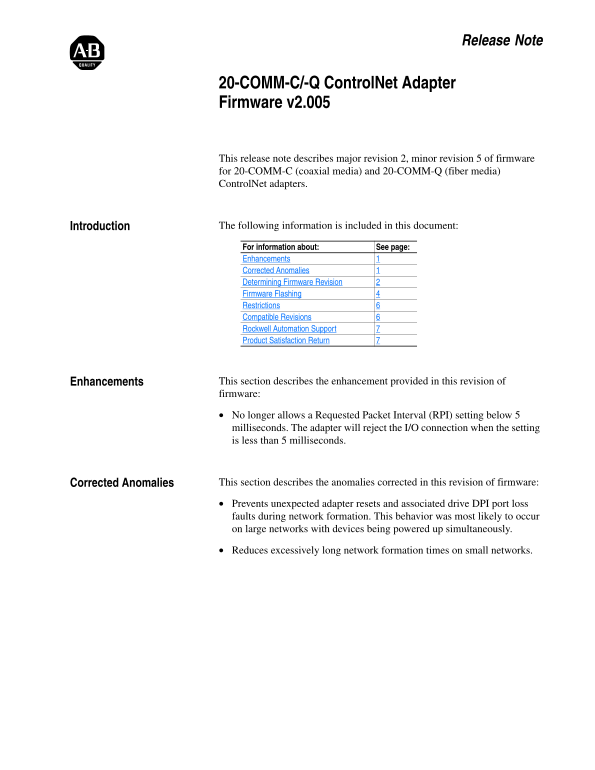
Page 1 Text Content
Release Note
20-COMM-C/-Q Control Net Adapter Firmware v2.005
This release note describes major revision 2, minor revision 5 of firmware for 20-COMM-C (coaxial media) and 20-COMM-Q (fiber media) Control Net adapters.
Introduction The following information is included in this document: For information about: See page: Enhancements Corrected Anomalies Determining Firmware Revision Firmware Flashing Restrictions Compatible Revisions Rockwell Automation Support Product Satisfaction Return
Enhancements This section describes the enhancement provided in this revision of firmware:
No longer allows a Requested Packet Interval (RPI) setting below 5 milliseconds. The adapter will reject the I/O connection when the setting is less than 5 milliseconds.
Corrected Anomalies This section describes the anomalies corrected in this revision of firmware:
Prevents unexpected adapter resets and associated drive DPI port loss faults during network formation. This behavior was most likely to occur on large networks with devices being powered up simultaneously.
Reduces excessively long network formation times on small networks.
Page Summary Contents For Rockwell Automation 20-COMM-C - Q ControlNet Adapter Firmware v2.005 User Manual
Manual Details
| Brand | Rockwell Automation |
|---|---|
| Pages | 8 |
| File Size | 250.38 KB |
| Published | June 04, 2026 |
Enter the captcha to get the download link:

Frequently Asked Questions
What is the restricted minimum frequency setting (RPI)?
The adapter will reject the I/O connection if the Requested Packet Interval (RPI) setting is less than 5 milliseconds.
How can I check my current firmware version?
You can determine the revision using the LCD HIM or by checking the Properties screen in DriveExplorer and DriveExecutive.
What must I ensure when updating the adapter firmware?
Do not remove power until the flash download is complete and the MOD status indicator becomes FLASHING GREEN; otherwise, permanent damage may occur.
Where can I find files to update the adapter's firmware?
Flash kits are available on the Allen-Bradley Web Updates site at http://www.ab.com/support/abdrives/webupdate.