PHILIPS LFH3200 User Manual
Summary
Enhance your workflow efficiency with the Philips SpeechMike dictation system, a professional-grade voice recording device for home and office environments. This comprehensive user manual provides step-by-step guidance on everything you need to know, from initial setup and fundamental recording operations to advanced customization. Users will learn how to integrate specialized features, such as bar-code scanning (on select models), manage firmware updates, optimize key settings, and ensure seamless dictation performance for professional results.
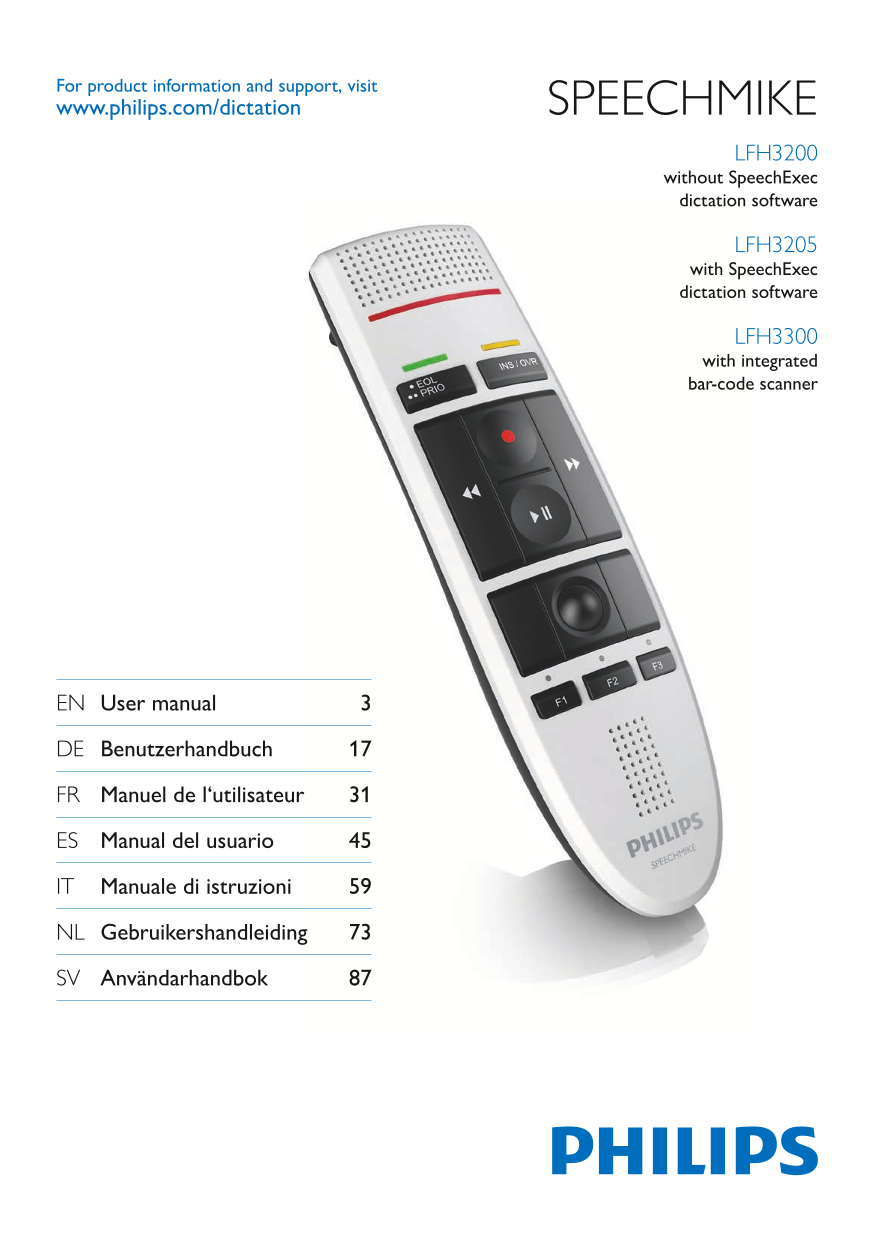
Page 1 Text Content
For product information and support, visit www.philips.com/dictation SPEECHMIKE
LFH3200 without Speech Exec dictation software
LFH3205 with Speech Exec dictation software
LFH3300 with integrated bar-code scanner
EN User manual 3
DE Benutzerhandbuch 17
FR Manuel de l‘utilisateur 31
ES Manual del usuario 45
IT Manuale di istruzioni 59
NL Gebruikershandleiding 73
SV Användarhandbok 87
Page Summary Contents For PHILIPS LFH3200 User Manual
Manual Details
| Brand | Philips |
|---|---|
| Pages | 18 |
| File Size | 667.60 KB |
| Published | July 04, 2026 |
Enter the captcha to get the download link:

Frequently Asked Questions
What model includes an integrated bar-code scanner?
The LFH3300 unit is equipped with a bar-code scanner.
How should I clean the SpeechMike device?
Use a soft cloth, dampened with diluted mild soap or surface disinfectant wipes. Avoid strong detergents and harsh chemicals.
Where can I access software downloads and support documentation?
Visit www.philips.com/dictation for user manuals, software downloads, and warranty information.
What safety precautions must be taken regarding liquids?
Do not expose the device to rain or water, as this may cause a short circuit.
How do I customize features on the SpeechMike?
You can customize keys and settings in section 5.1, and update the firmware in section 5.2.